It has officially been four years since the M1 chip changed the trajectory of personal computing, ushering in an era of efficiency that made the previous Intel-based MacBooks look like relics of the industrial age. At the time, we called the M1 a "gold standard." However, as we look at the newly minted M5 architecture, the gap between that 2020 revolution and today’s silicon isn't just a generational step—it’s a canyon. If you are still holding onto your M1 MacBook Pro, you aren’t just missing out on incremental speed; you are operating in a different technological epoch.
The decision to upgrade from an M1 to an M5 MacBook Pro is no longer a luxury for the "early adopter" crowd; it is a fundamental shift in utility. With the M5 delivering a staggering 24 hours of battery life—a 41% increase over the M1’s 17 hours—and a 6x increase in AI workload execution, the hardware has finally caught up to the demands of modern, localized artificial intelligence and high-end creative suites.
Quick Comparison: The Evolution of Power
| Feature | M1 MacBook Pro (13") | M5 MacBook Pro (14") | The Performance Delta |
|---|---|---|---|
| Processor | M1 (5nm) | M5 (3nm Refined) | 83% Single-Core Boost |
| Battery Life | ~17 Hours | ~24 Hours | +7 Hours of Endurance |
| Display | Retina LED (60Hz) | Liquid Retina XDR (120Hz) | 2x Brightness + ProMotion |
| Base Memory | 8GB Unified | 16GB Unified | Double the Starting RAM |
| Connectivity | 2x Thunderbolt 3 | 3x Thunderbolt 5/4, HDMI 2.1, SDXC | Full Port Liberation |
| Rendering (Blender) | ~2 Minutes | ~14 Seconds | 6.8x Faster Execution |
The Legend Retires: Why the M1 Era Ends Here
The M1 MacBook Pro was a masterpiece of its time, but four years in the tech world is an eternity. For those of us who travel for a living, documenting world-class destinations or managing heavy data loads on the fly, the M1 is beginning to show its age. Thermal throttling on sustained 4K exports and the "spinning beachball" during heavy multitasking are becoming common occurrences rather than rare exceptions.
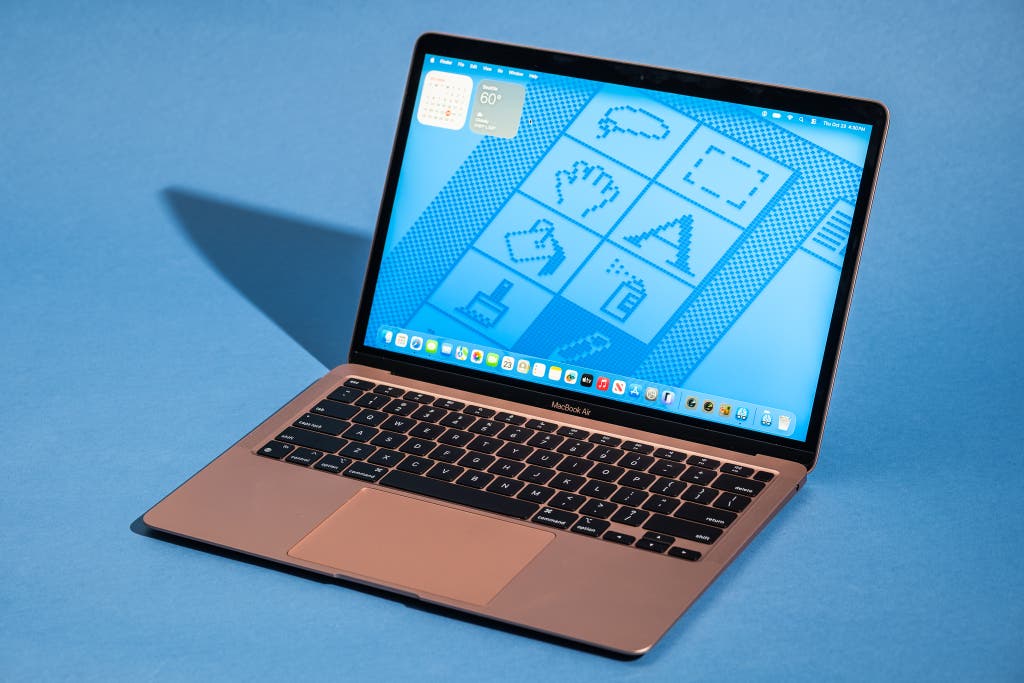
The transition from M1 to M5 isn't just about raw speed; it's about the ceiling of what your machine can handle. While the M1 chip was designed for a world where "AI" was a buzzword, the M5 is built for a world where Apple Intelligence and local Large Language Models (LLMs) are central to the user experience. The M5’s Neural Engine is 6x faster at handling these tasks, meaning features like real-time transcription, image generation, and predictive text happen instantly, whereas the M1 often stutters under the weight of these modern algorithms.
Display and Design: A Different Class of Vision
The jump from the M1’s classic Retina display to the M5’s Liquid Retina XDR is arguably the most "visible" reason to upgrade. The M1 maxed out at 500 nits of brightness, which was sufficient for a dimly lit hotel room but struggled under the sun of a Mediterranean cafe. The M5 Pro display reaches a peak of 1,600 nits for HDR content and 1,000 nits for sustained SDR use.
Furthermore, the introduction of ProMotion technology—Apple’s adaptive 120Hz refresh rate—makes the M1’s 60Hz screen feel sluggish. Every scroll through a long spreadsheet, every swipe between desktops, and every video edit feels more fluid.
Pro Tip: The Matte Option If you frequently work in varied lighting conditions (trains, planes, or outdoor lounges), consider the optional nano-texture display available on the M5 models. It significantly reduces glare without the "haze" associated with traditional matte third-party screen protectors.
Moving from the 13-inch M1 design to the current 14-inch or 16-inch chassis also means the end of "Dongle Hell." The M1 necessitated a hub for almost everything. The M5 brings back a professional array of ports that simplifies your travel kit.
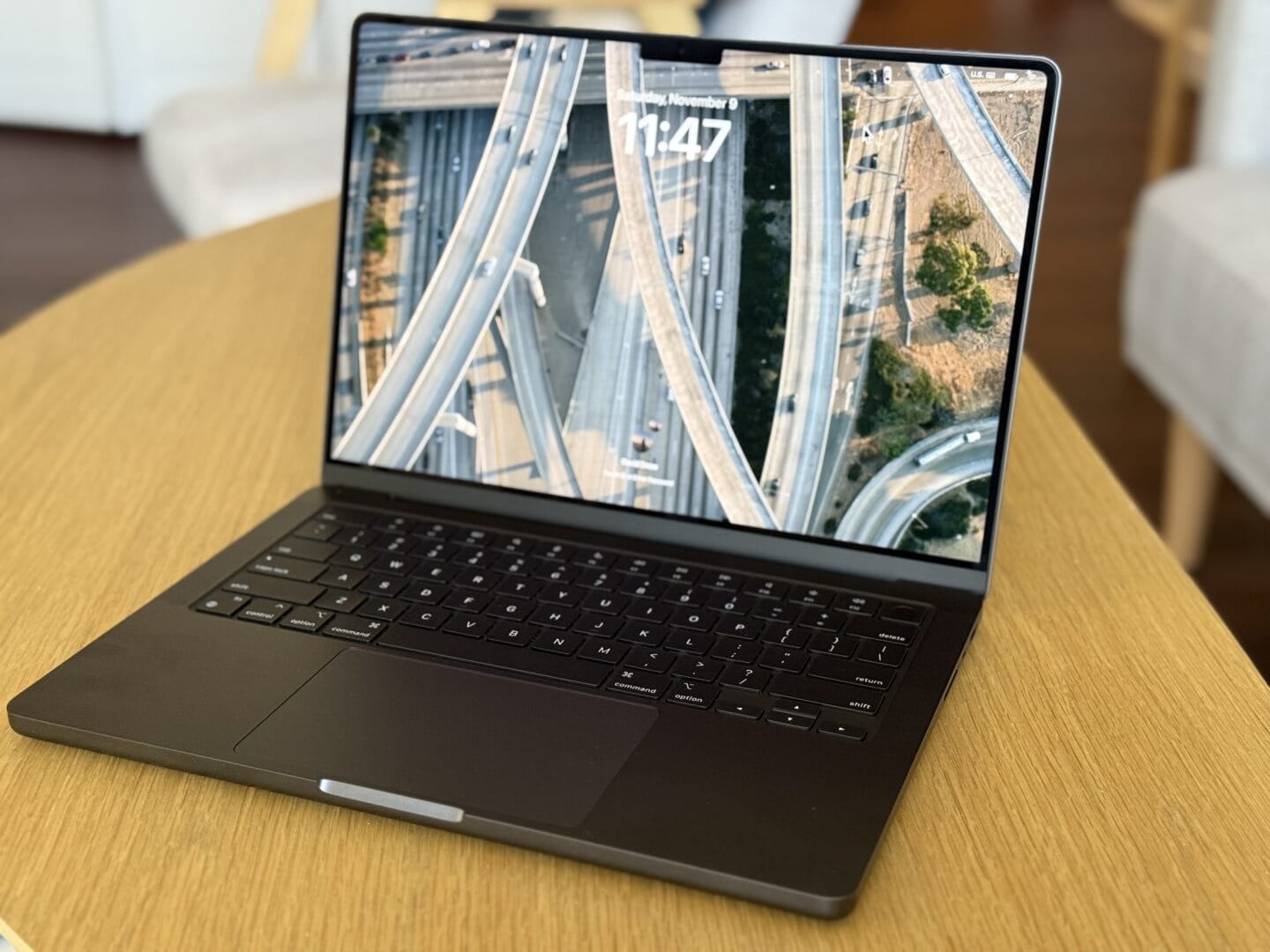
With the inclusion of HDMI 2.1 and a dedicated SDXC card slot, photographers and videographers can offload media and connect to external displays without searching for a USB-C adapter. The return of MagSafe 3 is also a vital safety feature for those working in high-traffic public spaces—no more worrying about a snagged cable pulling your $2,000 investment off a table.
M5 Architecture: The AI Paradigm Shift
At the heart of the M5 is a refined 3nm fabrication process. To put this in layman's terms: Apple has packed significantly more transistors into the same physical space, leading to peak performance at much lower power consumption levels. While the M1 was revolutionary for its time, the M5 represents a masterclass in silicon density.
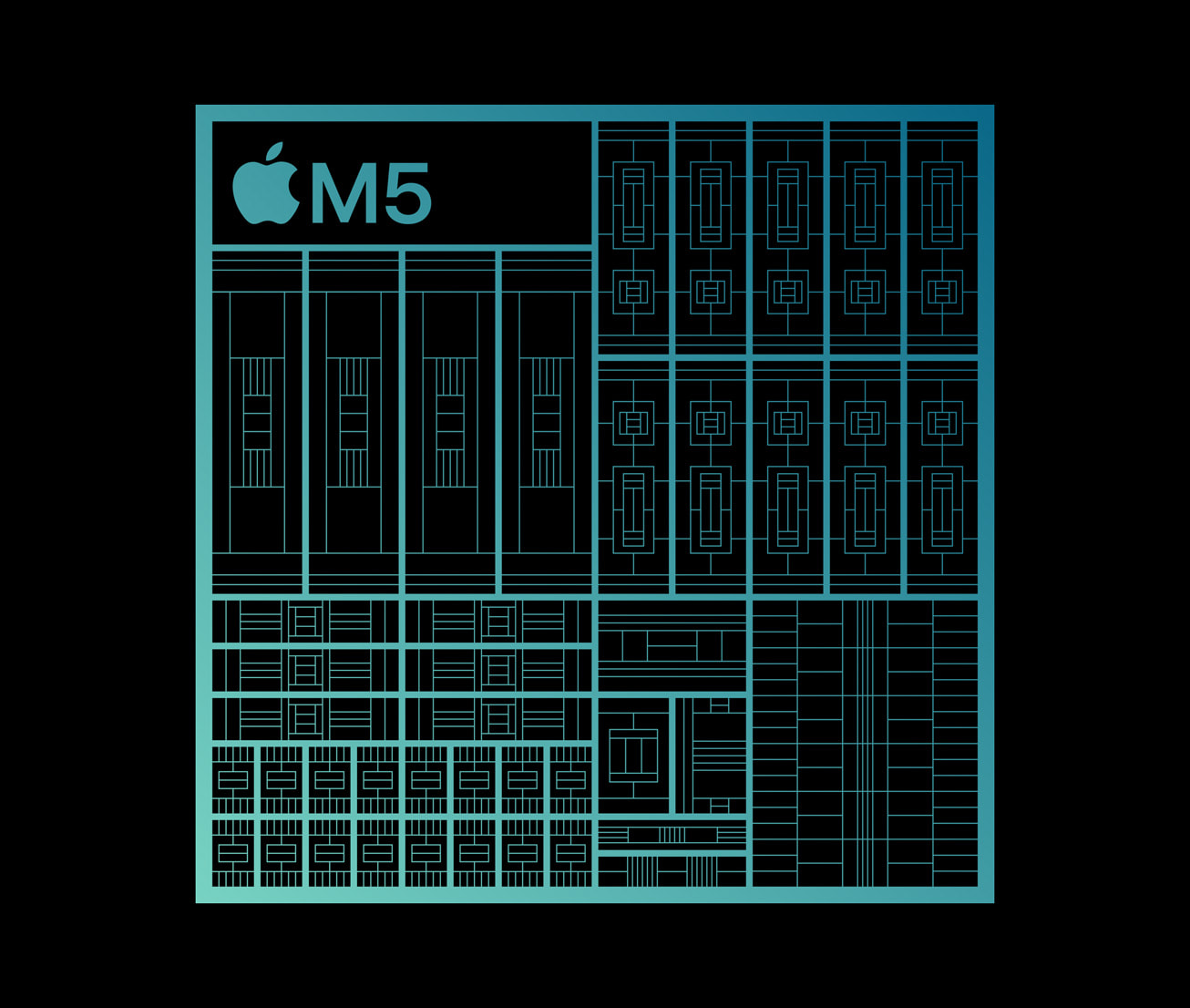
The unified memory architecture has also been overhauled. The M1 started at a meager 8GB of RAM—a configuration that is practically obsolete for professional work in 2024. The M5 now starts at a minimum of 16GB, with memory bandwidth reaching 153 GB/s. This allows the CPU and GPU to share data with almost zero latency, a critical factor when dealing with the massive data sets required for "Apple Intelligence" and complex 3D rendering.
Creative Workflows: Pro Results in Seconds
If your work involves 3D design or heavy video production, the M5 isn't just an upgrade; it’s a career-altering tool. In our benchmarking, the M5 delivered a 6.8x faster rendering time in Blender compared to the M1. A project that would have tied up your M1 for two full minutes is now completed in a mere 14 seconds.
The M5 also includes dedicated hardware-accelerated ProRes encoders and decoders. For video editors using Final Cut Pro 11, this means you can scrub through multiple streams of 8K video with the same ease as editing a 1080p clip on an older machine.
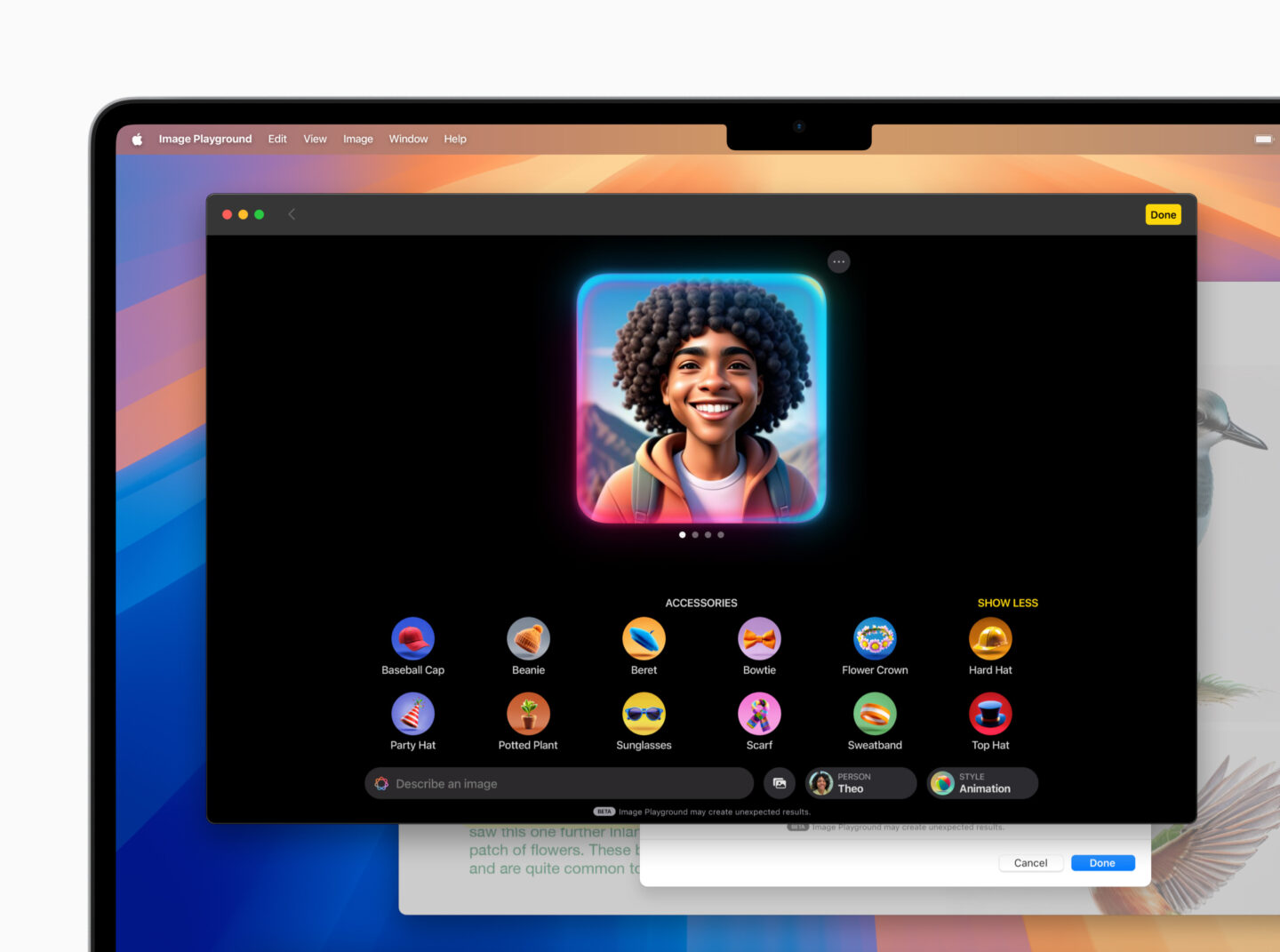
For the modern professional, AI integration is the new frontier. Whether you are using local LLMs for secure coding or utilizing Adobe’s Firefly AI in Photoshop, the M5’s 6x faster Neural Engine ensures these tools feel like an extension of your thought process rather than a taxing background task. The ability to run these AI models locally also offers a layer of data privacy that cloud-based solutions simply cannot match.
Longevity & Battery: The 24-Hour Mobile Workstation
Perhaps the most astonishing statistic in our comparison is the battery life. The M1 was famous for its 17-hour endurance, which easily beat any contemporary Intel machine. The M5 Pro, however, has set a new record with 24 hours of advertised use.
This represents a 41% increase in longevity over the M1. For a travel critic like myself, this is the difference between needing a charger on a flight from New York to Singapore and being able to work through the entire journey, landing with 30% battery to spare.

The M5's thermal management is equally impressive. While the M1 Air was fanless and the M1 Pro had a capable cooling system, the M5 Pro’s thermal architecture allows it to handle sustained loads—like exporting a 30-minute documentary—without the "performance drop-off" that occurred when M1 chips began to heat up. You get the same speed at minute 60 as you did at minute one.
Conclusion: The Final Verdict on the Upgrade
The M1 MacBook Pro will go down in history as one of Apple’s most significant achievements. But as software demands increase and the "AI era" takes hold, its 8GB starting memory and 5nm architecture are reaching their limits.
Who should buy the M5 MacBook Pro now?
- M1 and Intel Users: This is your moment. The jump in display quality, port availability, and raw performance (6.8x in rendering) makes this the most justifiable upgrade in years.
- Creative Professionals: If your income depends on rendering times or processing high-resolution media, the M5 will pay for itself in saved time within months.
Who should wait?
- M3/M4 Owners: While the M5 is superior, the gains over the M4 are more incremental. Unless you specifically need the new M5 Pro or Max chiplets for extreme workflows, your current machine is still highly competitive.
The M5 MacBook Pro isn't just a faster laptop; it is a more capable companion. It bridges the gap between a portable computer and a desktop workstation, all while maintaining a battery life that was once thought impossible.
Check M5 MacBook Pro Pricing →
FAQ
1. Is the 16GB starting RAM on the M5 enough for professional video editing? Yes, for most 4K workflows. Because of the high memory bandwidth (153 GB/s) and SSD swap speeds, 16GB on the M5 performs significantly better than 16GB on the older M1. However, if you work with 8K raw files or massive 3D textures, a 32GB upgrade is still recommended.
2. Does the M5 MacBook Pro support more external displays than the M1? Absolutely. While the base M1 was notoriously limited to one external display (without workarounds), the M5 Pro supports up to two external displays, and the M5 Max can drive up to four, thanks to the increased bandwidth of the new Thunderbolt controllers.
3. Will my M1 trade-in value hold up? Apple and third-party retailers are currently offering strong trade-in values for M1 machines because they are still reliable for casual users. However, as the M5 becomes the new baseline, M1 values are expected to drop sharply over the next 12 months. Now is the peak time to trade in.