The landscape of the modern workstation has undergone a radical transformation over the last decade. We have moved past the era of the "Universal Serial Bus" being a mere port for mice and flash drives. In 2026, the port on the side of your laptop is a high-bandwidth gateway capable of driving 8K displays, transferring data at 40Gbps, and powering specialized hardware that was once the domain of industrial laboratories. As of 2026, USB-C has officially become the primary connection standard for 95% of new peripheral devices, a shift that has marginalized the old USB-A connectors to legacy status. This standardization has coincided with a 40% year-over-year increase in remote professionals investing in specialized workspace hardware, as the "home office" evolves from a temporary solution into a highly optimized productivity hub.
While most users are familiar with external SSDs and webcams, a new category of "stealth" gadgets has emerged—tools that solve ergonomic, workflow, and technical bottlenecks in ways you might not have considered. From hands-free macro controllers to hardware-level simulation devices, these are the five cool USB gadgets you didn't know your computer could use in 2026.
1. The USB Foot Pedal: Your Third Hand for Macros
Traditionally designed for medical transcriptionists and accessibility needs, the USB foot pedal has seen a massive resurgence among power users and creative professionals. The premise is simple: our hands are often overburdened with typing, mousing, and gesturing, while our feet remain entirely idle. By offloading repetitive tasks to a floor-based controller, you effectively gain a "third hand" for your digital workflow.
A USB foot pedal, such as the Elgato Stream Deck Pedal, functions as a hands-free shortcut controller that allows users to mute microphones, toggle camera feeds, or trigger app-specific macros via three customizable switches. In a travel-heavy or remote-professional context, this is a game-changer for video conferencing. Instead of fumbling for the "Mute" button on a crowded screen during a Zoom call, a simple tap of your toe ensures instant privacy.
Beyond the Basics: Professional Use Cases
For those working in data-heavy environments or software development, the utility extends to:
- Push-to-Talk: Keeping your hands free for coding or gaming while communicating.
- Media Control: Seamlessly skipping tracks or adjusting volume without breaking focus from your primary monitor.
- App Switching: Mapping specific pedals to toggle between your browser and your terminal or spreadsheet.
The Elgato model is particularly notable for its heavy-duty build quality and anti-skid surface, ensuring it doesn't slide across the floor during intense sessions.
View the Elgato Stream Deck Pedal →
2. Hardware Mouse Jigglers: The Stealthy Productivity Guard
As remote work monitoring software becomes more sophisticated in 2026, a specific type of utility hardware has become an essential "quality of life" tool for professionals who value their privacy and the persistence of their digital presence. Hardware mouse jigglers are USB devices that simulate optical mouse movements to prevent PCs from entering sleep mode or showing "Away" statuses.
Unlike software-based solutions, which can be detected by IT departments and often require administrative privileges to install, a hardware jiggler like the Meatanty metal USB-C tiny jiggler is 100% undetectable. It appears to the operating system as a standard HID (Human Interface Device) mouse. It doesn't move your cursor across the screen in a disruptive way; instead, it sends microscopic movement signals that keep the system active without interfering with your actual work.
Why Stealth Mode Matters
The transition to hardware-based simulation is a direct response to the "Always-On" culture. These devices are particularly useful when:
- Running Long Exports: Preventing a laptop from sleeping during a massive 4K video render or a long data backup.
- System Updates: Ensuring your computer doesn't time out during critical software installations.
- Privacy: Maintaining an "Active" status on communication platforms while you step away for a momentary break, avoiding the invasive scrutiny of automated tracking.
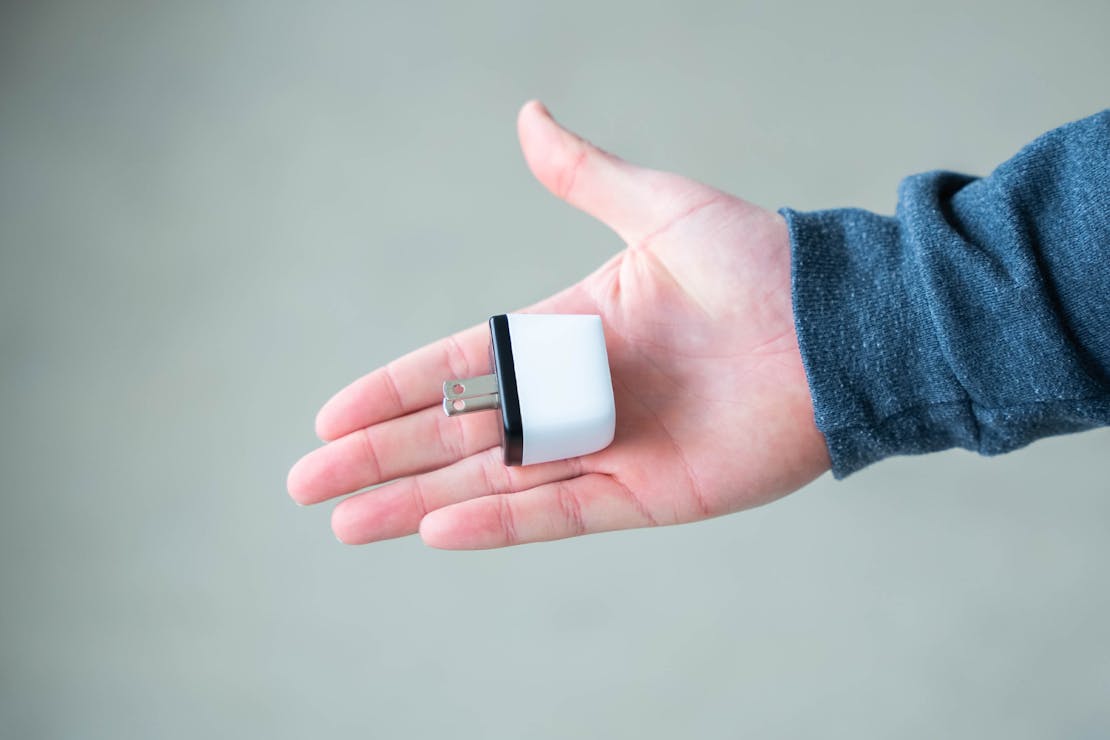
The 2026 iterations of these devices are incredibly discreet, often designed with a low profile that makes them look like a simple wireless mouse dongle.
Explore Stealth Mouse Jigglers →
3. USB-C Monitor Light Bars: Desktop Ergonomics Reimagined
Desk lamps are an aesthetic staple, but from a technical perspective, they are often a nightmare for screen clarity. Standard lamps create glare, occupy valuable desk real estate, and often cast uneven shadows. USB-powered monitor light bars solve this by mounting directly to the top of your display.
These devices, such as the BenQ ScreenBar Halo or the Monster Duo Smart Color, improve desk ergonomics by showering light downward onto the keyboard and mouse area without causing screen glare or reflection. By using an asymmetrical optical design, the light is directed precisely where it's needed, leaving the screen dark and clear.
The Technical Edge
In 2026, these are no longer just "lights." High-end models now feature:
- Ambient Light Sensors: Automatically adjusting brightness based on the room's lighting conditions.
- RGB Synchronization: Integration with platforms like Razer Chroma to match your workstation's color scheme.
- Touch Controls: Wireless pucks or touch-sensitive bars to adjust color temperature (from warm 2700K to cool 6500K).
For the professional traveler or digital nomad, a compact USB light bar can transform a dimly lit hotel desk into a focused, ergonomically sound workspace.
Check BenQ ScreenBar Pricing →
4. High-Bandwidth USB-C Hubs: The Command Center
While the "USB Hub" isn't a new concept, the standards of 2026 have fundamentally changed what these devices must accomplish. We have moved away from the 5Gbps bottlenecks of the early 2020s. Today’s professional workflow requires a transition toward hubs supporting at least 10Gbps data bandwidth, with many power users opting for USB4 or Thunderbolt 5 (80Gbps-120Gbps) variants.
A modern high-bandwidth hub acts as the nervous system of your setup. It allows a single cable to handle power delivery, multiple high-resolution displays, and high-speed networking.
Bandwidth Comparison Table (2026 Standards)
| Standard | Max Bandwidth | Ideal Use Case |
|---|---|---|
| USB 3.2 Gen 1 | 5 Gbps | Basic peripherals, mice, keyboards. |
| USB 3.2 Gen 2 | 10 Gbps | High-speed external NVMe SSDs, 4K webcams. |
| USB4 (Version 1) | 40 Gbps | Dual 4K monitors, professional audio interfaces. |
| USB4 (Version 2) | 80-120 Gbps | 8K displays, external GPUs (eGPUs), mass storage arrays. |
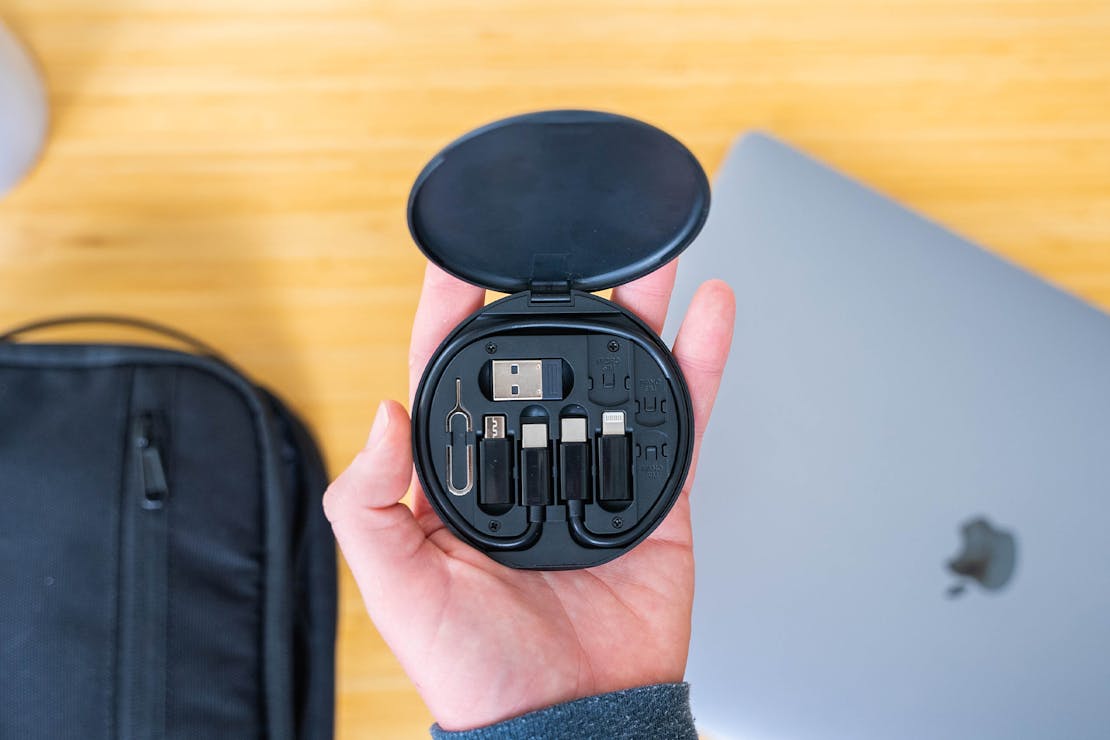
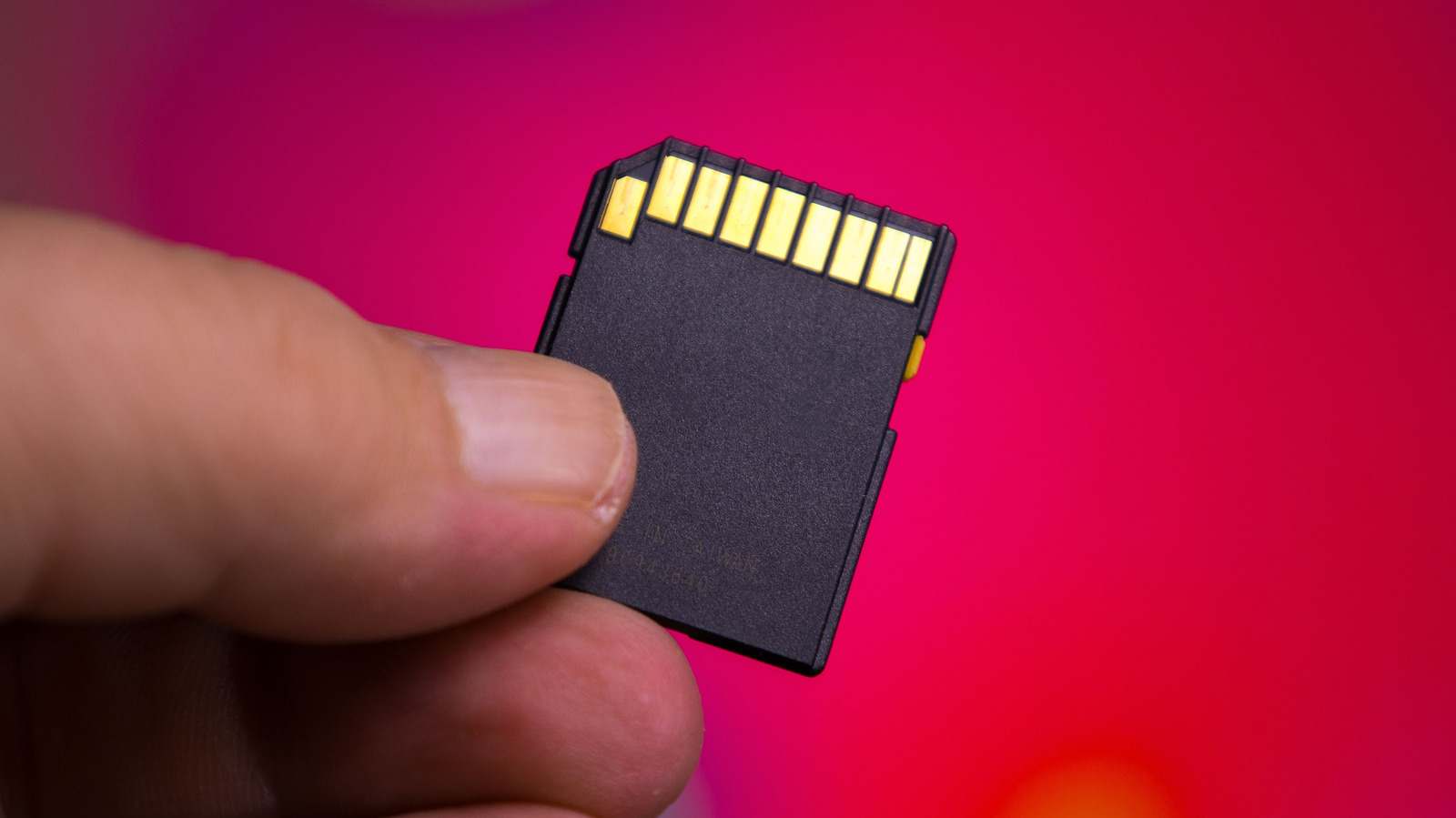
When selecting a hub in 2026, look for features like 2.5Gbps Ethernet ports (becoming the new standard over 1Gbps) and UHS-II SD card readers, which offer three times the speed of standard readers for photographers and videographers.
5. Mini USB-C Maintenance Tools: The Electric Screwdriver
As hardware becomes more modular and "Right to Repair" laws have taken hold globally, a new category of USB-powered tools has found its way onto the desks of gadget enthusiasts. The HOTO 25-in-1 Mini Electric Screwdriver is a prime example of this trend.
Traditionally, tech repair required a bulky kit of manual drivers. The 2026 desk setup often includes a sleek, USB-C rechargeable electric driver. These tools are essential for the DIY tech maintenance that keeps modern gadgets running: swapping shells on a handheld console (like a Steam Deck), cleaning out PC fans, or replacing internal batteries.
Why It’s a Desk Essential
- Precision Torque: Modern electric drivers feature adjustable torque settings to ensure you don't strip the tiny, fragile screws found in laptops and smartphones.
- Magnetic Storage: Integrated magnetic cases keep bits organized, which is vital when working in small or temporary workspaces.
- USB-C Ecosystem: Using the same cable that charges your phone and laptop, these tools eliminate the need for proprietary chargers.
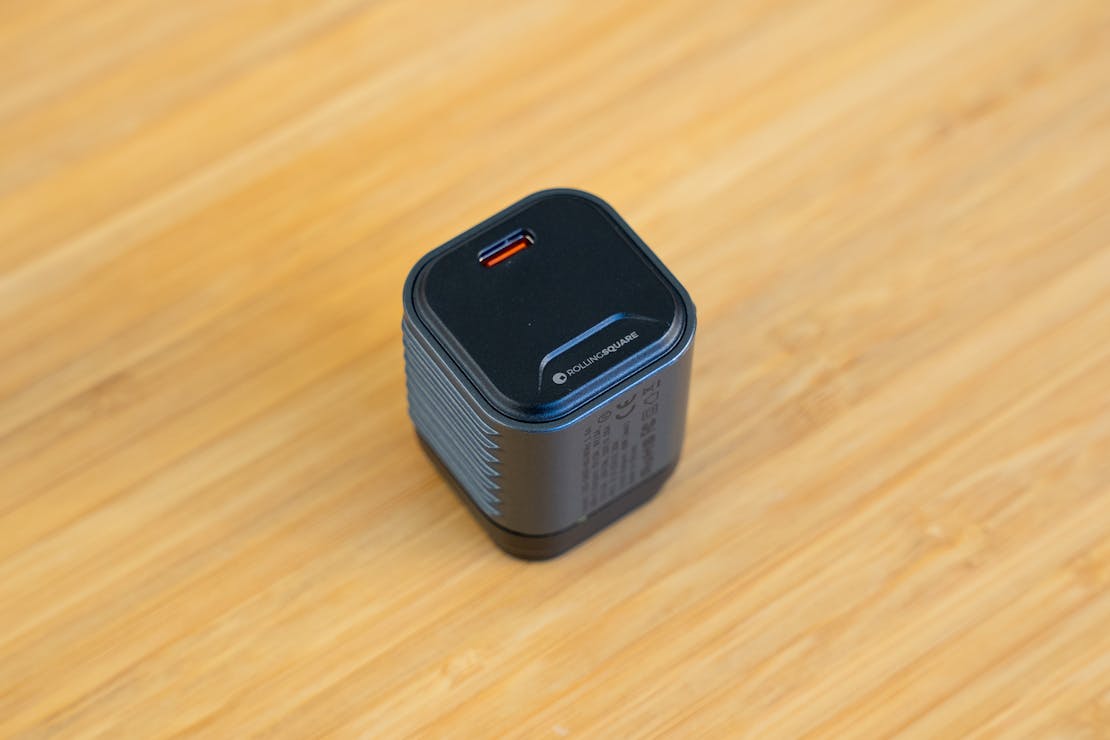
The adoption of these tools reflects a broader shift toward self-sufficiency among tech-savvy professionals. Instead of sending a device away for a simple fan cleaning, the tools are now right at your fingertips, powered by the very computer they are designed to maintain.
FAQ
Q: Will these USB-C gadgets work on my older laptop with USB-A ports? A: Most can work via a simple USB-C to USB-A adapter, but you will be limited by the older port's power delivery and bandwidth. For high-bandwidth hubs and monitor light bars, a native USB-C port is highly recommended to ensure the device receives sufficient power and data throughput.
Q: Are hardware mouse jigglers legal for remote work? A: Legality isn't the issue so much as company policy. While hardware jigglers are not "illegal," many companies have policies regarding active presence. Because these devices appear as standard mice, they are technically undetectable by software, but users should always be mindful of their professional obligations and ethical standards.
Q: Does a monitor light bar work with curved monitors? A: Yes, many 2026 models feature specialized clips or weighted balances designed specifically for the curvature of ultra-wide monitors. However, it is important to check the specific "clamp" compatibility before purchasing, as very aggressive curves (like 1000R) may require specific mounting brackets.
Conclusion
The evolution of USB peripherals in 2026 is less about adding "flashy" features and more about solving the specific, granular problems of the modern remote professional. Whether it is offloading your workflow to a foot pedal, securing your system’s activity with a stealth jiggler, or reclaiming your desk space with a monitor light bar, these gadgets represent a move toward a more intentional, ergonomic, and efficient workspace.
As we continue to optimize our home offices, the focus remains on tools that offer a clear return on investment in the form of comfort and productivity. The USB port is no longer just a connector; it is the foundation of the modern professional’s command center.