As a PC editor, my desk is often a battlefield of conflicting priorities. On one side, I have high-end GPUs and mechanical keyboards waiting for review; on the other, a 3D printer that—ironically—often adds to the clutter with half-finished calibration cubes and stray filament clippings. We call this the "Maker’s Dilemma": using a machine capable of infinite creation to solve the very chaos it helps generate.
In 2024, the landscape of 3D-printed organization has shifted from simple "cups and boxes" to sophisticated, parametric systems. These aren't just plastic bins; they are industrial marvels of efficiency. By leveraging custom-printed solutions, you can reclaim approximately 15% of your usable desktop surface area and increase drawer space efficiency by up to 85%. This year, it’s all about precision, ergonomics, and modularity.
1. The Ultimate Drawer System: Gridfinity Modular Trays
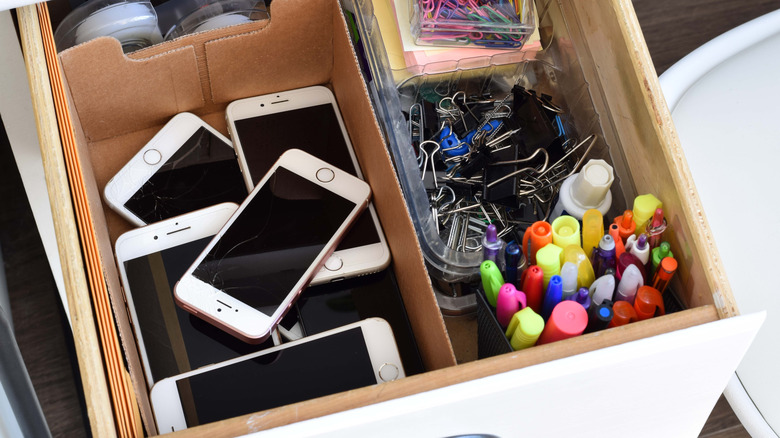
If you haven't heard of Gridfinity, your junk drawer is about to meet its maker. Originally conceived by Zack Freedman, Gridfinity is less of a project and more of an open-source standard for "everything." The core of the system is a 42mm grid baseplate that fits into your drawer, upon which you can stack modular bins, tool holders, and parts trays.
What makes Gridfinity the definitive choice for 2024 is its parametric nature. Modular 3D printed storage systems like these offer over 21 different dimension configurations, allowing you to tailor your storage to the exact millimeter of your drawer's interior. In my testing, moving from loose organization to a weighted Gridfinity setup increased my storage density by nearly 85%, simply because it eliminated the "dead space" between mismatched plastic containers.
Maker Tip: Use 6x2mm neodymium magnets in the base of your bins. It gives the system a satisfying "click" and prevents bins from sliding around when you slam the drawer shut during a stressful deadline.
| Feature | Specification / Recommendation |
|---|---|
| Grid Standard | 42mm x 42mm Units |
| Recommended Infill | 10-15% (Grid) / 20% (Bins) |
| Magnet Size | 6mm Diameter x 2mm Height |
| Best For | Screws, SD cards, USB drives, and small tools |
Maker Difficulty: Low (High volume of prints, but simple geometry) Filament Usage: High (Expect to use 1-2kg for a standard desk drawer)
2. Reclaiming Surface Area: Under-Desk Keyboard and Tech Mounts
For those of us working in compact home offices, "desktop real estate" is the most valuable commodity we own. If you’re a multi-keyboard user or a laptop-docking enthusiast, your hardware is likely eating up half your workspace. Under-desk mounts are the professional’s answer to this problem.
By 3D printing custom brackets, you can slide your mechanical keyboard or work laptop into a secure cradle beneath the desk surface. These mounts can reclaim approximately 15% of usable desktop surface area, effectively turning a 48-inch desk into the equivalent of a 60-inch model. I personally use a set of heavy-duty PETG brackets to store my secondary TKL keyboard, keeping it dust-free and out of the way until I need to swap out for a gaming session.
- Customization: Adjust the "drop" height to accommodate thick keycaps or oversized gaming laptops.
- Protection: Line the inside of the printed mounts with adhesive felt to prevent scratching your hardware.
- Security: These projects require screw-mounting into the underside of your desk; ensure your desk material (MDF vs. Solid Wood) can handle the load.
Maker Difficulty: Medium (Requires accurate measurements and hardware installation) Filament Usage: Moderate (PETG or ASA recommended for heat resistance and strength)

3. Taming the 'Rat King': Advanced Cable Management Systems
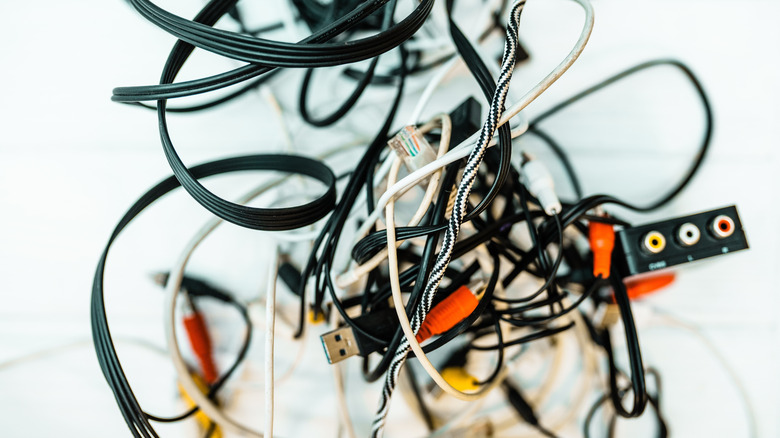
Nothing kills a minimalist aesthetic faster than a "rat king"—that tangled mess of USB-C, HDMI, and power cables behind your monitor. For effective cable management in 2024, move away from simple zip ties and toward hexagonal portable winders and recessed desk inserts.
Hexagonal winders allow you to coil excess cable length into a compact, protective shell. Meanwhile, recessed desk inserts (or "cable grommets") allow you to hide wires beneath the surface, routing them directly through the desk into a mesh tray like the "Underware" system. The goal is to keep the connectors accessible while hiding the unsightly bulk of the wire.
- The Hexagonal Winder: Best for charger cables you take on the go. It prevents tangling in your bag and looks incredibly sleek on a desk.
- Recessed Inserts: If you’re willing to drill a hole in your desk, a custom-printed grommet can include slots for specific cables (DisplayPort, USB-B) to prevent them from slipping back down when unplugged.
- Interlocking Mesh: Systems like "Underware 2.0" allow you to print a honeycomb mesh that screws to the bottom of the desk, providing infinite tie-down points for power bricks.
Maker Difficulty: Medium (Requires cable routing strategy) Filament Usage: Low (Focus is on precision, not bulk)
4. Ergonomics and Accessibility: Tilting Stands and Laptop Risers
Modern workflow often involves "tri-screening": a main monitor, a laptop, and a smartphone for notifications. If these aren't aligned, you're inviting "tech neck"—the strain caused by looking down at secondary screens. 3D printing allows you to create gear-powered tilting stands that bring these devices to eye level.
I’m a huge advocate for the "Parametric Laptop Riser." Unlike store-bought stands that have a fixed height, a 3D-printed version can be adjusted to the exact height of your external monitor’s bottom bezel. This creates a seamless visual transition between screens. For phones, gear-driven tilting stands (often using print-in-place mechanisms) allow you to adjust the viewing angle for video calls or 2FA prompts without needing to pick up the device.
- Stability: Use "Anti-Slip" TPU feet or adhesive rubber pads on the bottom of the prints to prevent them from sliding on smooth desk surfaces.
- Airflow: Many laptop riser designs feature geometric cutouts to improve cooling, which is essential for high-performance workstations.
- Hardware: Look for designs that use M3 screws for the hinges; they provide much better longevity than all-plastic friction fits.

Maker Difficulty: Medium (Involves moving parts or assembly) Filament Usage: Moderate
5. Personality Meets Function: Themed Storage Solutions
A productive desk doesn't have to be a boring one. One of the greatest joys of 3D printing is injecting personality into functional items. In 2024, we’re seeing a surge in "hidden storage" models—decorative items that double as organizational hubs.
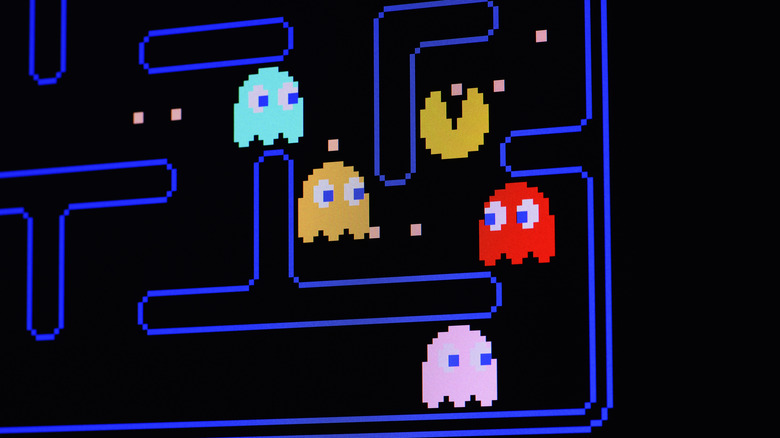
The Pac-Man Ghost headphone stand is a classic example. While the exterior looks like retro gaming art, the hollow interior can serve as a hidden cubby for loose wires or a wireless mouse receiver. Similarly, the "Mini Dumpster" SD card holder has become a cult favorite among photographers and videographers; it’s a humorous way to store cards that would otherwise get lost in a drawer.
- Dual-Purpose: Always look for themed prints that have a "job." A cool sculpture is nice, but a cool sculpture that holds your Apple Pencil is better.
- Multi-Material Printing: If you have an AMS or MMU, these projects are the perfect way to show off color transitions and intricate details.
- Gift Potential: These are often the best projects to print for colleagues, as they combine utility with a personal touch.
Maker Difficulty: Low to Medium (Depending on paint/color requirements) Filament Usage: Varies
Essential Printing Tips for Organization Projects
To ensure your desk projects actually work as intended, you need to pay attention to the technical nuances of the print. Here is my "Ryan Kim Approved" checklist for organization prints:
- Material Choice: For items that will be under constant load (like under-desk mounts) or exposed to direct sunlight, skip the PLA and go for PETG. It has better creep resistance and won't warp in a warm office.
- Calibration for Snap-Fits: Systems like Gridfinity rely on tight tolerances. Print a "Tolerance Test" before committing to a 20-hour print. If your printer isn't dialed in, your bins won't fit into the baseplates.
- Bed Adhesion for Large Flats: Many organizers have large, flat footprints (like the Underware base layers). To prevent "warping" at the corners, use a brim or a dash of 3D-printing adhesive. A flat bottom is essential for a stable desk accessory.
- Wall Count over Infill: For structural strength in mounts, increasing your wall (perimeter) count from 2 to 4 or 6 is far more effective than increasing infill to 100%.
FAQ
Q: Is it cheaper to 3D print organizers than to buy them at IKEA? A: For basic bins, no. However, for specialized solutions—like custom-width keyboard mounts or modular drawer systems that fit your specific dimensions—3D printing is significantly more cost-effective and provides a superior fit that commercial products can't match.
Q: Which filament is best for a desk that gets a lot of sun? A: Avoid PLA, as it can soften and warp at temperatures as low as 50°C (122°F). PETG is the standard recommendation, but if you want something truly "industrial," ASA is UV-resistant and offers a beautiful matte finish.
Q: How do I calculate the "reclaimed space" for my desk? A: Measure the footprint of everything currently sitting on your desk (keyboard, laptop, phone, headphone stand). By moving these to under-desk mounts or vertical risers, you can calculate the square inches of desk surface you've "freed up" for writing or other tasks.
Elevate Your Workspace
Your desk is the cockpit of your professional life. Don't settle for "one size fits all" solutions from a big-box store when you have a factory sitting on your workbench. Whether you start with a single Gridfinity bin or go all-in on a fully mounted under-desk system, the goal is the same: a frictionless environment where your tools are always where they belong.
Ready to start building? Clear that build plate and get printing. Your future, more organized self will thank you.