We’ve all been there: standing in the kitchen, covered in flour, or frantically searching for your keys while the clock ticks toward a high-stakes meeting. For years, most of us treated our smart speakers like glorified kitchen timers or weather stations. But in 2024, the landscape has shifted. Voice assistants have matured from simple command-response tools into cloud-intelligent automation hubs capable of managing our professional and personal lives with surgical precision.
If you aren't using your voice assistant to shave minutes off your daily chores, you’re essentially leaving a high-powered executive assistant dormant in the corner of your room. From transforming long-form articles into audio on the fly to securing your entire home with a single phrase, the right commands can fundamentally change your productivity baseline. In this guide, we’re diving into the 12 best voice assistant commands for maximum productivity in 2024, focusing on the integrations that actually matter for a seamless, hands-free lifestyle.
1. The Phone Locator (Sanity Saver)
There is no productivity killer quite like the morning "phone panic." You’re already five minutes late, and your device is nowhere to be found. This is where your voice assistant acts as a true sanity saver.
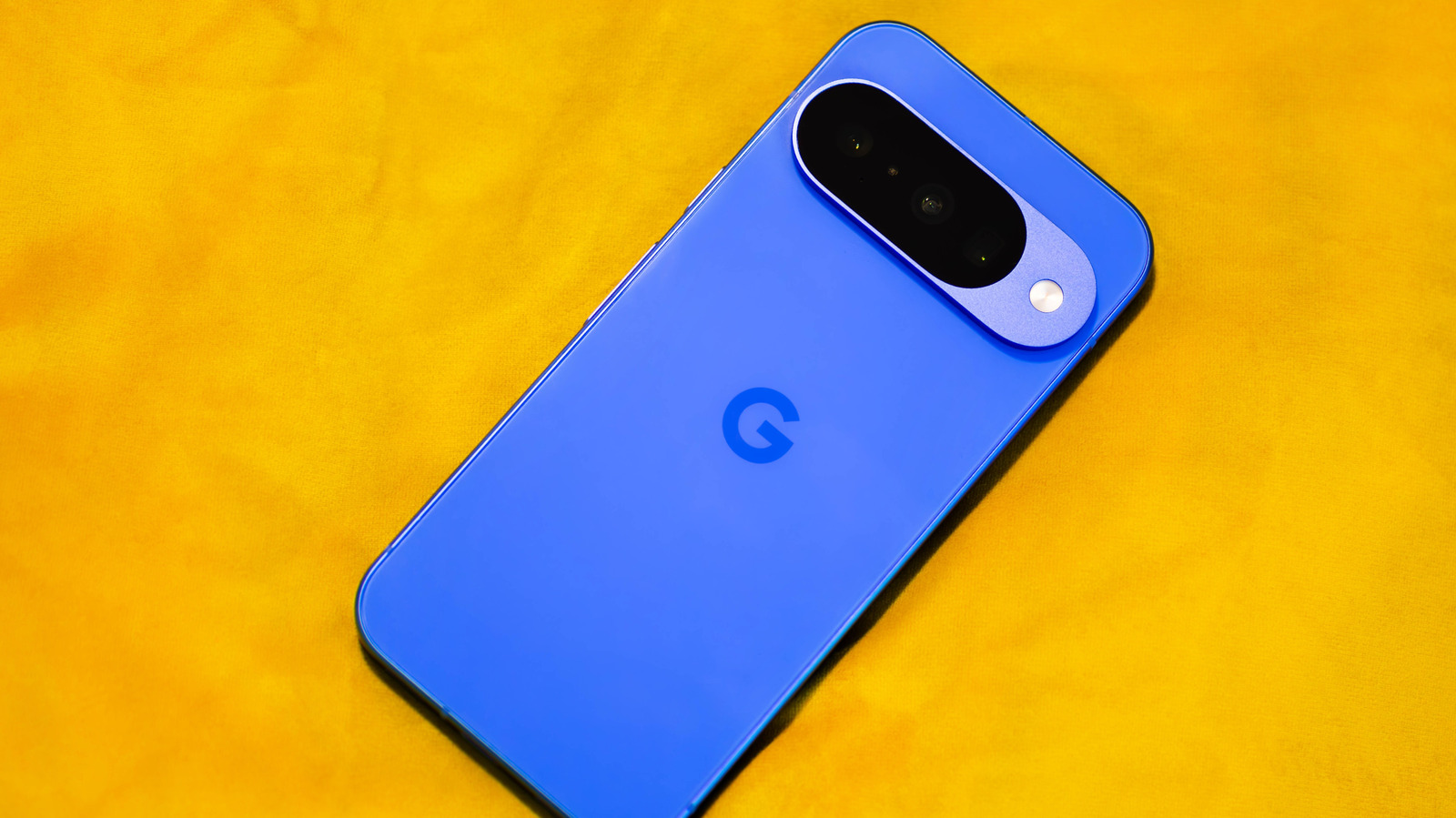
To find a lost phone using a voice assistant, simply say "Hey Google, find my phone" or "Alexa, find my phone." This triggers a full-volume alert on your device, even if it is set to silent or "Do Not Disturb" mode. This bypasses the need to have another person call you and wait for a vibration you might not even hear.
The Setup:
- For Google Assistant: Ensure the "Find My Device" setting is toggled on in your Google account and that your phone is linked to your Home setup.
- For Alexa: You’ll need to enable the "Find My Phone" skill and verify your mobile number.

2. The Instant Podcast (Hands-Free Reading)
We often find ourselves with a mountain of long-form articles we "intend" to read but never quite find the time for. In 2024, Google Assistant offers a game-changing feature that turns your reading list into a mobile radio station.
To convert a long article into audio, open the page in the Google Chrome mobile app and say, "Hey Google, read this page." The assistant will transform the text into a hands-free, podcast-style experience, complete with adjustable playback speeds and a surprisingly natural voice. This is the ultimate tool for clearing your "Read Later" list while you're cooking dinner, folding laundry, or during your morning commute.
Pro Tip: If you’re a heavy user of "Pocket" or "Instapaper," you can use IFTTT to sync your saved articles to a format that Google Assistant can read more effectively, ensuring your "commute learning" is always updated.
3. The Searchable Memory (External Brain)
Human memory is notoriously fallible, especially when we’re preoccupied with work. Voice assistants can act as a digital "external brain" for those items you only use occasionally.
By using the command, "Alexa/Google, remember my [item] is in [location]," you create a searchable log. For example, tell your assistant, "Remember my passport is in the top drawer of the guest room desk." When the time comes to travel six months later, simply ask, "Where is my passport?" and your assistant will retrieve the exact location. This eliminates the frantic searching and mental clutter that hampers deep work.
4. The Local Guide (Errand Efficiency)
The most productive people plan their movements based on real-time data, not just habit. Your assistant can provide this without you ever touching a screen.
Commands like "How is the traffic to work?" or "When does the post office close?" allow for instant errand optimization. By retrieving this data while you’re physically preparing for your day—putting on shoes or packing a laptop—you gain a head start on your schedule.
Integration Requirements:
- You must have your home and work addresses set in Google Maps or the Alexa app settings.
- For specific store hours, ensure your location services are enabled so the assistant pulls data from the closest branch.

5. Dictating Professional Notes & Tasks
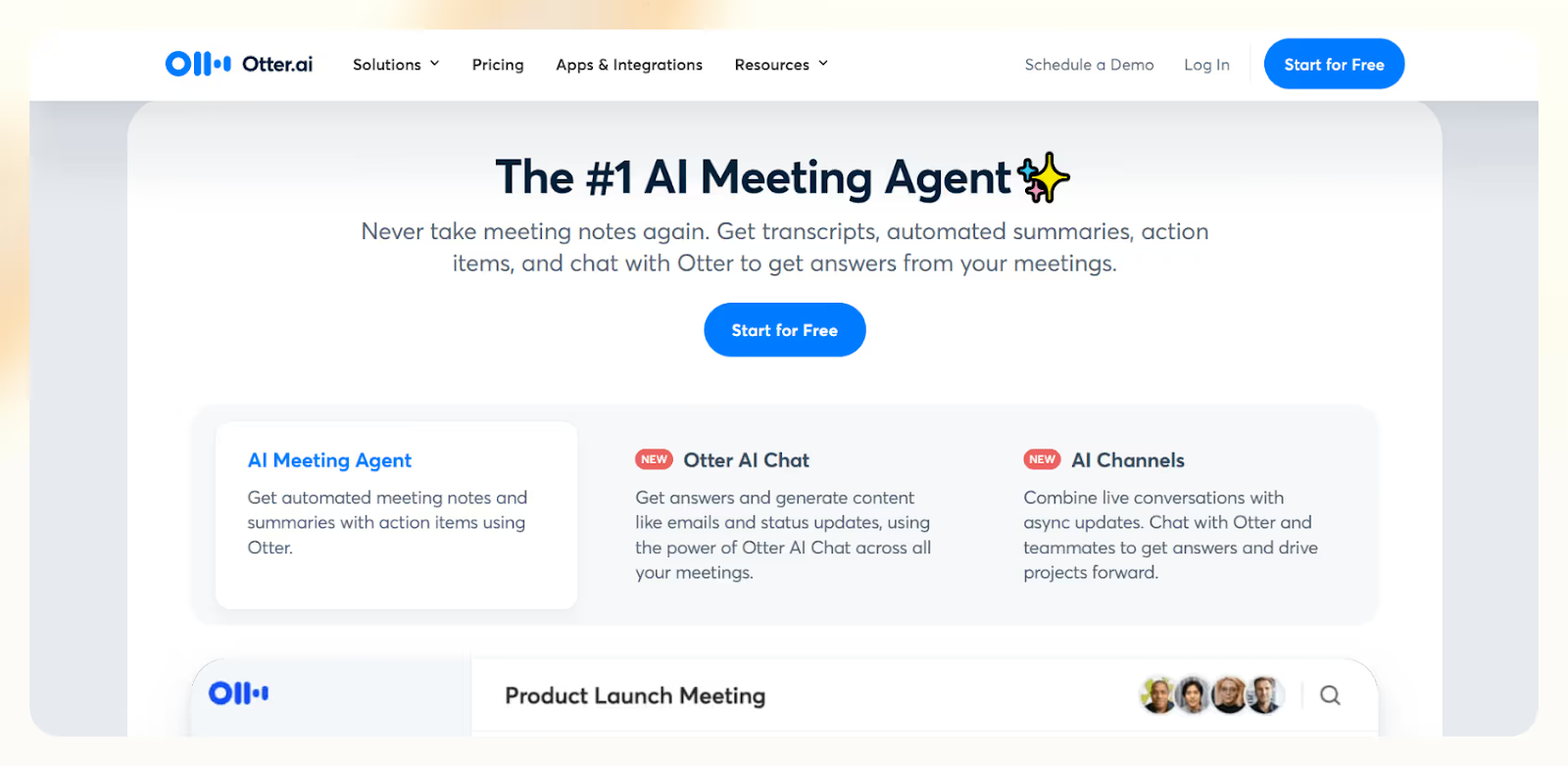
Voice assistants enhance productivity at work by allowing users to dictate meeting notes, perform complex calculations hands-free, and even order office supplies through simple voice triggers. Instead of stopping your flow to type out a reminder, use the command: "Alexa, add 'Review Q3 budget' to my to-do list" or "Hey Google, take a note: The client preferred the blue layout."
In 2024, the "pro" move is integrating these voice commands with professional ecosystems. Through tools like Zapier or IFTTT, a simple voice note can be automatically forwarded to a specific Slack channel or added as a new task in Trello or Microsoft Outlook.
6. Hands-Free Calculations & Conversions
Whether you're calculating a tip, converting currency for an international invoice, or figuring out square footage for a home office renovation, doing math in your head is a waste of mental energy.
Use commands like "What is 15% of 1,240?" or "Convert 500 Euros to USD." This is particularly useful during "device-free" meetings or when your hands are occupied with physical tasks. The speed of voice-activated computation is consistently faster than pulling out a phone, unlocking it, and opening a calculator app.
7. The Digital Intercom (Broadcast Mode)
In a large home or a multi-room office, productivity is often lost in transit. Walking from one room to another just to ask a question or announce a meeting is an "invisible" time-sink.
Use the command: "Hey Google, broadcast: The meeting is starting in five minutes" or "Alexa, announce that lunch is ready." This sends your recorded voice or a synthesized message to every compatible speaker in the house. It eliminates the need to shout or walk between rooms, keeping everyone on schedule without breaking your own focus.
8. Whisper Mode (Boundary Respect)
Productivity doesn't always happen between 9 and 5. For the night owls or early risers, "Whisper Mode" is an essential feature for maintaining a quiet environment for others while staying on task.
By saying, "Alexa, turn on Whisper Mode," your assistant will respond to your whispers with its own hushed tones. Google Assistant users can achieve a similar result by enabling "Night Mode" in the Home app settings, which caps the maximum volume and dims the lights on Nest Hub displays during specific hours.
9. The Circadian Alarm (Morning Alertness)
How you wake up dictates your productivity for the rest of the day. A 2024 study on smart home habits found that using voice-activated "Circadian Alarms" improves morning alertness scores by 35% compared to traditional sound-based alarms.
By using the command, "Alexa, wake me up at 7 a.m. with lights," you trigger a gradual "sunrise" effect if you have compatible smart bulbs like GE Cync or Philips Hue. Instead of a jarring audio alarm that triggers a cortisol spike, your body is gently nudged into wakefulness by light, mimicking the natural biological rhythm.
10. The Hands-Full Entry (Smart Lock Control)
The "productivity" of your home entry might seem trivial until you’re carrying three bags of groceries and trying to find your keys. Voice-activated security is the ultimate lifestyle friction-remover.
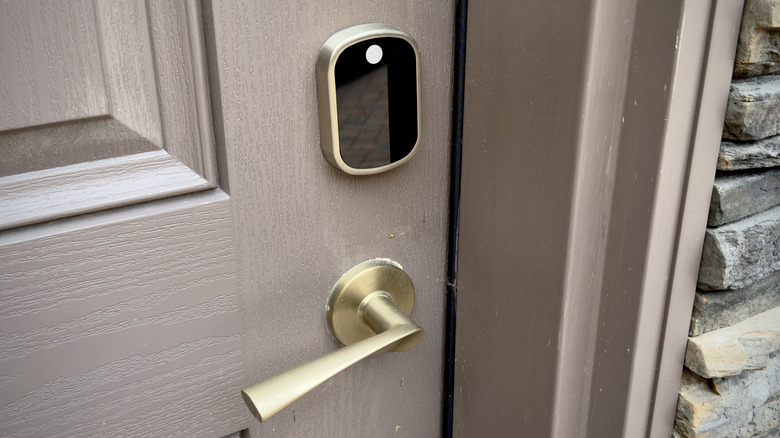
With a compatible smart lock (like eufy or August), you can say, "Alexa, unlock the front door." For security, these systems require a 4-digit voice PIN to prevent unauthorized entry from someone shouting through a window. This allows for a seamless transition from your car to your desk without the manual fumble.
11. The Anxiety Killer (Exit Routine)
The "Did I leave the iron on?" or "Did I lock the back door?" anxiety is a major cognitive drain. Recent productivity audits indicate that users leveraging automated "Exit Routines" save an average of 12 minutes daily by eliminating manual home security checks.
By creating a routine triggered by "Alexa/Google, Goodbye," you can simultaneously:
- Lock all smart locks.
- Turn off all lights.
- Adjust the thermostat to an energy-saving "Eco" mode.
- Kill power to high-risk appliances (like hair straighteners) via smart plugs.
This "one-and-done" command ensures you leave the house with total peace of mind, allowing you to focus entirely on the day ahead.
12. Away Mode (Home Alone Protocol)
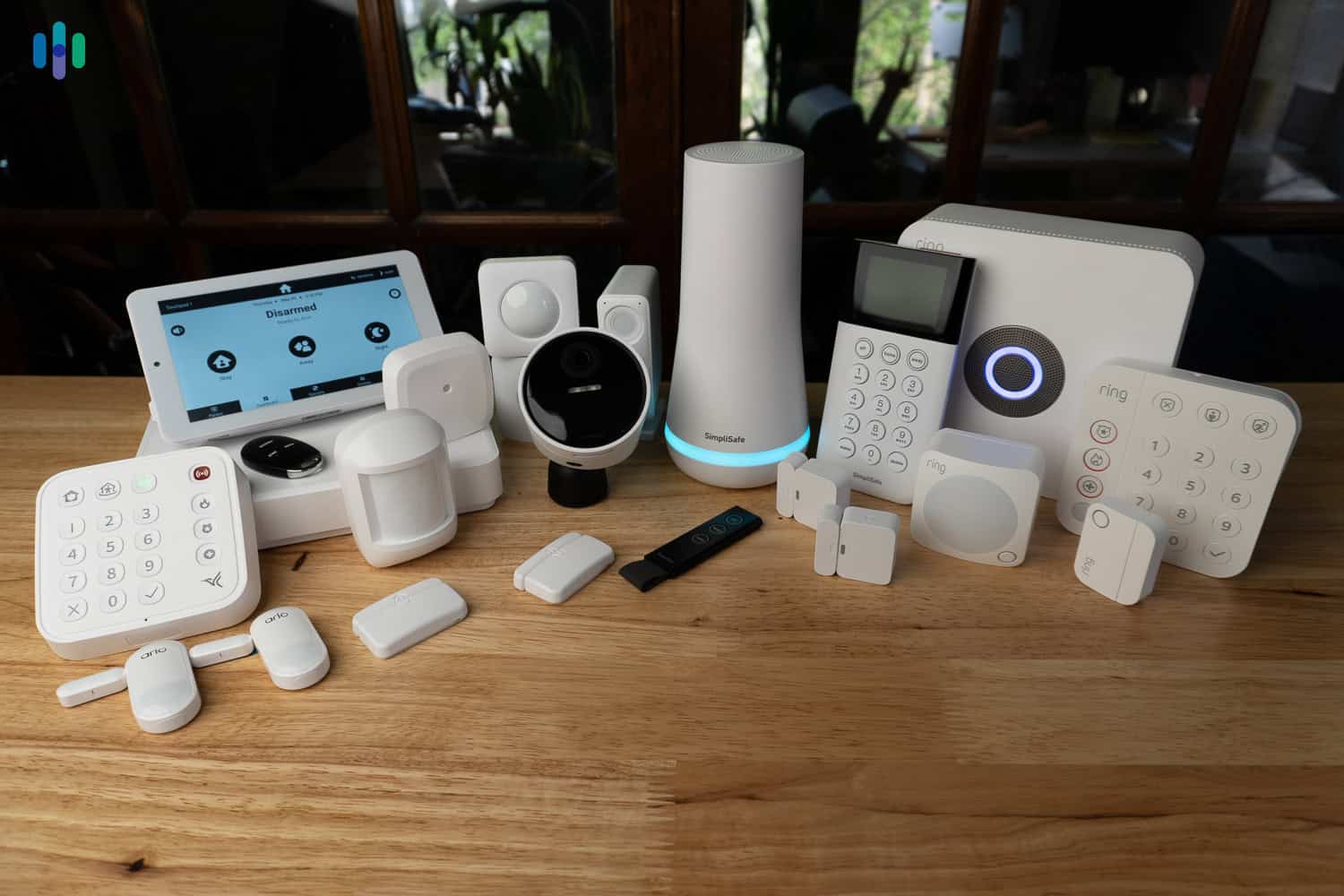
True productivity requires being able to focus on your vacation or business trip without worrying about home security. "Away Mode" (often called "Guard" on Alexa) is a smart way to deter intruders.
Say, "Activate Away Mode," and your assistant will mimic the "messy rhythm" of daily life. It will randomly toggle lights in different rooms and even play podcasts or ambient noise to make the house sound occupied. It’s a set-it-and-forget-it security layer that lets you stay productive on the road.
Google Assistant vs. Alexa: Which is Better for Productivity?
Choosing the right "partner" depends on where your work happens. Here is how the two giants stack up in 2024:
| Feature | Google Assistant | Amazon Alexa |
|---|---|---|
| Search Intelligence | Superior (Uses Google Search) | Moderate (Uses Bing) |
| Smart Home Routines | Improving, but can be rigid | Industry-leading flexibility |
| Navigation/Traffic | Native Google Maps integration | Requires third-party setup |
| Hardware Ecosystem | Best for visual hubs (Nest Hub) | Best for variety (Echo, Dots, Flex) |
| Workplace Sync | Seamless with Google Workspace | Better "Skill" integration (Slack, etc.) |
As you can see, Google is generally better for information retrieval and navigation, while Alexa wins on sheer smart home customization and routine building.
FAQ
Q: Are voice assistants always listening? A: Voice assistants listen for their specific "wake word" (like "Hey Google"). Most modern devices have physical mute switches that disconnect the microphones if you want total privacy during sensitive meetings.
Q: Can I use these commands on my phone, or do I need a smart speaker? A: Almost all of these commands work on the Google Assistant or Alexa apps on your smartphone. However, the true productivity benefit comes from the "always-on, hands-free" nature of dedicated smart speakers placed in key areas like the kitchen or office.
Q: Do I need a professional to set up these routines? A: Not at all. Both the Google Home and Alexa apps have become much more user-friendly. Most "Routines" can be set up in under two minutes by following the "If This, Then That" logic within the app.
Ultimately, the goal of a smart home shouldn't be to have the most gadgets—it should be to have the most seamless experience. By mastering these 12 commands, you aren't just playing with tech; you’re reclaiming your time and mental energy for the things that truly matter.