Quick Facts
- Update Speed: Google Pixel devices receive day-one security patches and version updates, while Samsung typically takes 2 to 8 weeks to roll out major updates.
- Core Advantage: The Pixel experience focuses on AI-first minimalism and speed, whereas Samsung prioritizes hardware-driven utility and deep feature sets.
- Missing Hardware: Even with the latest releases, Pixel models often lack Samsung's Privacy Display and the EMR digitizer technology required for professional-grade stylus support.
- Desktop Gap: Android 16 QPR1 introduces a basic desktop mode, but it lacks the window management maturity and dedicated UI found in Samsung DeX.
- Productivity Tools: Samsung's Edge Panel and Dual Messenger remain exclusive to One UI, leaving Pixel users to rely on third-party workarounds for multitasking and app cloning.
- Market Presence: In the second quarter of 2025, Samsung held a 31% share of the United States smartphone market, while Google Pixel shipments accounted for 3% of the market during the same period.
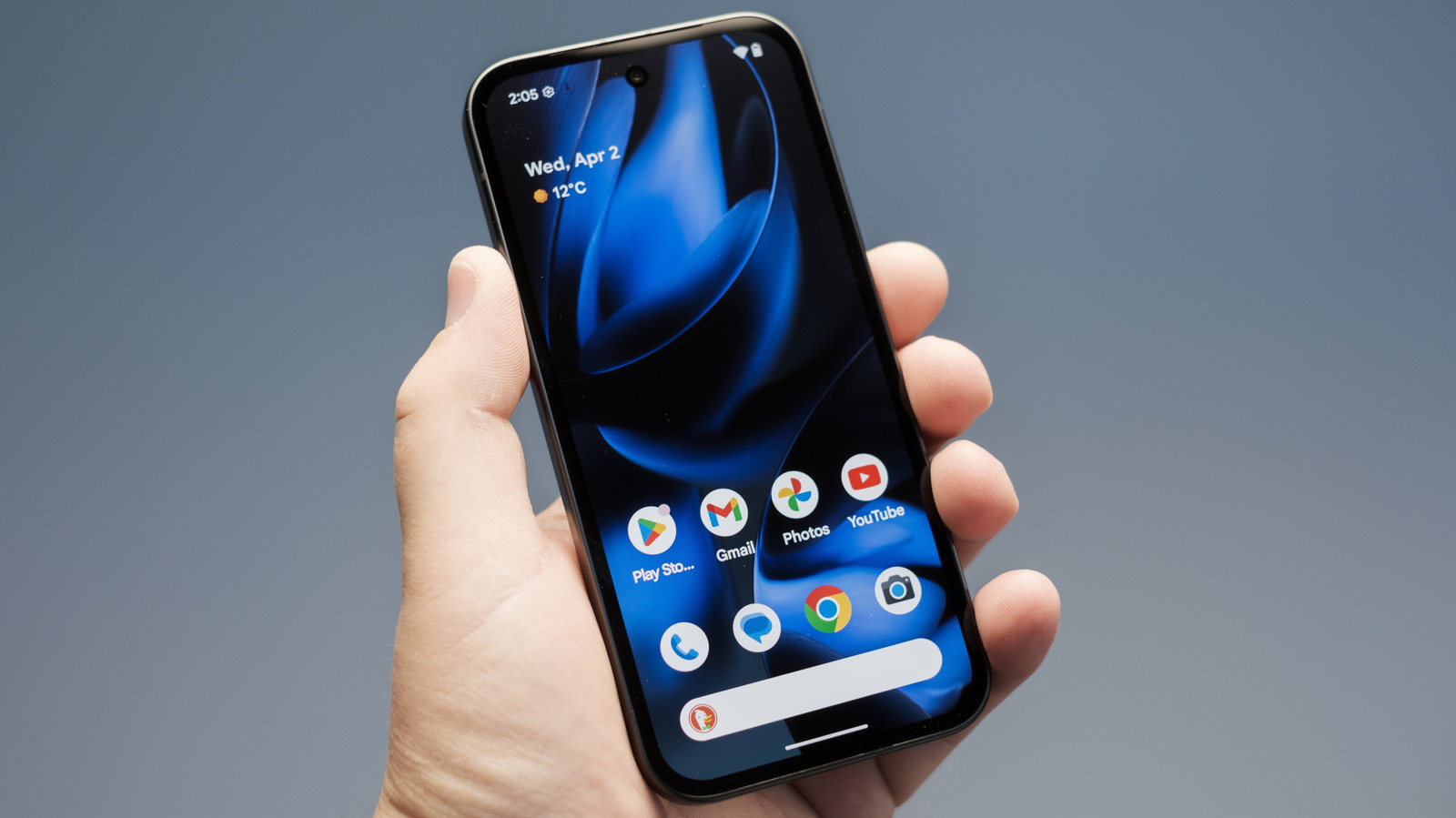
As the Android 16 stable build rolls out to Google Pixel 10 and older models, the software experience remains leaner than Samsung’s One UI. While Pixel excels in AI minimalism, there are specific android 16 features pixel still lacks that prevent it from being the ultimate power-user tool.
Productivity: The Desktop Mode and Window Management Gap
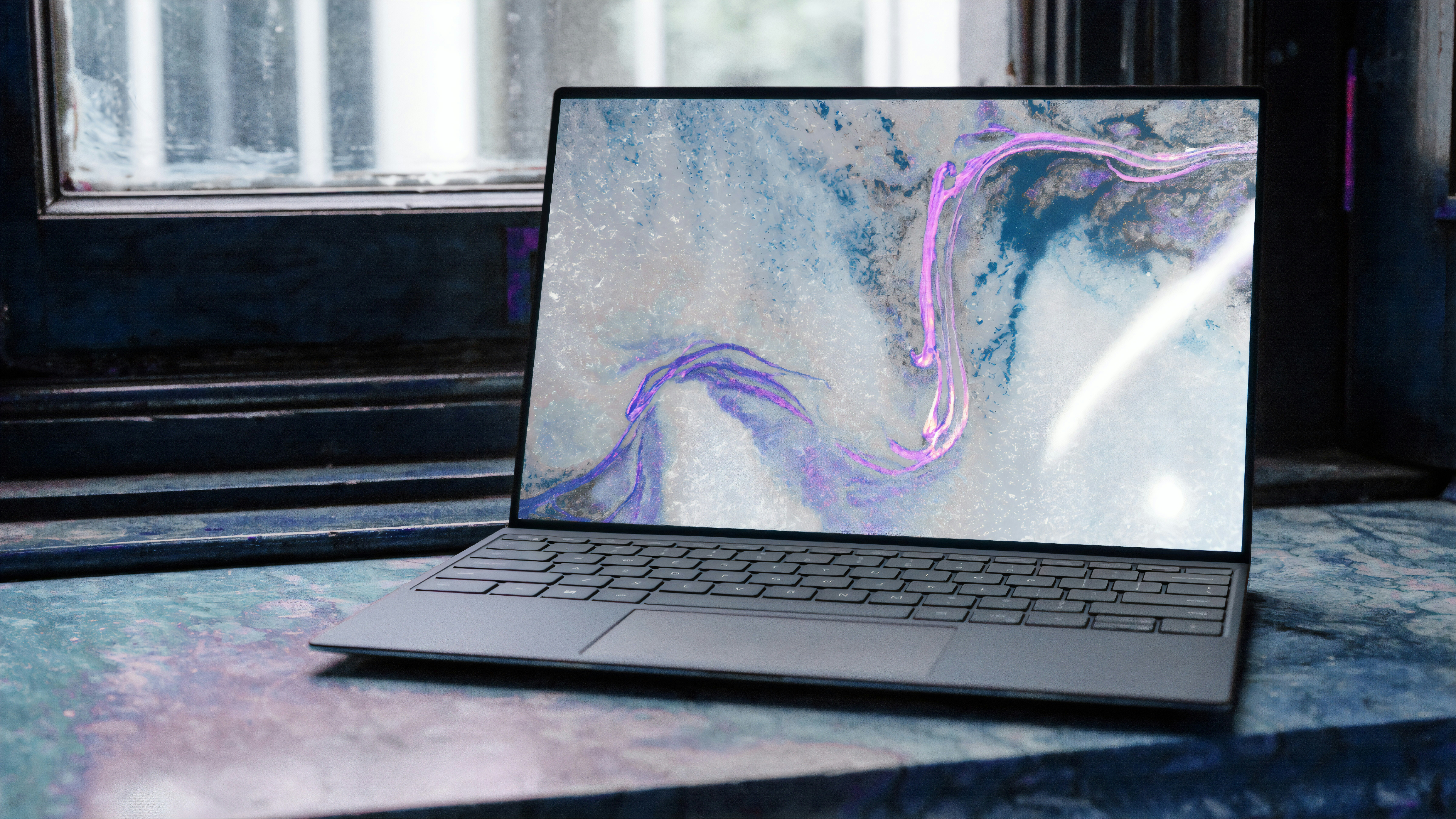
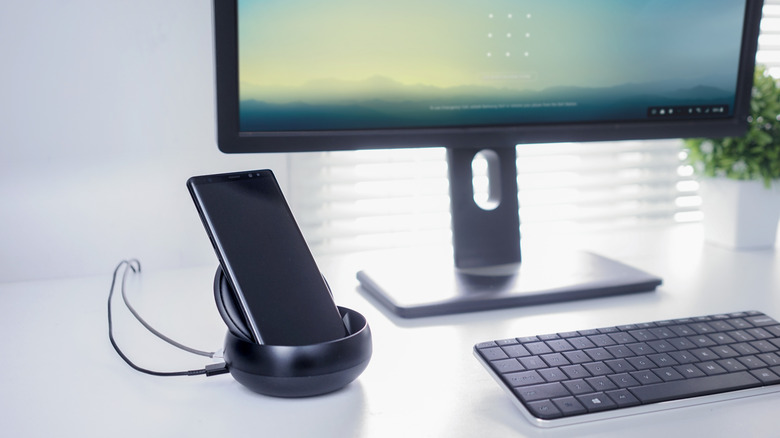
One of the most significant divides between the two platforms is how they handle external displays. For years, Samsung has dominated this space with DeX, a feature that transforms your phone into a desktop-like workstation once connected to a monitor. While the android 16 new ui includes improvements to how apps handle resizing, it is still a far cry from a full desktop replacement.
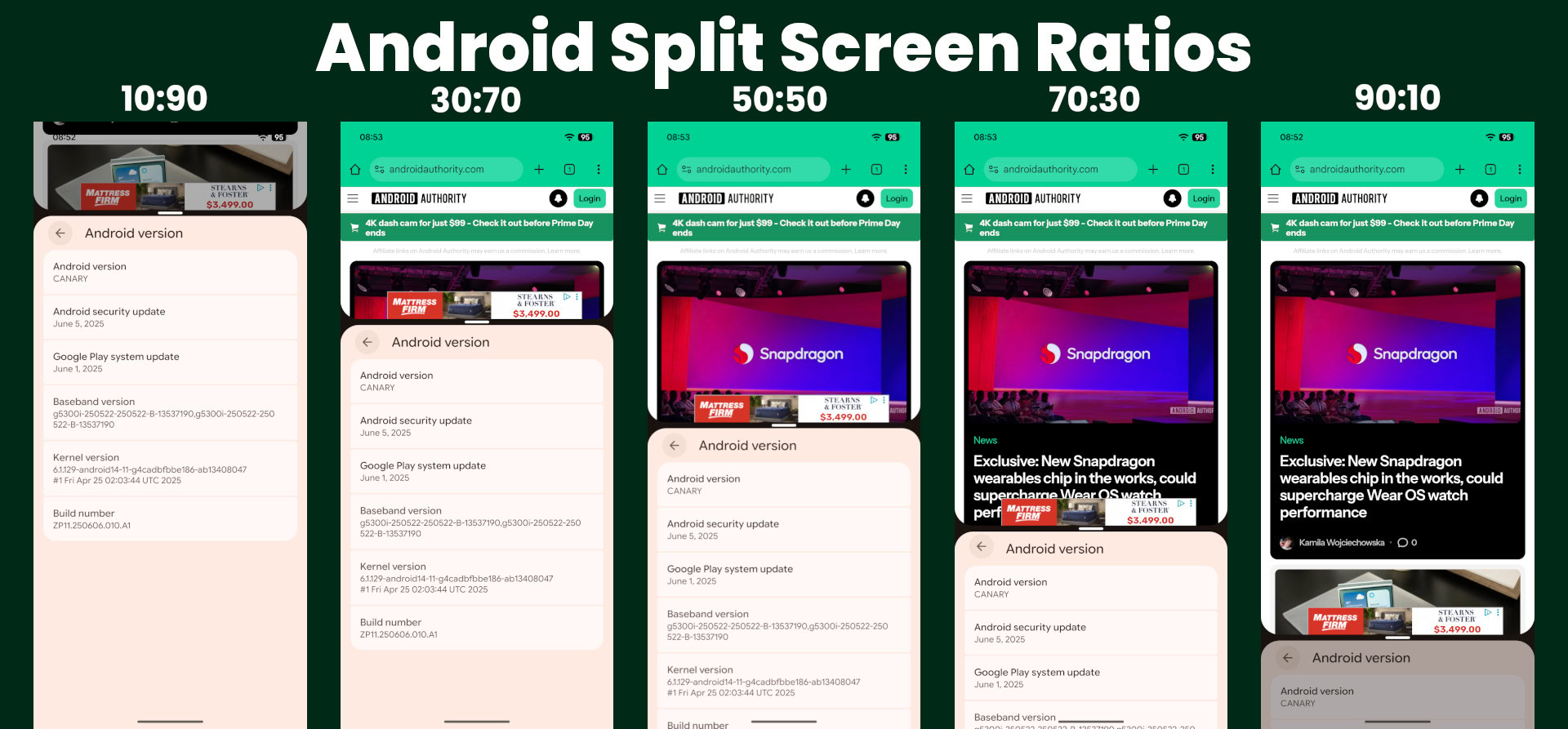
With the arrival of Android 16 QPR1, Google is finally taking desktop mode seriously. However, the initial implementation is foundational. It focuses on basic window management—letting you drag apps into freeform windows—but it lacks the cohesive ecosystem of Samsung. Samsung DeX provides a dedicated taskbar, a start-style menu, and system-wide keyboard shortcuts that make sense on a big screen.
The relationship between Google and Samsung is complex here, as they often co-develop foundational features. While Google builds the framework for desktop support into the core of Android, Samsung adds the polish that makes it usable for daily work. If you are someone who wants to leave their laptop at home and work entirely off their phone, the google pixel desktop mode android 16 vs samsung dex comparison still heavily favors the Galaxy lineup. Pixel users are left waiting for a more mature interface that feels like a computer rather than just a phone stretched onto a larger canvas.
Privacy: Why Pixel Needs Samsung’s Hardware-Level Privacy Display
Google has made significant strides in privacy with Android 16, introducing an Advanced Protection Mode that hardens the system against malicious apps and unauthorized data access. However, Samsung is taking a different path by integrating privacy directly into the hardware.
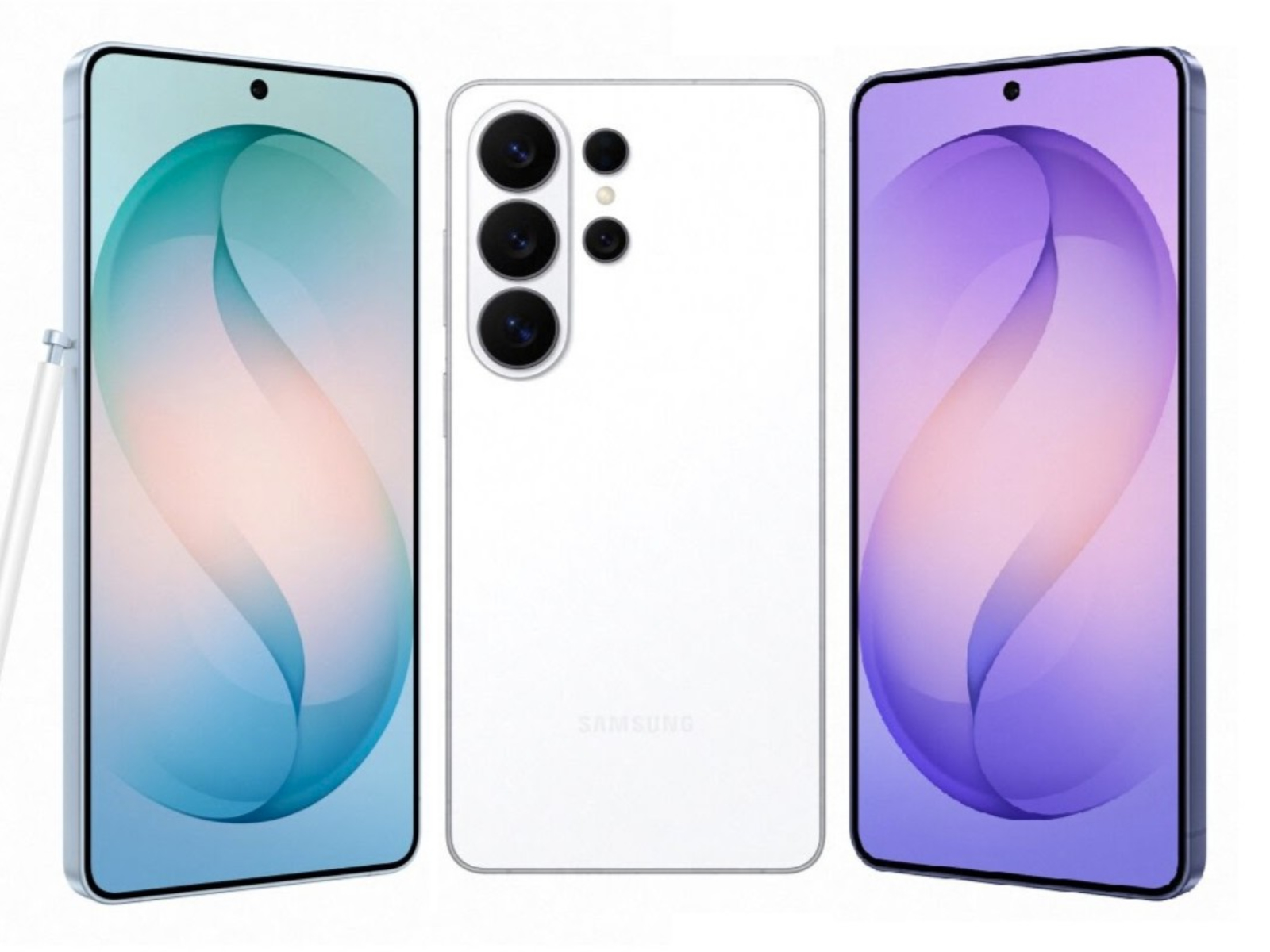
The rumored Galaxy S26 Ultra is expected to feature a Privacy Display, utilizing pixel-level side-angle dimming. This technology ensures that only the person directly in front of the screen can see the content, effectively blocking "visual hacking" in public spaces. While we see some android 16 privacy display features for pixel phones emerging in the form of software toggles and notification masking, they cannot replicate the physical security of a specialized display panel.
Samsung also continues to lead with its Knox security suite. The Secure Folder on a Galaxy device is a hardware-encrypted space that is separate from the rest of the OS. While Android 16 offers a "Private Space" feature, Samsung’s version feels more integrated into the device's identity. Pixel users often have to decide between a clean, software-first approach and the more robust, hardware-backed security that defines the Samsung experience. Looking for the best samsung galaxy s26 features to copy to pixel, this level of integrated privacy hardware is at the top of the list.
Social and Workflow: Dual Messenger and Edge Panels
For many of us, our smartphones are the primary hub for both work and personal communication. Samsung has long recognized this by including Dual Messenger, a feature that allows you to run two separate instances of the same messaging app. This is incredibly useful for apps like WhatsApp or Telegram, where you might have one account for business and another for family.
On a Pixel, achieving this is surprisingly difficult. You either have to set up a cumbersome Work Profile or use third-party apps that often come with privacy risks. There is a growing demand for a native way to get dual messenger on pixel android 16, but so far, Google has stuck to its one-app-one-instance philosophy.
Similarly, the Edge Panel on Samsung devices provides a persistent, customizable sidebar that gives you instant access to your favorite apps, tools like a calculator or compass, and even clipboard history. It is a multitasking powerhouse that fits perfectly into a modern mobile workflow. While the android 16 new features list includes some improvements to the taskbar on foldable devices, the standard Pixel UI still lacks a native equivalent to the Edge Panel. For users who value shaving seconds off their daily tasks, this is a major omission.
Hardware Parity: The Stylus and Zoom Factor
The hardware gap between these two giants extends beyond just internal chips. Samsung’s inclusion of an EMR (Electro-Magnetic Resonance) digitizer in its Ultra models allows for a low-latency stylus experience that the Pixel simply cannot match. This isn't just about drawing; it's about precision navigation, remote shutter control for the camera, and handwritten notes that feel natural.
Android 16 introduces some behind-the-scenes improvements for stylus input, but without the underlying hardware, Pixel users will never get the S Pen experience. Even when comparing the standard flagships, Samsung often holds a hardware edge. For example, the standard Samsung Galaxy S24 features a Dynamic LTPO AMOLED display with an adaptive refresh rate ranging from 1Hz to 120Hz, whereas the base Google Pixel 9 display is limited to a range of 60Hz to 120Hz.
The camera hardware tells a similar story. While Google’s software processing is legendary, there are limits to what code can do. Samsung's entry-level flagship, the Galaxy S24, includes a dedicated 10-megapixel telephoto lens with 3x optical zoom, a component that is missing from the dual-camera system on the standard Google Pixel 9. Android 16 helps bridge this gap slightly with the new APV codec for more efficient high-quality video, but for photographers who want reach, Samsung’s hardware-first approach is hard to beat.
Software Philosophy: Minimalism vs. Utility
When we look at the android 16 pixel new ui vs samsung one ui features, we are really looking at two different visions for the future of mobile. Google wants the phone to get out of your way. Their vision for Android 16 is focused on AI that anticipates your needs, a clean interface, and extreme stability. It is the "iPhone of Android"—predictable, smooth, and simple.
Samsung, on the other hand, believes that the phone should be whatever you want it to be. One UI is a massive toolbox. It might feel cluttered to some, but for power users, that "clutter" is actually a collection of essential shortcuts and customization options. From Good Lock for deep UI tweaks to native app cloning, Samsung builds for the user who wants to control every pixel on their screen.
Whether you are looking for android 16 features for older google pixel models or considering a brand-new device, the choice usually comes down to whether you prefer Google’s curated AI experience or Samsung’s "everything and the kitchen sink" utility. While Google is slowly adopting some of Samsung’s best ideas, they often do so with a focus on simplicity that might leave advanced users wanting more.
FAQ
What is new in Android 16 for Google Pixel?
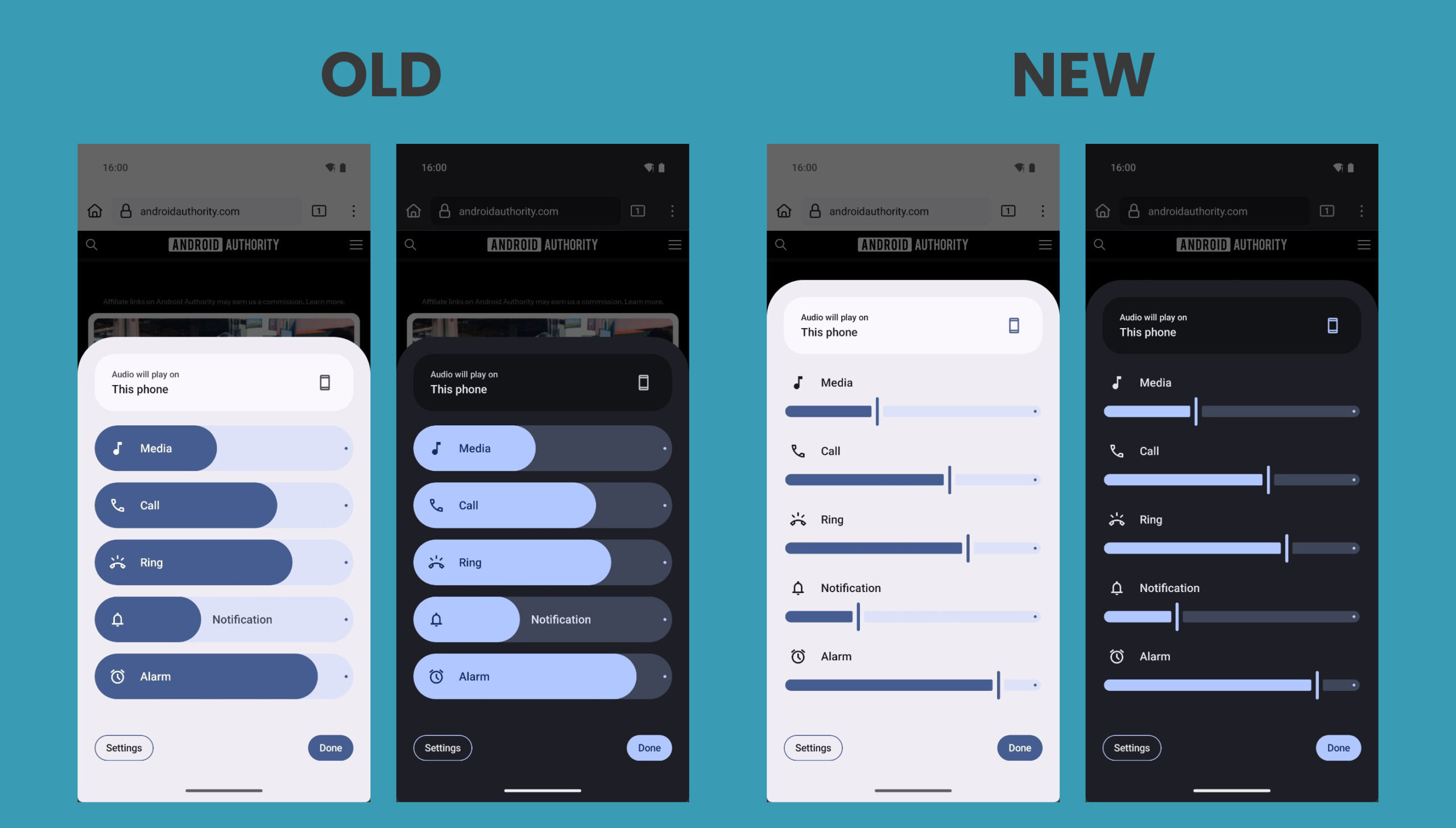
Android 16 for Pixel introduces several significant updates, including an overhauled Private Space for sensitive apps, a new foundational desktop mode for external displays, and the integration of the APV video codec for professional-grade media quality. You will also see more refined UI elements, such as thinner brightness and volume sliders, and faster system-wide performance through improved AI processing.
What are Android 16's special moves?
The special moves in Android 16 revolve around AI and connectivity. The system now supports "Live Updates" in the notification shade for real-time tracking of events like sports scores or ride-share arrivals. Additionally, Google has introduced advanced window management in its early-stage desktop mode and expanded the capabilities of the Gemini assistant to be more deeply integrated into system settings.
Which Pixel phones are eligible for Android 16?
Google typically provides major OS updates for its devices for at least three to seven years, depending on the model. Eligible devices for Android 16 include the Pixel 6 series and all subsequent models, including the Pixel 7, Pixel 8, and the newest Pixel 9 and Pixel 10 lineups. Older models like the Pixel 5a may receive security patches but are likely at the end of their major OS update lifecycle.
Is Android 16 better than 15?
Android 16 is a refinement over version 15, focusing more on stability, professional media tools, and the groundwork for a true desktop environment. While it doesn't radically change the visual language of the OS, the improvements to privacy controls and the more efficient handling of background tasks make it a meaningful upgrade for daily reliability.
Why is Android 16 so strong?
The strength of Android 16 lies in its maturity. By focusing on foundational improvements like the APV codec for video and standardized desktop windowing, Google is making Android a more capable platform for creators and professionals. It bridges the gap between a simple mobile OS and a powerful computing environment while maintaining the AI-first approach that defines the Pixel brand.
Switching Verdict
Choosing between these two ecosystems in 2025 is harder than ever. If you value being the first to see new features and want a phone that feels light and intelligent, sticking with the Pixel and the latest android 16 features pixel brings is the way to go. The AI integration and clean software are unmatched for a streamlined daily experience.
However, if your workflow involves heavy multitasking, document editing on external monitors, or managing multiple social accounts, Samsung remains the king of utility. The samsung galaxy features pixel needs android 16 to adopt are not just "nice-to-haves"—they are essential tools for many professionals. Until Google can provide a native desktop environment as robust as DeX or a built-in app cloner, the Galaxy will continue to be the choice for those who need their phone to do more. If you are considering switching from samsung to pixel android 16 guide, be prepared to trade some deep productivity tools for a faster, more minimalist software experience.