Our Verdict
The M5 MacBook Air 2026 is no longer the "default" Mac for everyone—and that’s a good thing. By offloading the budget duties to the new MacBook Neo, Apple has finally allowed the Air to embrace its identity as a high-end, silent power tool for professionals who value portability over active cooling. If you are a coder, a creative, or a power user who works on the move, this is the new premium standard.
The End of the Budget Era
For over a decade, the MacBook Air was defined by a single word: accessibility. It was the "student Mac," the "first laptop," and the default choice for anyone who just wanted "a computer." But in 2026, the landscape has shifted. With the introduction of the MacBook Neo as Apple’s new budget-friendly entry point for MacOS, the MacBook Air has been promoted.
In my testing of the M5 MacBook Air, it’s clear that this machine is no longer pulling its punches to avoid stepping on the MacBook Pro’s toes. It is positioned as a premium ultrabook designed for demanding creative tasks like high-level coding, complex photo editing, and on-device AI processing. While the Neo handles the basics, the M5 Air is for those who need more—more speed, more bandwidth, and a more refined experience.
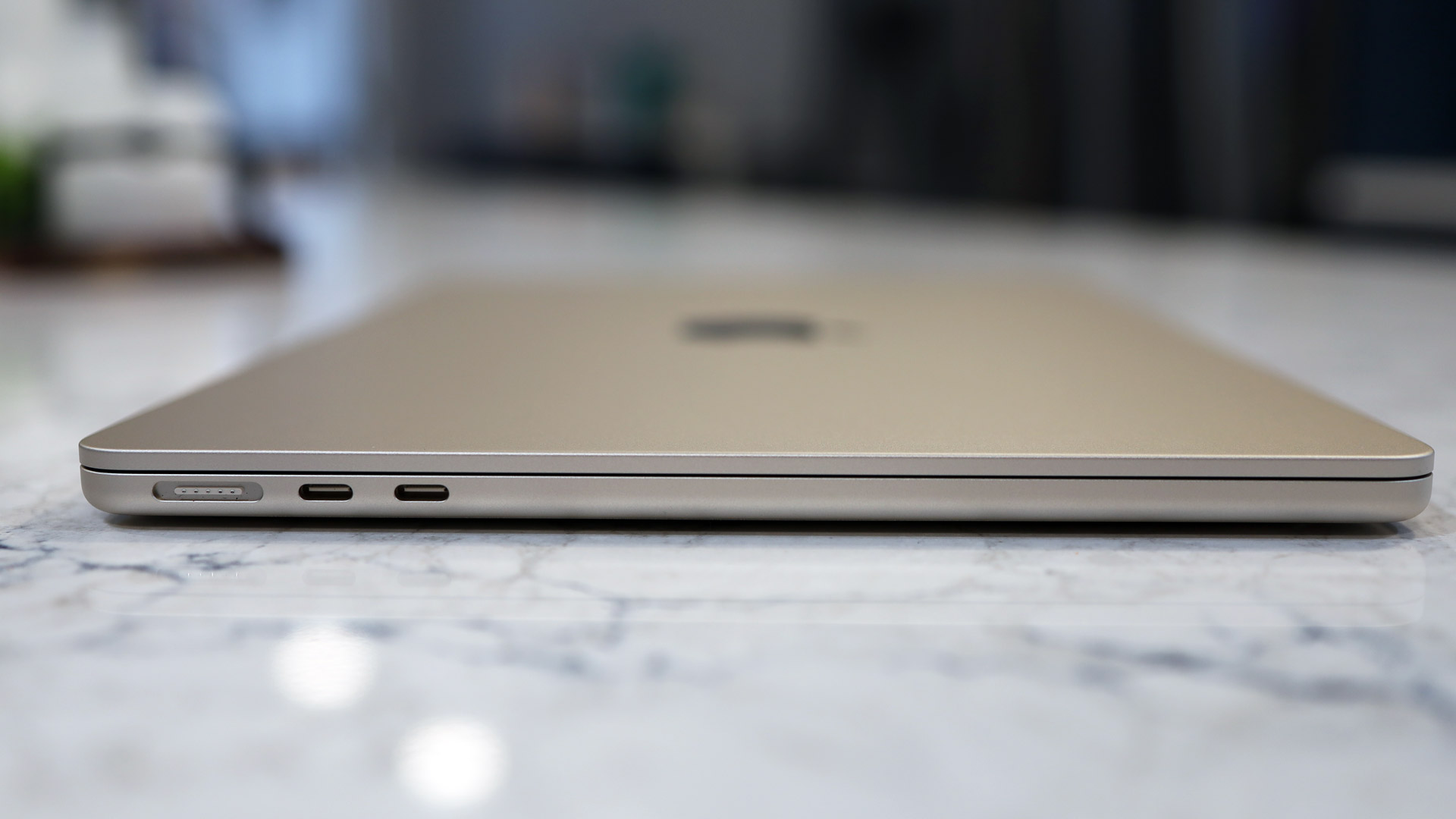
The M5 MacBook Air provides a level of performance that would have been reserved for "Pro" machines just two years ago. It combines the fanless, silent operation we love with a hardware architecture that finally addresses the bottlenecks of previous generations.
Design & Build: If It Ain’t Broke
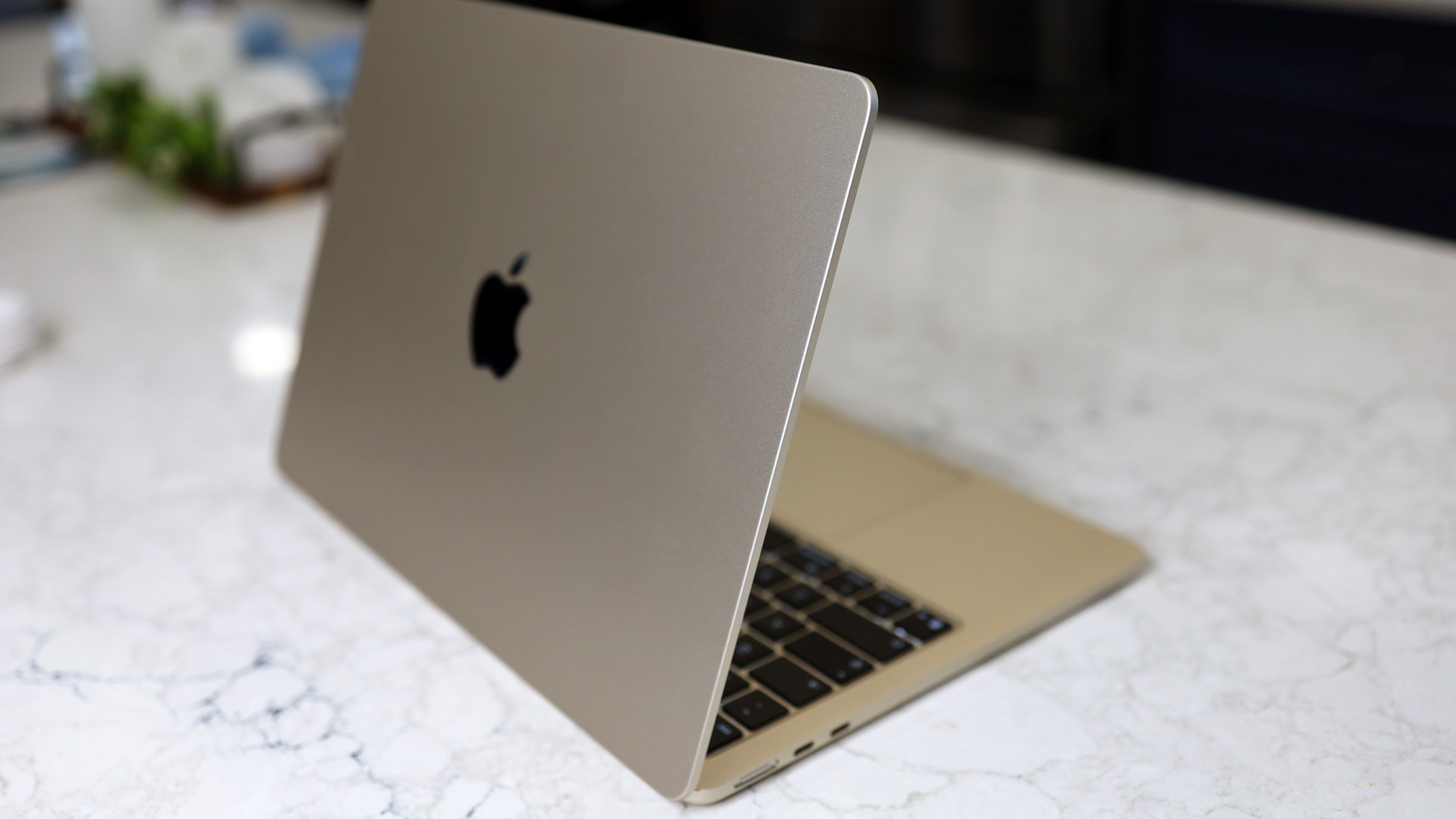
Apple has settled into a design language for the Air that feels nearly perfected. The 2026 model retains the flat, squared-off aluminum chassis that debuted with the M2, available in both the 13.6-inch and 15.3-inch sizes. It remains the gold standard for build quality in the ultrabook category; there is zero deck flex, and the "one-finger lift" for the lid is as smooth as ever.
The color palette remains sophisticated, though I’m particularly partial to the new Sky Blue. You still have the classics: Silver, Starlight, and the improved Midnight (which, thankfully, is much better at resisting fingerprints than the original iteration).
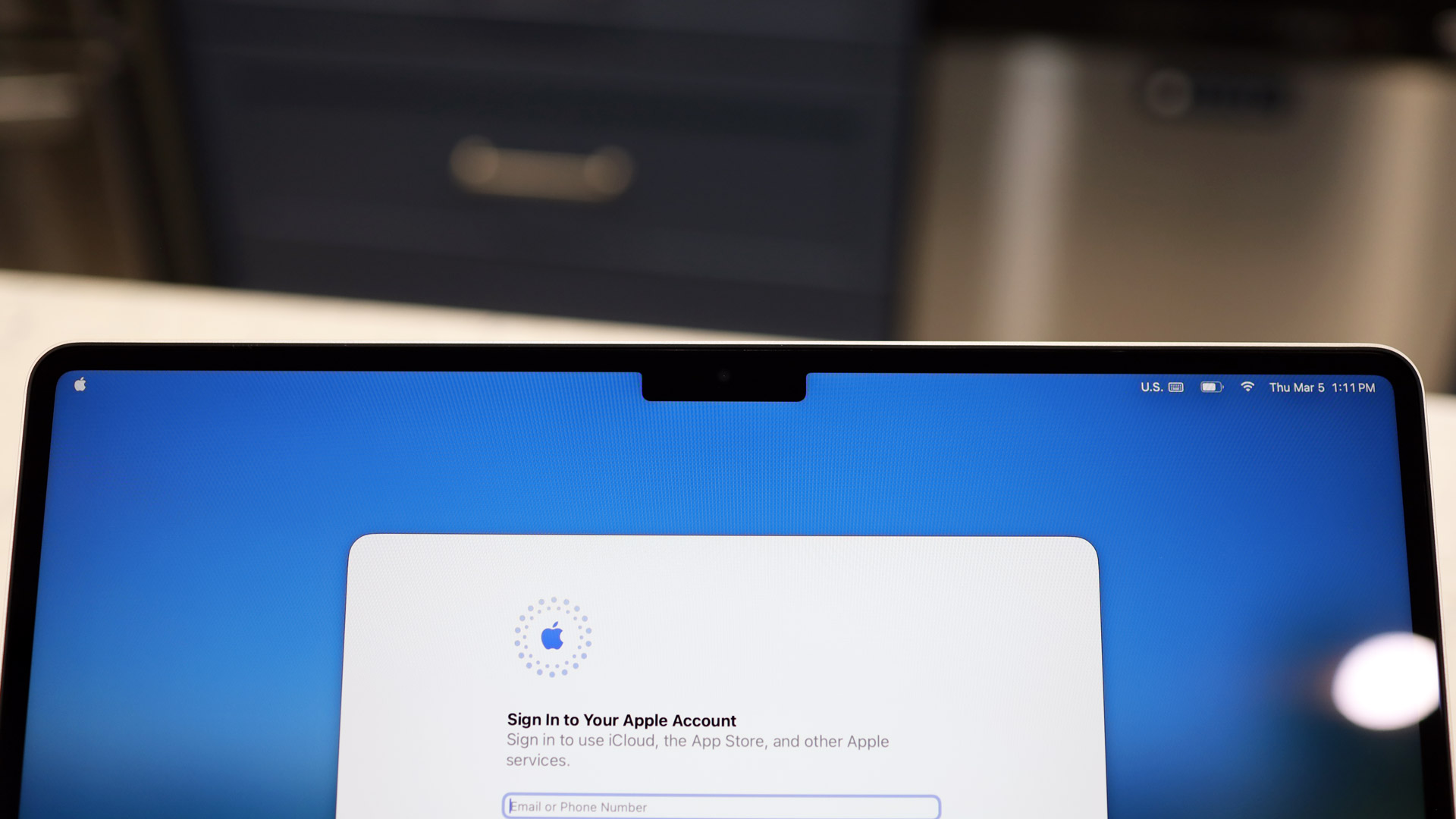
Port selection remains the one area where "Air" still means "Light." You get:
- 2x Thunderbolt 4 ports (both on the left side).
- MagSafe 3 charging port.
- 3.5mm headphone jack (with support for high-impedance headphones).
While I would love to see a USB-C port on the right side for charging flexibility, the chassis is simply too thin to accommodate much more without a complete redesign.
Performance: The Apple M5 Deep Dive
The real story of the 2026 MacBook Air is the M5 silicon. In previous years, the Air was often throttled by its memory bandwidth or SSD speeds. With the M5, Apple has finally opened the taps.
The M5 MacBook Air achieves a massive memory bandwidth of 153GB/s. To put that into perspective, that is a significant leap over previous entry-level models, allowing the unified memory to feed the CPU and GPU much faster. In real-world terms, this means that when you’re swapping between a 50-tab Chrome session, a VS Code environment, and a Lightroom export, the "beachball" cursor is virtually extinct.
Furthermore, the internal SSD speed of the 2026 M5 MacBook Air has doubled compared to the M4 generation, reaching approximately 6,740 MB/s. This drastically reduces file transfer times and allows massive applications to launch almost instantly.
M5 vs. M4 vs. MacBook Neo: Key Specs
| Feature | MacBook Neo (2026) | M5 MacBook Air | M4 MacBook Air (Prev) |
|---|---|---|---|
| Chipset | M3 (Modified) | M5 | M4 |
| Memory Bandwidth | 100GB/s | 153GB/s | 120GB/s |
| SSD Speed | ~3,000 MB/s | ~6,740 MB/s | ~3,300 MB/s |
| Wireless | Wi-Fi 6E | Wi-Fi 7 (N1 Chip) | Wi-Fi 6E |
| Cooling | Fanless | Fanless | Fanless |
| Starting Price | $799 | $1,199 | $1,099 (at launch) |
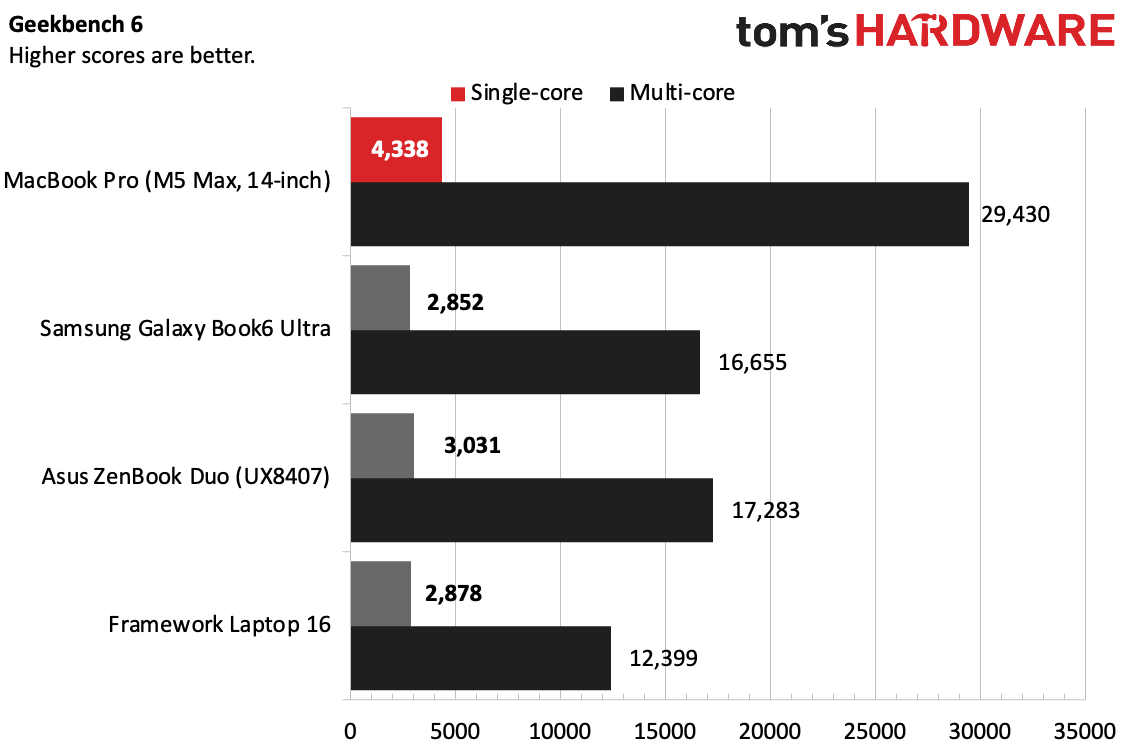
In my testing, the M5 chip delivers a 10% gain in single-core CPU tasks and a staggering 30% jump in GPU performance compared to the M4. The latter is largely due to the improved ray-tracing hardware, which makes the Air a surprisingly capable machine for 3D rendering and even some AAA gaming at 1080p.
But the most underrated upgrade is the N1 wireless chip. The M5 Air is one of the first Macs to fully integrate Wi-Fi 7, offering lower latency and higher throughput in congested environments. If you’re working in a modern office or a "smart" home with a Wi-Fi 7 router, the stability of the connection is noticeably superior.
Display & Multimedia: Liquid Retina Excellence
While we are still waiting for the day OLED makes its way to the Air, the Liquid Retina panel remains the best IPS display in the business. It offers 500 nits of peak brightness, which is plenty for working near a window, though it can still struggle in direct sunlight.
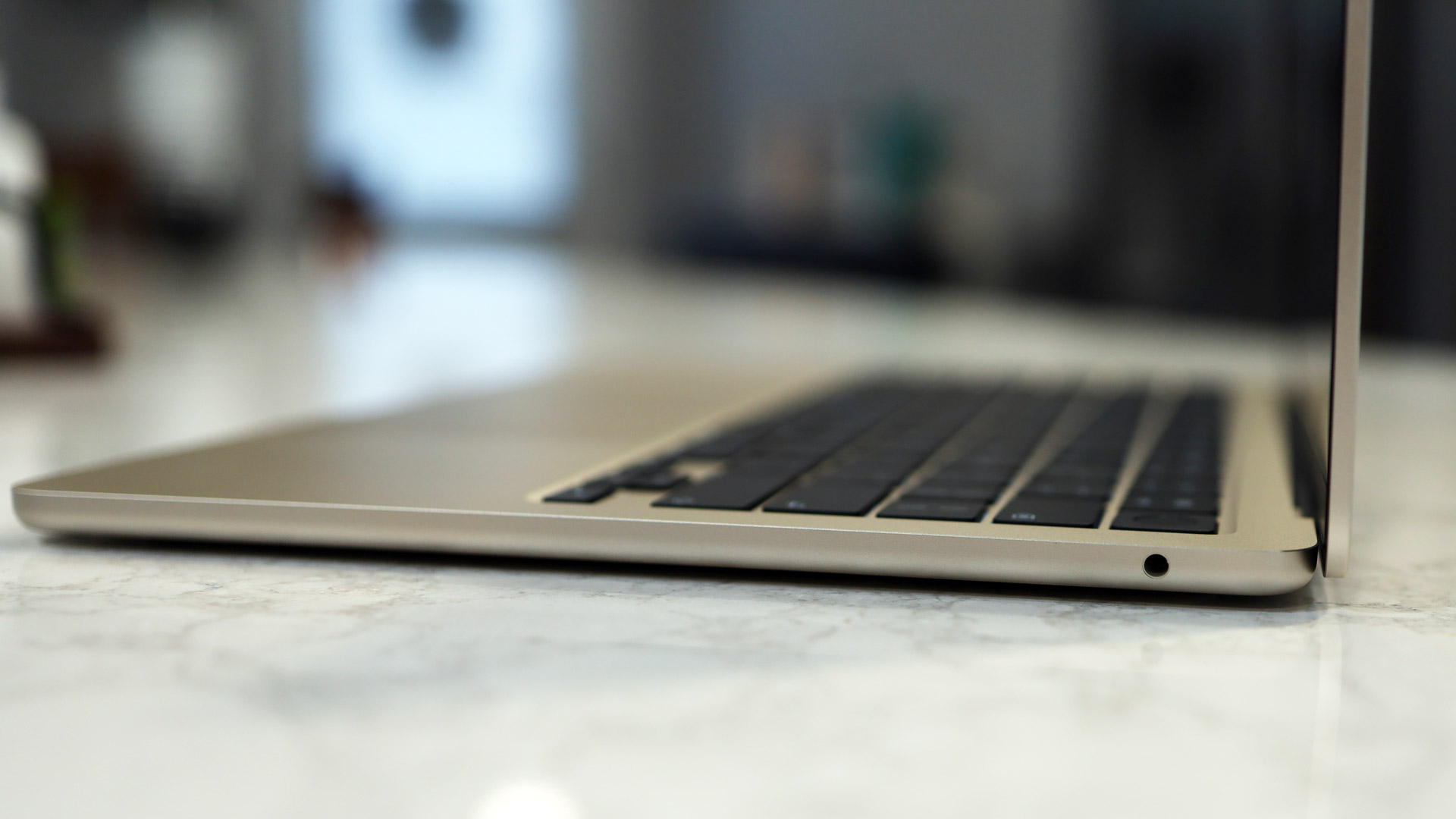
The 12MP Center Stage camera is a welcome carry-over from the latest Pro updates. It supports Desk View, which uses the wide-angle lens to show your workspace during a call—a godsend for tutors or designers showing off physical sketches.
The audio experience remains bifurcated:
- 13-inch Model: A solid four-speaker system that punches above its weight.
- 15-inch Model: A six-speaker system with force-canceling woofers that provides a genuinely immersive soundstage, almost making external speakers unnecessary for casual movie watching.
M5 MacBook Air vs. MacBook Neo: The $500 Question
The biggest question I get this year is: "Why should I buy the Air when the Neo is $500 cheaper?"
The MacBook Neo is a fantastic machine for students, writers, and casual users. However, it lacks the architectural "headroom" of the M5. The Neo uses a modified version of older silicon and slower storage. If your work involves compiling code, processing 4K video, or running local LLMs (Large Language Models), the Neo will eventually throttle.
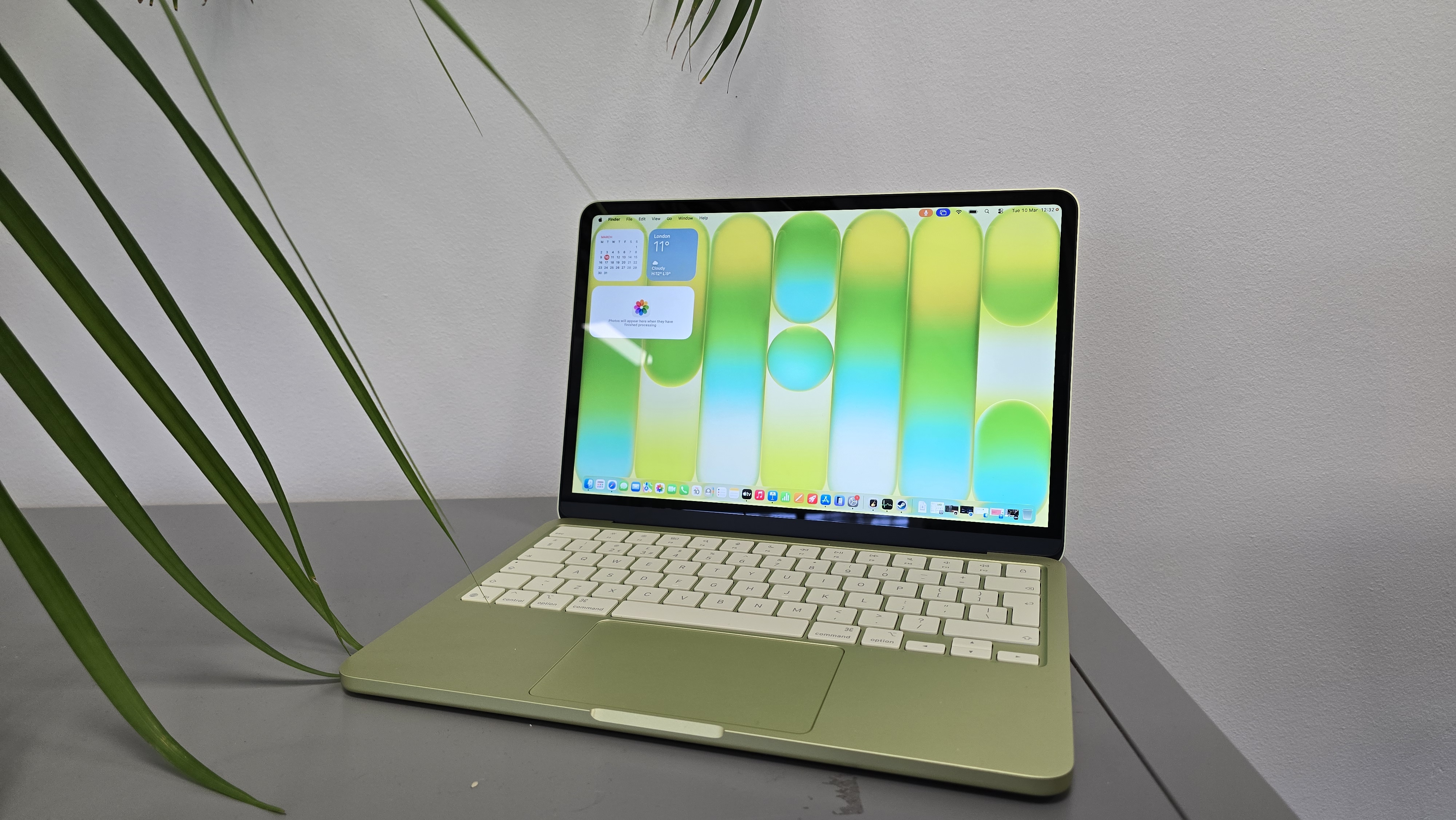
The M5 MacBook Air serves the vital middle ground. It provides the "burst" performance of a MacBook Pro without the bulk of a fan system. For a creative professional who spends 80% of their time in a browser or text editor and 20% doing heavy lifting, the Air is the "Goldilocks" choice—it’s just right.
The Competition: Windows Ultrabooks in 2026
The Windows world hasn't been standing still. The Dell XPS 14 (2026) remains the battery life king in the Windows ecosystem, and the Lenovo Yoga 9i offers a stunning OLED display that makes the Air’s IPS panel look a bit dated.
However, the "sticky" nature of the Apple ecosystem remains a massive draw. The seamless integration with iPhone (Mirroring), Apple Watch (Unlocking), and iPad (Sidecar) provides a workflow efficiency that Windows/Android combinations still haven't perfectly replicated. That said, Apple’s RAM pricing remains a point of contention—upgrading from the base memory still feels like a "premium tax" that Windows competitors don't levy as heavily.
Battery Life & Efficiency
Apple Silicon changed the game for battery expectations, and the M5 continues that legacy. The M5 MacBook Air offers up to 18 hours of real-world usage on a single charge. During my "Day in the Life" test—which includes heavy Slack usage, 15+ Chrome tabs, Spotify streaming, and occasional photo editing—I consistently ended a 9-to-5 workday with 35% battery remaining.
Charging is equally impressive. When using a 70W or faster power adapter, the M5 Air supports fast charging, reaching 50% capacity in approximately 30 minutes. This effectively eliminates "range anxiety" for digital nomads. Whether you are in a coffee shop or on a cross-country flight, the power-to-weight ratio here is unmatched.
Final Verdict: The New Premium Benchmark
The M5 MacBook Air 2026 is a statement piece. It signals that Apple is no longer content with the Air being "just enough." By doubling the SSD speeds and pushing the memory bandwidth to 153GB/s, Apple has created a fanless laptop that can legitimately handle professional workloads.
Pros:
- Incredible performance-to-weight ratio: The M5 chip is a beast for a fanless design.
- Silent operation: Zero noise, no matter how hard you push it.
- Future-proof wireless: Wi-Fi 7 via the N1 chip is a game-changer for longevity.
- Stunning build: The 15-inch model remains the best large-screen portable on the market.
Cons:
- No OLED option: While the Liquid Retina is great, competitors are moving to OLED.
- Port Variety: Two Thunderbolt ports can feel limiting for power users.
- Price Shift: It is no longer the "budget" option in the lineup.
Who should buy it? If you are a professional who needs a "take-anywhere" machine that doesn't sacrifice performance for portability, the M5 MacBook Air is the best ultrabook you can buy in 2026. However, if you only need a Mac for Netflix, email, and basic documents, save yourself $500 and look at the MacBook Neo.
FAQ
Q: Can the M5 MacBook Air handle 4K video editing? A: Yes, absolutely. Thanks to the 153GB/s memory bandwidth and the dedicated media engine in the M5 chip, it handles 4K ProRes footage smoothly. However, for long renders (over 30 minutes), the lack of a fan may cause slight thermal throttling compared to the MacBook Pro.
Q: Does the M5 Air support multiple external displays? A: Yes, the M5 MacBook Air supports up to two external displays even with the laptop lid open, a significant improvement over the base M1/M2 models of the past.
Q: Is the 15-inch model more powerful than the 13-inch? A: No, the internal specs (CPU/GPU/RAM) are identical. The 15-inch model simply offers more screen real estate, a larger trackpad, and a more robust six-speaker sound system.