Over the last fifteen years, my briefcase has played host to eight different tablets. I have transitioned from the original iPad’s "enlarged iPhone" aesthetic to the sprawling, high-refresh-rate canvases of the modern era. I have chased the dream of the "laptop killer" across three continents, testing these devices in airport lounges, high-speed rail cabins, and hotel suites from Tokyo to Zurich. Yet, after thousands of hours of testing and an embarrassing amount of capital invested in keyboards and styluses, I have reached a definitive, if frustrating, conclusion: the perfect tablet does not exist.
The primary reason for this persistent failure is a fundamental misalignment between hardware and software. We are currently living in an era where the silicon has outpaced the interface. On one side of the fence, Apple’s iPad Pro offers industry-leading M5 silicon that rivals professional-grade desktop computers, yet it remains tethered to iPadOS—a mobile-first operating system that often treats file management as an afterthought. On the other side, Samsung’s Galaxy Tab S11 Ultra offers a masterclass in multitasking software and window management, but it frequently lacks the raw, optimized horsepower found in Apple’s ecosystem. This structural dichotomy ensures that no matter which device you buy, you are making a significant compromise.

Apple’s iPad Pro M5: A Lamborghini Without a Highway
To hold the 2026 iPad Pro M5 is to witness a marvel of modern engineering. Apple has managed to shave the chassis down to a staggering 0.20 inches. It is so thin that it feels less like a computer and more like a pane of glass that happens to contain the most powerful mobile processor on the planet. The M5 chip’s single-thread benchmarks are, quite frankly, absurd. In my testing, it handles 8K video streams and complex 3D renders with a nonchalance that would make a MacBook Pro blush.
The centerpiece, however, remains the tandem OLED display. By layering two OLED panels, Apple achieves a level of brightness and color accuracy that is essential for professional creators. Whether you are grading HDR footage or illustrating a high-resolution mural, the visual fidelity is unmatched in the mobile space.
The Pros and Cons of the M5 iPad Pro:
- Pros: Unrivaled M5 performance; the industry’s best display tech; incredible 8-hour and 11-minute battery life under professional workloads; deep integration with the creative "Pro" app ecosystem (Final Cut Pro, Logic Pro).
- Cons: iPadOS 26 still lacks a true desktop-class file system; Stage Manager remains a polarizing solution for window management; the combined price of the tablet and Magic Keyboard exceeds many high-end laptops.
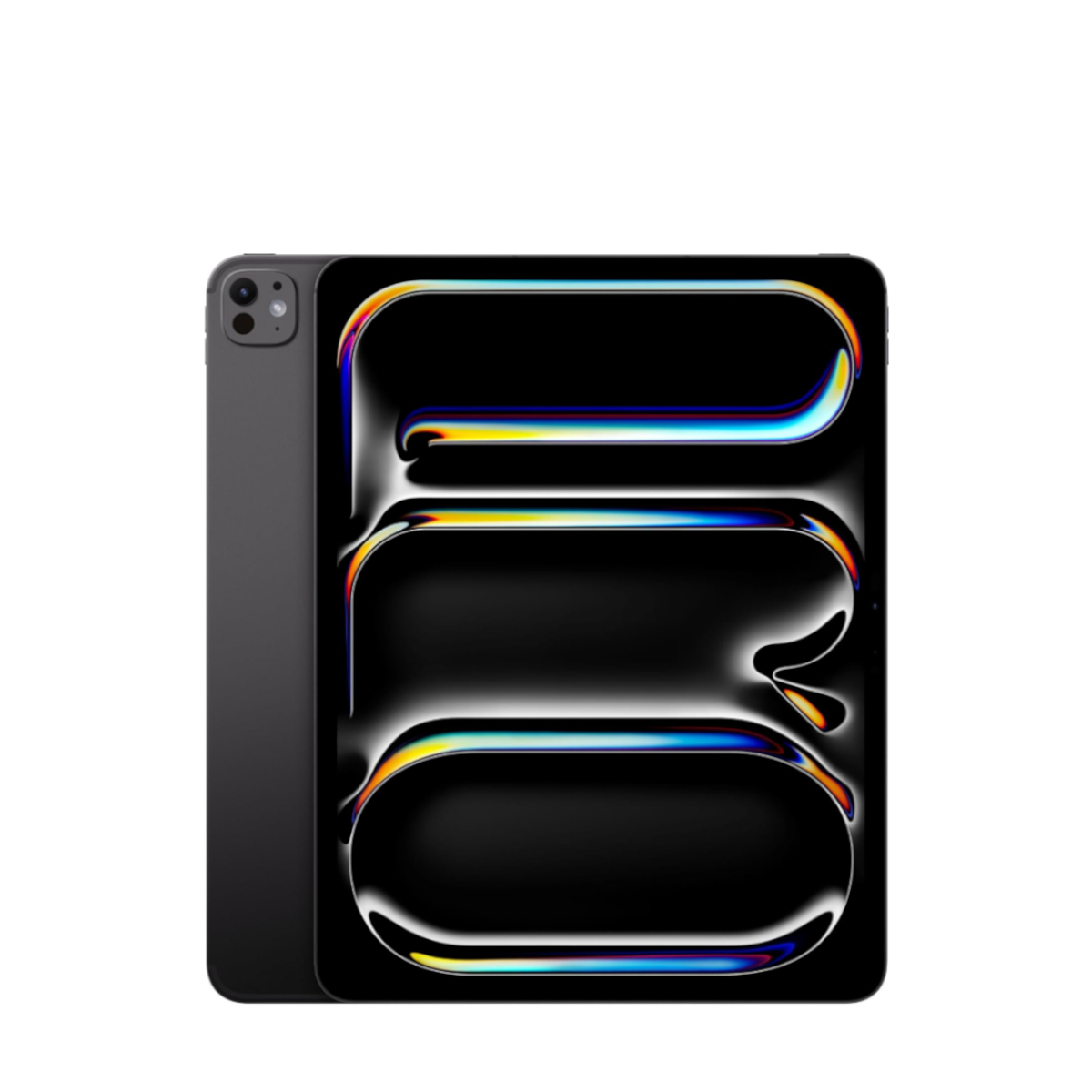
Despite this hardware prowess, the "software bottleneck" is real. iPadOS 26, for all its incremental improvements, still feels like a straitjacket for power users. Trying to manage a complex folder structure or execute background tasks that are second nature on a Mac remains a convoluted process. For the professional media creator, the iPad Pro is the top choice because of its hardware, but the workflow often feels like driving a Lamborghini in a 20-mph school zone. The power is there, but the environment won't let you use it.
Samsung’s Galaxy Tab S11 Ultra: The Productivity King Lacking the Throne
If Apple’s failure is in its software philosophy, Samsung’s challenge lies in its hardware optimization. The Galaxy Tab S11 Ultra is a behemoth. With a massive 14.6-inch display featuring a 2,960-by-1,848 resolution, it offers more screen real estate than many ultraportable laptops. This is where the "productivity king" title comes from—not just because of the size, but because of how Samsung allows you to use it.
Samsung’s One UI 8 and the matured DeX mode are objectively superior to Apple’s Stage Manager for traditional productivity. DeX transforms the tablet into a desktop-like environment, complete with a taskbar, resizable windows, and a file management system that actually feels like a PC. For someone who needs to balance multiple spreadsheets, a Slack window, and a research browser simultaneously, the S11 Ultra is the superior tool.
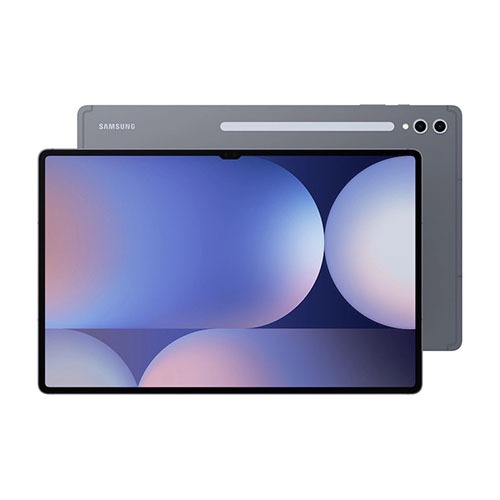
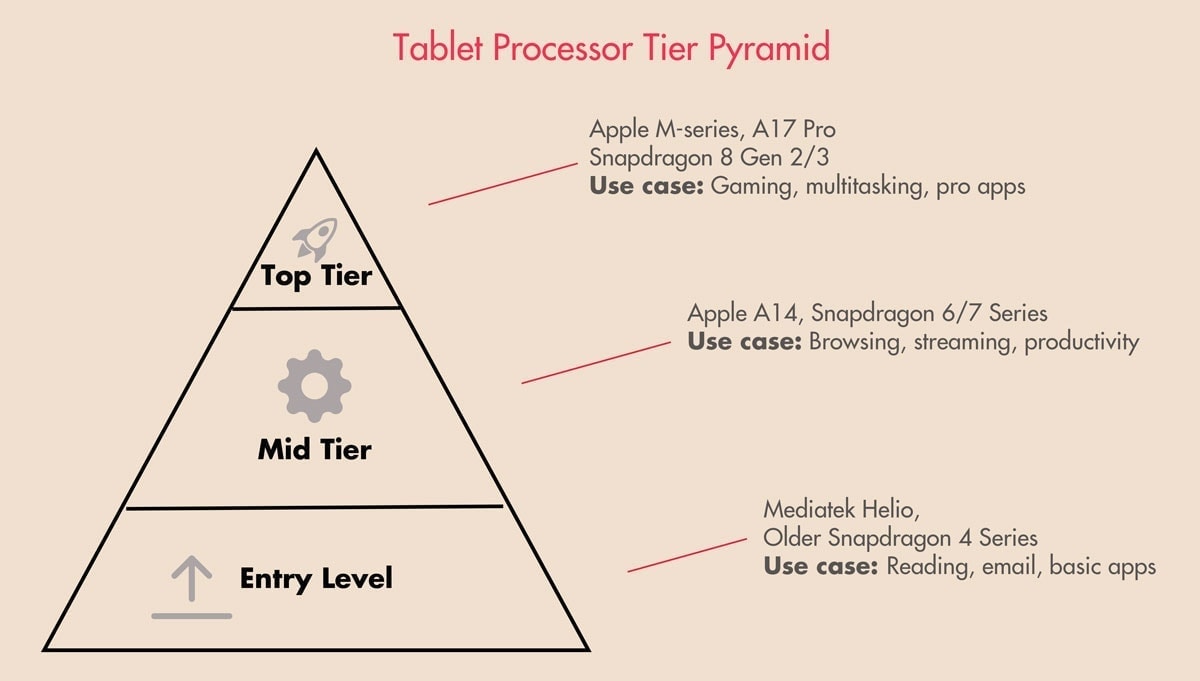
However, the hardware remains a step behind. The MediaTek Dimensity 9400+ chip is a high-end performer, certainly capable of high-end productivity workflows and gaming. But when placed next to the M5, the performance gap in specialized tasks like video encoding or heavy AI processing is noticeable. Furthermore, the Android app ecosystem still lacks the "Pro" grade software optimization found on the iPad. While Galaxy AI and Microsoft Office integration are seamless, creative suites like the Adobe collection often feel like scaled-up phone apps rather than dedicated tablet tools.
The Pros and Cons of the Galaxy Tab S11 Ultra:
- Pros: DeX mode offers the best multitasking experience on a tablet; the 14.6-inch AMOLED screen is a productivity powerhouse; S Pen is included in the box; excellent price-to-performance ratio.
- Cons: Dimensity 9400+ chip falls short of M-series benchmarks; Android app developers still lag behind in tablet optimization; the massive footprint makes it less portable for casual use.
Head-to-Head: 2026’s Top Slates Compared
To understand why the "perfect" device remains elusive, one must look at the specifications. While the iPad wins on raw power and display engineering, the Samsung wins on utility and screen real estate.
| Feature | iPad Pro 13-inch (M5) | Galaxy Tab S11 Ultra |
|---|---|---|
| CPU | Apple M5 (8-core/10-core) | MediaTek Dimensity 9400+ |
| Display | 13" Tandem OLED (ProMotion) | 14.6" Dynamic AMOLED 2X |
| Resolution | 2752 x 2064 | 2960 x 1848 |
| Thickness | 0.20 inches (5.1 mm) | 0.21 inches (5.5 mm) |
| Battery Life | 8h 11m (Professional Testing) | ~9h 30m (Productivity Testing) |
| Primary OS | iPadOS 26 | Android 16 / One UI 8 |
| Desktop Mode | Stage Manager | Samsung DeX |
In my real-world usage—shuttling between meetings in Manhattan and long-haul flights to London—the battery life is a critical differentiator. The iPad Pro M5’s 8-hour and 11-minute endurance is respectable given its 0.20-inch profile, but for a "laptop replacement," it often requires a mid-day top-off if you're pushing the M5 chip with creative apps. The S11 Ultra, aided by the efficiency of the Dimensity 9400+ and a larger internal volume for the battery, often stretches further into the evening, though its sheer size makes it awkward to use on a standard economy-class tray table.
The Future: A Convergence of Two Worlds
Is there hope for a perfect device? The industry's most promising direction lies in the convergence of ChromeOS and Android. Google has been quietly working to bring desktop-class productivity and window management to the mobile-first Android ecosystem. If Samsung can leverage a "hybrid" OS that offers the security and app library of Android with the windowing power of ChromeOS, they might finally corner the market.
Conversely, the ball is in Apple's court to "unleash" the iPad. Every year, critics like myself call for a "Pro Mode" or a macOS Lite for the iPad Pro. Apple’s stubbornness in maintaining a walled garden is the only thing preventing the iPad Pro M5 from being the undisputed perfect tablet. They have built the world's best hardware, but they refuse to give us the keys to the engine.
Conclusion: Learning to Love the Imperfect
Ultimately, choosing between these two titans requires an honest assessment of your own "User Persona."
- The Pure Creator: If your life revolves around Procreate, Final Cut, or high-end photography, the iPad Pro M5 is your tool. You will endure the file management headaches because the tandem OLED and M5 performance are worth the friction.
- The Mobile Executive: If your day is spent in multi-window multitasking, heavy document editing, and remote desktop sessions, the Galaxy Tab S11 Ultra is the superior machine. The software allows you to work faster, even if the processor is theoretically slower.
Perfection might be a mirage, but for most of us, "excellent but flawed" is a compromise we can live with. Sometimes, the "perfect" tablet isn't the one with the highest benchmarks, but the one that fits into the specific gaps of your daily life.
FAQ
Can the iPad Pro M5 truly replace a MacBook? Only if your workflow is entirely contained within optimized apps like LumaFusion or the Adobe Suite. If you rely on specialized browser extensions, complex background processes, or multiple external monitors with different desktop layouts, the MacBook remains the more capable tool.
Is the MediaTek Dimensity 9400+ fast enough for gaming? Absolutely. While it doesn't match the M5's peak benchmarks, it handles every major Android title at maximum settings. The primary bottleneck for Android gaming remains developer optimization, not the raw power of the Samsung hardware.
Which tablet has better resale value? Historically, Apple devices retain their value significantly better than Android tablets. If you plan to upgrade every 12–18 months, the iPad Pro is the more financially sound investment.
Are you ready to upgrade your mobile workflow?