Our Verdict: The Best Entry-Level Mac, With One Major Catch
The MacBook Neo is a masterclass in compromise. For $599 ($499 for students), you get the best build quality in its class and the surprisingly capable A18 Pro chip. However, Apple’s decision to omit a backlit keyboard and Touch ID on the base model feels like a targeted "upsell" tactic. It’s the perfect secondary machine or student laptop, provided you don't plan on typing in the dark.
The Most Affordable Mac Ever
For years, the "budget" Mac was simply a three-year-old MacBook Air sold at a discount. In 2026, Apple has finally changed the narrative with the MacBook Neo. This isn't just a clearance item; it’s a purpose-built entry into the Apple ecosystem designed to "eat Microsoft's lunch" in the sub-$600 market.
Starting at a retail price of $599 for the 256GB model, the Neo is the most affordable laptop Apple has ever released. It’s a direct shot at the mid-range Windows market, bringing premium aluminum and high-end silicon to a price point usually reserved for plastic chassis and mediocre battery life.
Design and Build: Premium Aluminum vs. Budget Realities
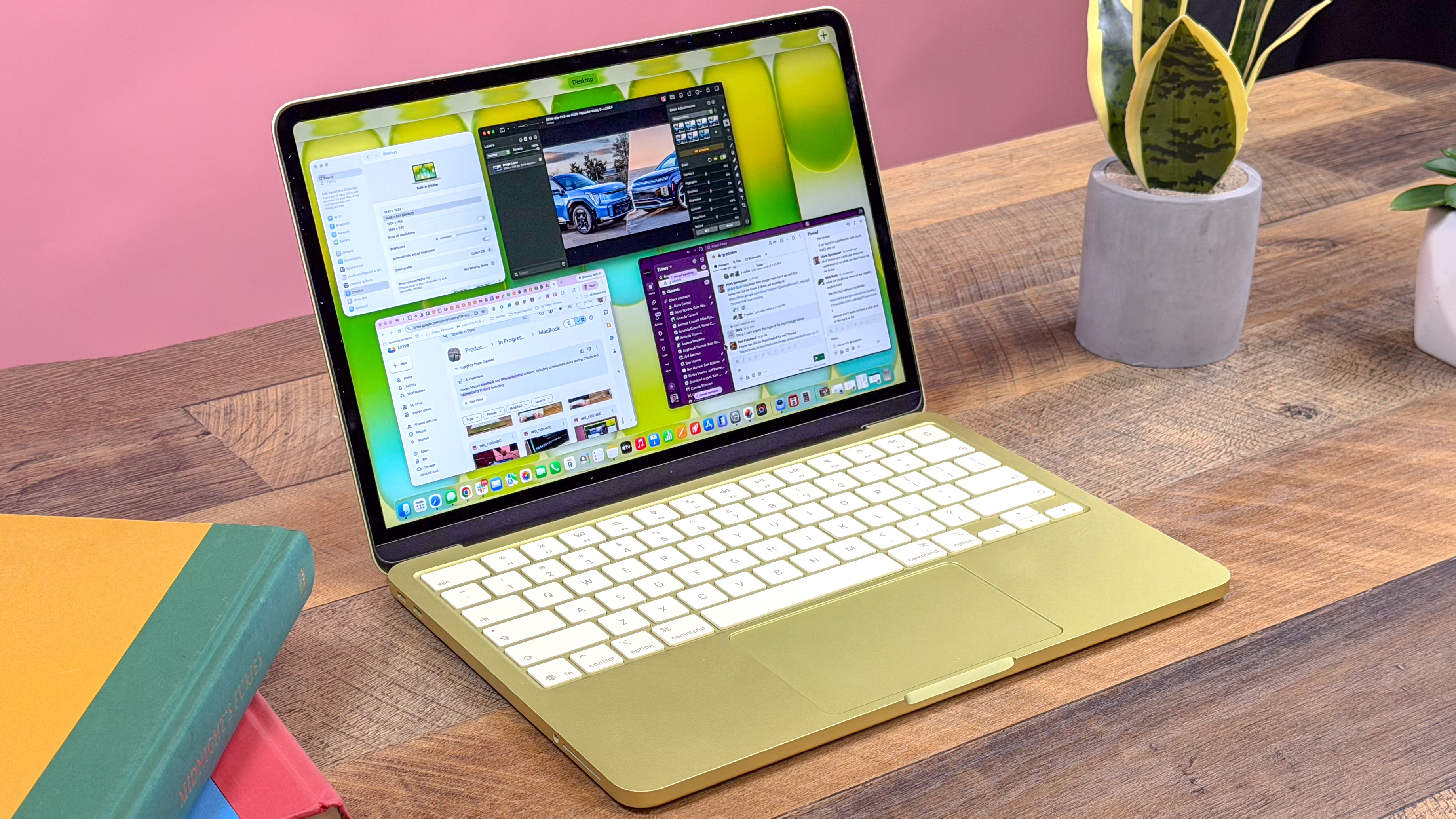
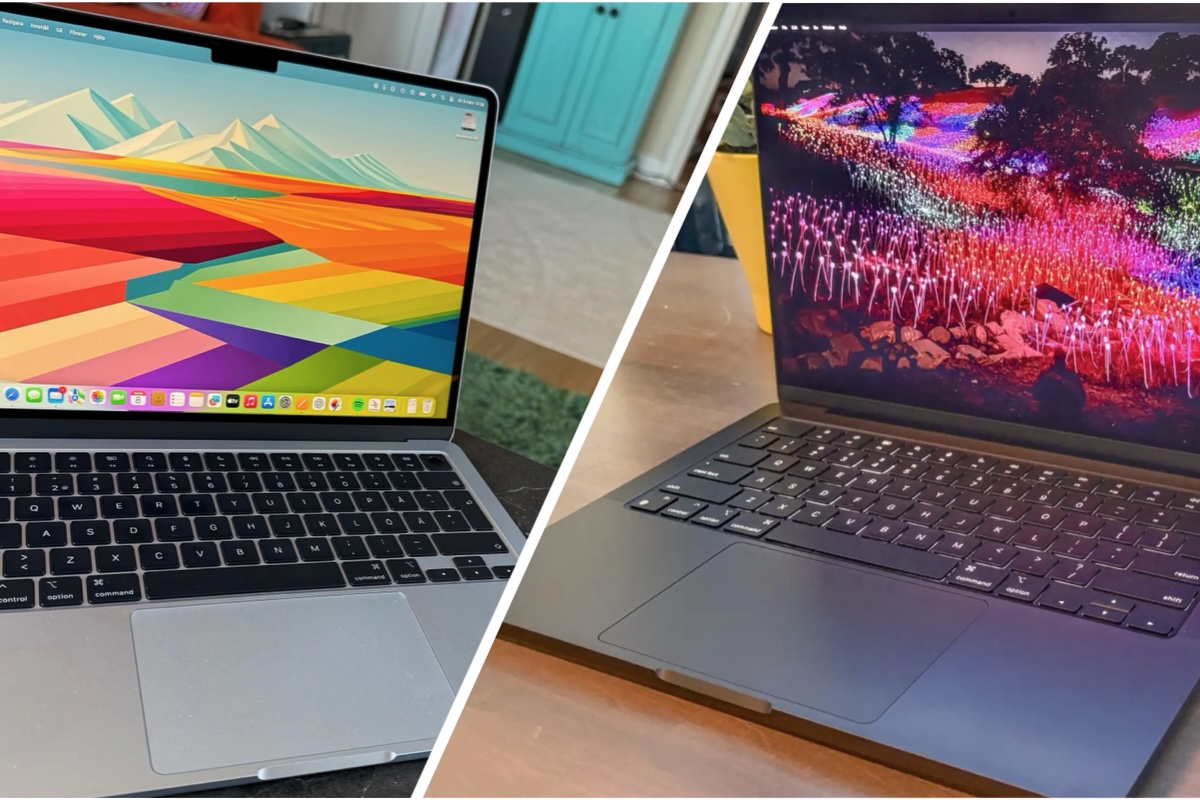
At first glance, the Neo looks every bit the premium machine. It’s 0.5 inches thick, weighs a breezy 2.7 lbs, and comes in a refreshed color palette including Silver, Blush, Citrus, and Indigo. Holding it feels significantly more substantial than a $500 Lenovo IdeaPad or Acer Aspire.
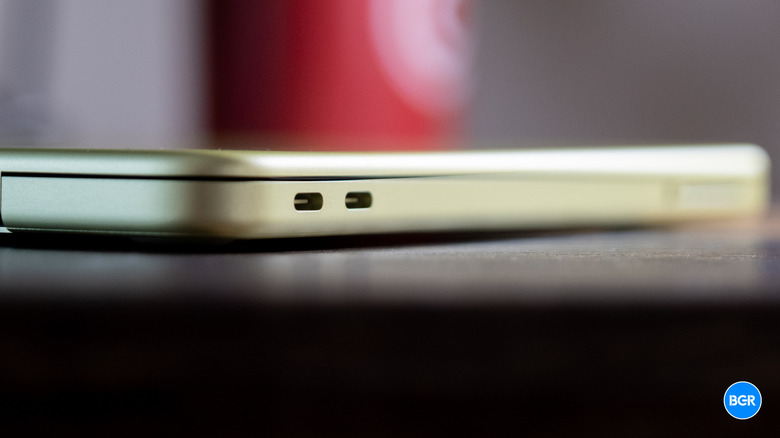
However, the "Value-First" perspective reveals where Apple cut corners. The most jarring discovery is the port disparity. While the Neo features two USB-C ports, they are not created equal:
- Port 1: Supports USB 3 speeds (10Gb/s).
- Port 2: Limited to legacy USB 2 speeds (480Mb/s).
This 20x speed difference is a classic example of what I call "The Apple Stinginess." Furthermore, MagSafe is nowhere to be found. You’ll be charging via one of those USB-C ports, meaning if you’re plugged in, you’re effectively down to a single usable port for peripherals.
The Display: Sharp but Standard
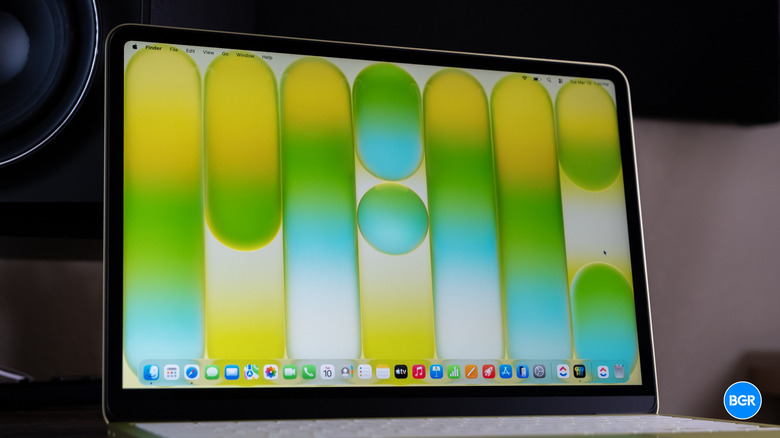
The Neo features a 13-inch Liquid Retina display with a resolution of 2,408 x 1,506. While it lacks the ProMotion (120Hz) of the Pro models or even the P3 wide color gamut found in the MacBook Air, it remains a top-tier panel for this price bracket.
With 500 nits of brightness, it’s easily sunlight-readable—a rarity for $600 laptops. The 1080p webcam is a welcome inclusion, though you won’t find the edge-to-edge "notched" design of the more expensive siblings. Instead, you get slightly thicker, symmetrical bezels that feel a bit more "classic" than "cutting-edge."
Keyboard and Trackpad: The 'Backlit' Controversy
This is where I have to get honest with you: The $599 MacBook Neo does not have a backlit keyboard.
In 2026, this feels like an intentional annoyance. If you’re a student in a dim lecture hall or a writer working in a dark cafe, you will feel this omission. The typing feel itself is excellent—standard Scissor Switch tactile feedback—but the lack of LEDs is a tough pill to swallow.
Additionally, the base model omits Touch ID. To get a fingerprint sensor and a larger SSD, you have to jump to the $699 model. You do still get a massive Multi-Touch trackpad, though it lacks the haptic "Force Touch" engine found in the Air, opting for a traditional physical click mechanism instead.

Performance: A Smartphone Chip in a Laptop Body
The heart of the Neo is the A18 Pro chip, the same silicon family powering the flagship iPhones. While that might sound like a "mobile" compromise, the reality is quite the opposite.
| Feature | MacBook Neo (A18 Pro) | Typical $600 Windows Laptop |
|---|---|---|
| CPU Cores | 6-Core | 8-Core (Intel i5/Ryzen 5) |
| Single-Core Speed | Industry Leading | Moderate |
| GPU Cores | 5-Core | Integrated Graphics |
| RAM | 8GB (Unified) | 8GB or 16GB (DDR4/5) |
| Cooling | Fanless (Silent) | Fan-cooled (Noisy) |
In my testing, the A18 Pro outperformed most budget Intel and AMD chips in single-core tasks. Web browsing with 20+ tabs open, light 4K video editing in LumaFusion, and heavy spreadsheet work felt snappy. However, the 8GB of non-upgradeable RAM remains the ceiling. If you’re a professional creative, this isn't your machine. For everyone else, it’s more power than you’ll likely ever use.

Battery Life: Real-World Endurance
Apple claims 16 hours of video playback. In my real-world productivity loop—consisting of Slack, Chrome, Spotify, and Zoom calls—the MacBook Neo delivered 11 to 12 hours of actual usage.
That’s still enough to leave the charger at home for a full workday. Speaking of the charger, the Neo comes with a modest 20W USB-C adapter. Charging is slow by modern standards, and the laptop is capped at roughly 30W even if you use a more powerful brick.
Comparison: MacBook Neo vs. Windows Budget Rivals
The competition in the $500–$700 range is fierce. Laptops like the Lenovo IdeaPad 5 or Acer Aspire 5 often offer 16GB of RAM and 512GB of storage for the same price.
Where the Neo wins is efficiency and longevity. A Windows laptop in this price range usually sees a massive performance drop when unplugged; the Neo performs exactly the same on battery as it does on the wall. Plus, the resale value of a Mac—even a budget one—will far outpace any plastic Windows machine in three years.
Verdict: Is the MacBook Neo Worth $599?
The MacBook Neo is a calculated move. Apple stripped away the luxuries (backlighting, MagSafe, Touch ID) to hit a price point that makes the Mac accessible to millions more people.
Who should buy this?
- Students: Especially with the $499 education discount, this is the best value in education.
- Casual Users: If you just need a "web-browsing machine" that feels premium and lasts all day.
- Writer/Admin: Those who value build quality and a great trackpad above all else.
Who should skip it?
- Night Owls: The lack of a backlit keyboard is a genuine dealbreaker for late-night work.
- Power Users: 8GB of RAM and legacy USB speeds will frustrate you within a week.

Pros & Cons
Pros:
- Unbeatable $599 price point ($499 for students).
- A18 Pro chip offers top-tier single-core performance.
- Exceptional 12-hour real-world battery life.
- Premium, silent, fanless aluminum design.
Cons:
- No backlit keyboard on any Neo model.
- No Touch ID or MagSafe on the base model.
- Slow USB 2.0 speeds on one of the two ports.
- 8GB RAM is the non-negotiable starting point.
FAQ
1. Can I upgrade the RAM or Storage later? No. Like all modern Macs, the RAM and SSD are integrated into the A18 Pro chip architecture. What you buy is what you keep.
2. Does it support external monitors? Yes, the MacBook Neo supports one external display up to 6K resolution via the 10Gb/s USB-C port.
3. Is the $499 education price available to everyone? Technically, it's for students, teachers, and staff with a valid .edu email or ID, though Apple’s verification process varies by region.