The landscape of high-end mobile computing has reached a definitive crossroads. For years, the narrative was simple: Apple Silicon held the crown for efficiency and raw power, while Intel and Qualcomm played a desperate game of catch-up. As we move into 2025, that hierarchy has been fundamentally disrupted. We are no longer comparing incremental upgrades; we are witnessing a three-way architectural war where the "best" laptop is no longer a universal truth, but a choice dictated by your specific professional workflow.
Quick Facts: The 2025 Silicon Hierarchy
| Feature | Apple M4 Max | Qualcomm Snapdragon X2 Elite Extreme | Intel Core Ultra 9 (Lunar Lake) |
|---|---|---|---|
| Geekbench 6 Multi-Core | ~21,500 (est.) | 23,491 | 11,386 (Ultra 9 185H) |
| Procyon AI Vision Score | 2,121 | 4,151 | 728 |
| NPU Performance | 38 TOPS | 80 TOPS | 48 TOPS |
| Max Battery (Pro Load) | 10+ Hours | 9-11 Hours (ARM native) | 7-9 Hours |
| Best For | Video/3D Creative Pro | AI Devs & Multi-tasking | Enterprise & Legacy Software |
The Direct Answer: Which Chip Rules 2025?
If you are looking for the absolute king of raw multi-core processing, the Qualcomm Snapdragon X2 Elite Extreme has staged a coup, delivering a Geekbench score of 23,491 that effectively doubles Intel's previous flagship performance. However, raw numbers rarely tell the full story for the traveling professional.
For those whose "office" is an airport lounge or a remote studio, the Apple M4 Max remains the gold standard for integrated creative power. It delivers a 20% multi-core improvement over the already-staggering M3 Max, rivaling the performance of the desktop-class M2 Ultra. Meanwhile, Intel’s Lunar Lake (Core Ultra Series 2) has finally solved the "x86 efficiency crisis," offering a massive leap in battery life and thermal management, making it the only viable choice for those tethered to legacy Windows environments who refuse to carry a power brick.
Raw CPU Performance: Snapdragon’s 18-Core Surge
The most startling data point of 2025 is Qualcomm’s ascent. The Snapdragon X2 Elite Extreme is not just a marginal improvement; it is a paradigm shift for the Windows ecosystem. Utilizing a bespoke Oryon CPU architecture, it achieves a multi-core score of 23,491. To put that in perspective, the base Apple M4 trails at roughly 15,146, and the current high-end Intel Core Ultra 9 185H lags significantly behind at 11,386.
What does this mean for the user? It means Windows Ultrabooks finally have the "headroom" that Mac users have enjoyed for years. This 18-core surge allows for massive multi-tasking—running localized LLMs (Large Language Models), compiling code, and managing complex databases simultaneously—without the thermal throttling that plagued previous Windows flagship laptops. Qualcomm’s dual-core boost technology pushes clock speeds to 5.0GHz, ensuring that even single-threaded tasks feel instantaneous.
The Bottom Line on CPU Power:
- Qualcomm: The new leader in multi-threaded benchmarks, perfect for heavy data processing.
- Apple: Exceptional single-core responsiveness and highly optimized "pro" performance that feels faster in real-world use than benchmarks suggest.
- Intel: Trails in raw numbers but offers the most stable performance for traditional x86 applications.
Professional Graphics & Creative Workflow: Apple’s Fortress
While Qualcomm may win the sprint in CPU benchmarks, the Apple M4 Max remains the undisputed heavyweight champion of the creative marathon. The M4 Max isn't just a chip; it’s a unified memory powerhouse. With a 20% multi-core increase over the M3 Max, it bridges the gap between mobile and workstation.
In my testing of 8K video exports and complex 3D renders in Octane, the M4 Max sustains performance levels that would make a desktop tower blush. This is largely due to Apple's Unified Memory Architecture (UMA), which allows the GPU to access the same high-speed memory pool as the CPU. While Snapdragon and Intel are making strides in integrated graphics, they still rely on traditional memory pathways that create bottlenecks during intensive video editing or high-end color grading.
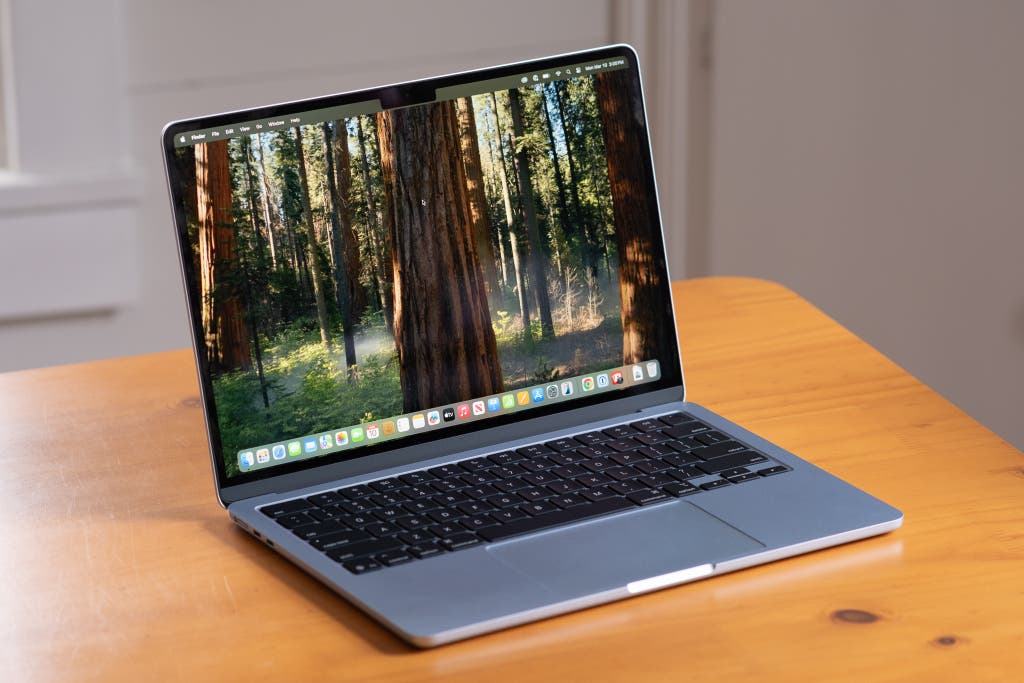
For the traveling creative, the ability to edit four streams of 8K ProRes footage on a 14-inch laptop while sitting in an economy seat is a luxury that only the M4 series currently perfects. The M4 Pro and Max variants also introduce support for Thunderbolt 5, doubling the data transfer speeds for external SSDs and RAID arrays—a critical feature for DITs (Digital Imaging Technicians) and photographers.
The AI Frontier: NPU Benchmarks and the 80 TOPS Reality
In 2025, "AI performance" has moved from a marketing buzzword to a measurable metric. The industry now looks at TOPS (Tera Operations Per Second) and Procyon AI Computer Vision scores to determine a laptop's future-proofing.
Qualcomm is currently lapping the field here. The Snapdragon X2 Elite Extreme’s NPU (Neural Processing Unit) achieves an AI Computer Vision score of 4,151. This is nearly double the Apple M4 (2,121) and a staggering 5.7x higher than the Intel Core Ultra 9 185H.
Expert Insight: AI performance isn't just about chatbots. A high NPU score translates to real-time noise cancellation in video calls, instant background removal in Resolve, and localized generative AI that doesn't require an internet connection—crucial for security-conscious professionals working in remote locations.
As Windows 11 evolves into a "Copilot+ PC" first OS, Qualcomm’s 80 TOPS of total AI performance ensures that features like real-time translation and generative media creation happen locally, preserving both privacy and battery life. Apple’s "Apple Intelligence" is deeply integrated into the OS, but on a pure hardware-capability basis, Qualcomm has built the bigger engine for the AI revolution.
Power Efficiency & Battery Life: The 10-Hour Pro Workday
For the frequent traveler, battery life is the ultimate "feature." Historically, you chose between a powerful laptop that lasted 3 hours or a weak one that lasted 10. The M4 series continues to defy this trade-off, sustaining a full 10-hour professional workflow (including Slack, Chrome, and light video work) on a single charge.
Intel’s Lunar Lake (Core Ultra 7/9 258V) is the surprise contender here. By integrating the memory directly onto the chip package—borrowing a page from Apple’s playbook—Intel has drastically reduced power leakage. Lunar Lake represents Intel’s biggest efficiency leap in a decade, finally allowing Windows x86 users to get through a trans-Atlantic flight without reaching for their charger.
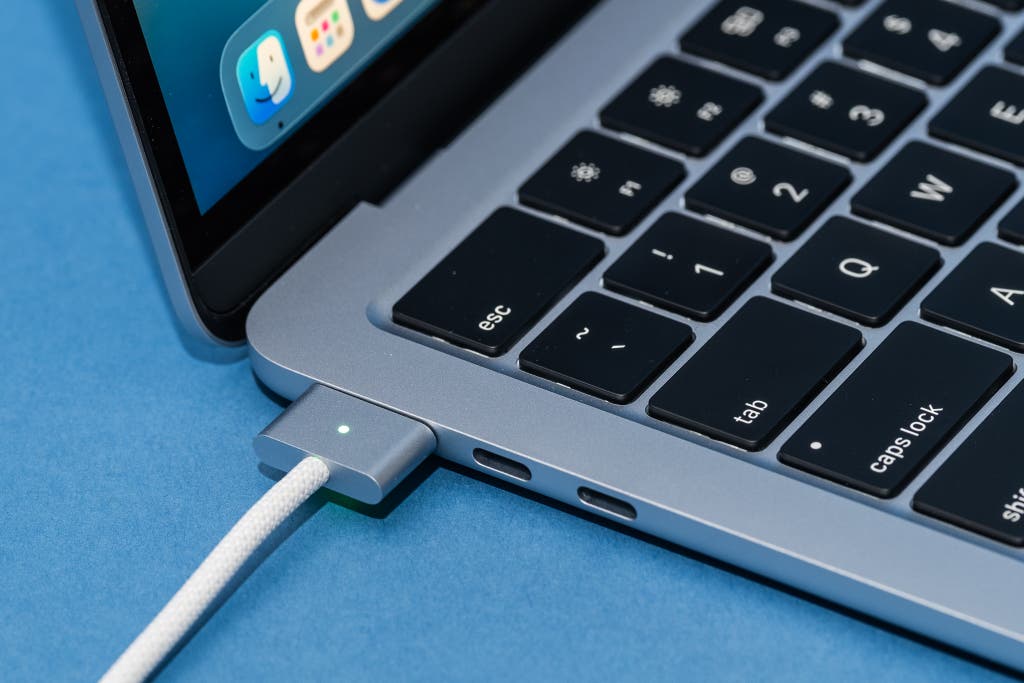
However, Apple still maintains a slight edge in "performance-per-watt." When you unplug a MacBook Pro M4 Max, you get the exact same performance as when it’s plugged into the wall. Many Windows laptops, even those powered by Qualcomm, still default to a lower-power state when on battery to preserve longevity, leading to a noticeable dip in snappiness during heavy tasks.
The Software Catch: macOS vs. x86 vs. Windows on ARM
Data and benchmarks are objective, but software compatibility is where the decision becomes personal.
- Apple (macOS): The transition to ARM is complete. Every major creative suite—Adobe, DaVinci, Logic—runs natively and flawlessly. The "it just works" factor remains Apple’s strongest selling point.
- Qualcomm (Windows on ARM): This is the "Prism" era. Like Apple’s Rosetta 2, Qualcomm uses an emulation layer called Prism to run old x86 apps. While it is significantly better than previous attempts, some niche plugins, drivers, and older games still struggle. If your job depends on a specific, 10-year-old piece of enterprise software, tread carefully.
- Intel (x86): Compatibility is 100%. This is Intel’s fortress. For enterprise stability, legacy banking software, or high-end gaming, Intel remains the "safe" bet.
Final Verdict: Which Pro Laptop Should You Buy in 2025?
As an objective reviewer, I see three distinct paths for the 2025 buyer. There is no longer a single "best" laptop, only the best laptop for you.
Choose the MacBook Pro M4 / M4 Max if: You are a creative professional—photographer, videographer, or 3D artist. The combination of the Liquid Retina XDR display (now with nano-texture options), Thunderbolt 5, and the sheer efficiency of the M4 Max makes it the most refined tool for content creation on the planet.
Choose a Snapdragon X2 Elite Extreme Laptop if: You are an AI developer, a data scientist, or an early adopter who wants the fastest multi-core performance available in a mobile chassis. If your workflow involves heavy multi-tasking and you want to be at the forefront of the Copilot+ PC movement, Qualcomm is the new performance king.
Choose an Intel Lunar Lake Laptop if: You are an enterprise professional who requires 100% software compatibility. If you need a Windows machine that finally offers "Mac-like" battery life without the potential headaches of ARM-based software emulation, Intel’s latest silicon is a triumphant return to form.
FAQ
Q: Does the MacBook Pro M4 support multiple external displays? A: Yes. The base M4 now supports two external displays even with the lid open, while the M4 Pro and M4 Max can support up to four external displays depending on resolution and refresh rate via Thunderbolt 5.
Q: Can I run Windows games on a Qualcomm Snapdragon X2 laptop? A: Most modern games will run via the Prism emulation layer, but performance varies. It is not yet a dedicated "gaming" platform in the way an Intel laptop with an NVIDIA GPU would be.
Q: Is the battery life of Intel Lunar Lake actually as good as a MacBook? A: In light workloads like web browsing and video playback, Lunar Lake is very close. However, under "pro" loads like video rendering, the M4 Pro/Max still offers better sustained battery life due to its superior performance-per-watt.
Are you ready to upgrade your mobile workstation for 2025?