The Growing Crisis: Why Repurposing Matters in 2025
As a traveler who has witnessed the pristine beauty of the Galápagos and the delicate ecosystems of the Himalayas, I’ve seen firsthand how our modern "disposable" culture impacts the most remote corners of our planet. In 2025, our relationship with technology is at a crossroads. We are no longer just consuming content; we are consuming the earth’s resources at an unsustainable pace.
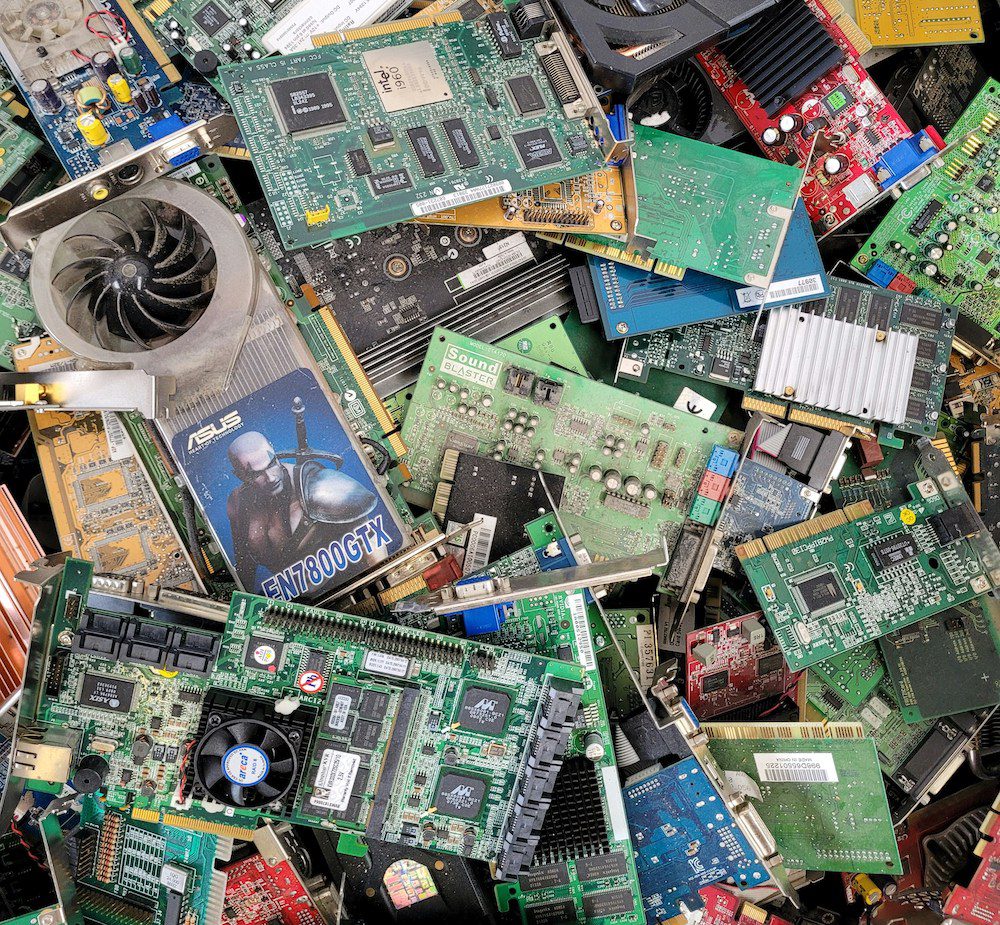
2025 E-waste Statistics: Experts estimate that over 6.7 million metric tons of screens—including old TVs, monitors, and tablets—will be discarded globally this year alone. This staggering volume of waste poses a significant environmental threat, as these devices contain hazardous materials that require careful management.
Instead of letting that aging flat screen or bulky CRT gather dust in your garage—or worse, sending it to a landfill—we have a golden opportunity to embrace the circular economy. You can repurpose an old TV by turning it into a smart TV with a budget-friendly streaming stick, using it as a secondary PC monitor to boost your productivity, or transforming it into a dedicated home security display. By extending the hardware lifecycle, you prevent toxic materials like lead, mercury, and cadmium from leaching into our soil and water systems.
Maya’s Green Tip: Repurposing isn't just about saving money; it’s about "conscious conservation." Every year we keep a device out of a landfill, we reduce the demand for the mining of rare earth minerals required for new electronics.
1. Transform It Into a Modern Smart TV
The most straightforward way to breathe new life into an older flat screen is the "Dumb to Smart" conversion. If your TV has a functional screen and at least one HDMI port, it is far from obsolete. Even if the internal software is sluggish or no longer supports modern apps, external hardware can bypass these limitations entirely.
By plugging in a modern streaming device like the Amazon Fire Stick, Roku Express, or the latest Google TV Streamer, you bypass the TV’s outdated operating system. In 2025, these devices are more powerful than ever, offering snappy interfaces and 4K capabilities (even if your TV only outputs 1080p).
The financial logic is undeniable: converting an outdated TV into a smart entertainment hub typically costs between $30 and $50. This offers a fully functional upgrade at roughly 10% of the cost of a new television. It’s a win for your wallet and a win for the planet.
Explore Roku Streaming Sticks →
2. Boost Productivity as a Secondary PC Monitor
With the rise of permanent remote work and the "digital nomad" lifestyle I so often advocate for, your home office setup is paramount. If you find yourself constantly switching between tabs on a cramped laptop screen, your old TV is the solution.
Most televisions manufactured in the last 15 years feature HDMI inputs, making them plug-and-play compatible with modern laptops and desktops. For Windows users, it’s as simple as hitting Win + P and selecting "Extend." Mac users can navigate to System Settings > Displays to arrange their new, expansive workspace.
Using a 32-inch or 42-inch TV as a secondary monitor allows you to keep your email or Slack channel open on one screen while focusing on deep work on the other. This setup significantly reduces "toggle tax"—the mental energy lost when switching contexts—and costs nothing more than the price of a single HDMI cable.

3. Dedicated Home Security Command Center
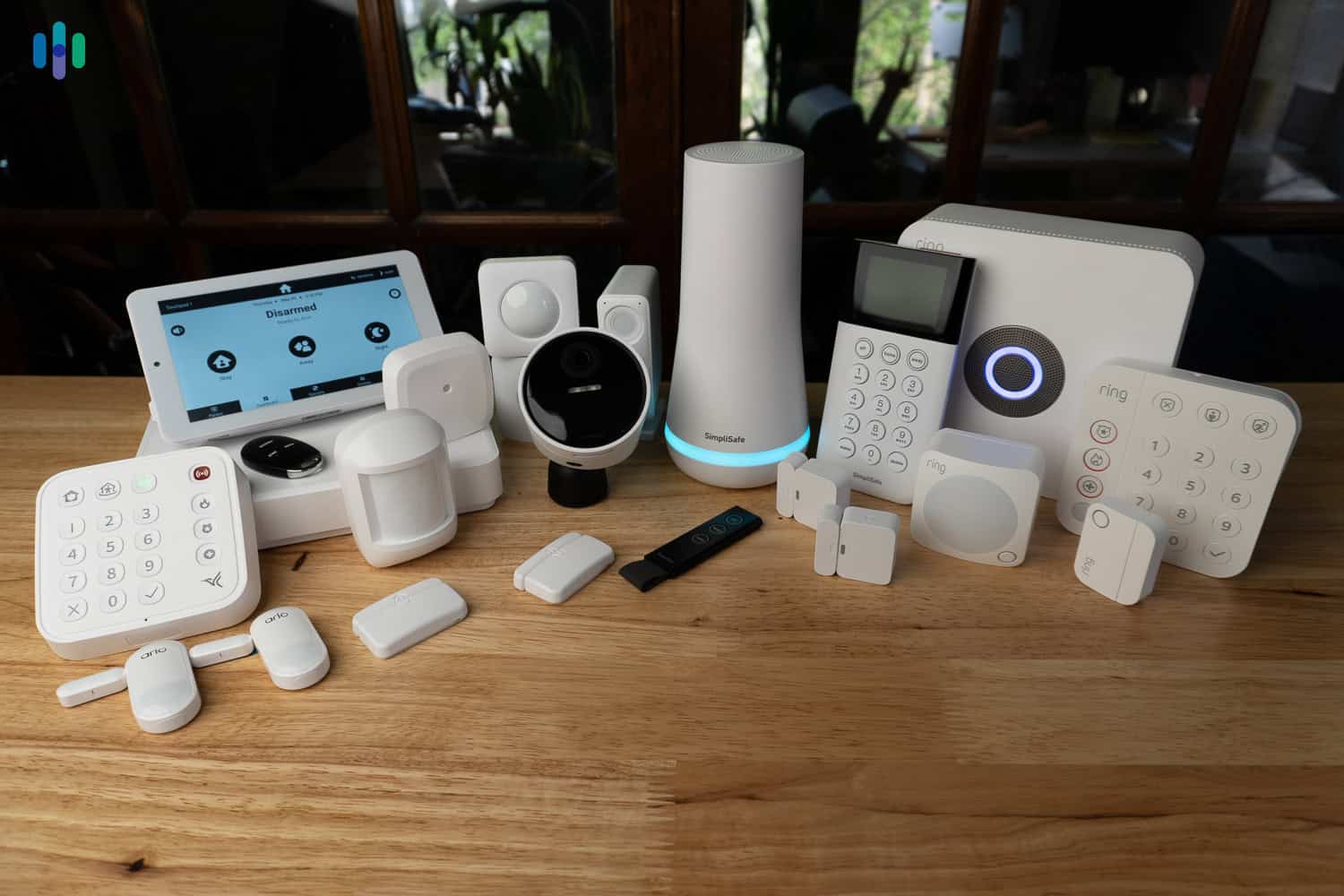
Security is a major concern for the modern homeowner, but checking your cameras on a tiny smartphone screen isn't always practical. An old TV can be permanently mounted in a kitchen, home office, or hallway to serve as a dedicated "Command Center."
If you have a modern NVR (Network Video Recorder) or DVR system, you can connect it directly via HDMI to see a high-definition grid of all your camera feeds. For those using smart Wi-Fi cameras (like Nest or Ring), a cheap Chromecast or Fire Stick can be used to "cast" the live feed to the TV. Having a large-screen, always-on view of your property provides a level of situational awareness that a mobile app simply cannot match.
4. DIY Smart Mirror: The Ultimate 2025 Tech Project
If you’re looking for a project that blends high-tech functionality with high-end interior design, the Smart Mirror is the gold standard for 2025. This project involves placing a two-way mirror in front of a monitor or TV, allowing data like the weather, your calendar, and news headlines to appear as if they are floating on the glass.
The Step-by-Step Transformation:
- Prepare the Screen: Remove the outer plastic bezel of your old TV to leave just the panel (be extremely careful of internal components).
- Apply the Film: Purchase a two-way acrylic mirror film or a custom-cut two-way glass mirror. Apply it directly over the screen.
- The Brain: Connect a Raspberry Pi 5 (the latest 2025 standard) to the TV's HDMI port.
- The Software: Install MagicMirror², an open-source platform that is incredibly easy to customize with modules for Spotify, Google Calendar, and even local transit updates.
- The Frame: Build a simple wooden frame around the assembly to hide the edges and match your home decor.
While this project requires a weekend of effort and about $100-$150 in materials (mostly for the mirror and the Raspberry Pi), the result is a piece of "future-tech" that would cost $1,000+ in a luxury design store.
Get Started with MagicMirror² →
5. Retro Gaming Hub for Classic Consoles
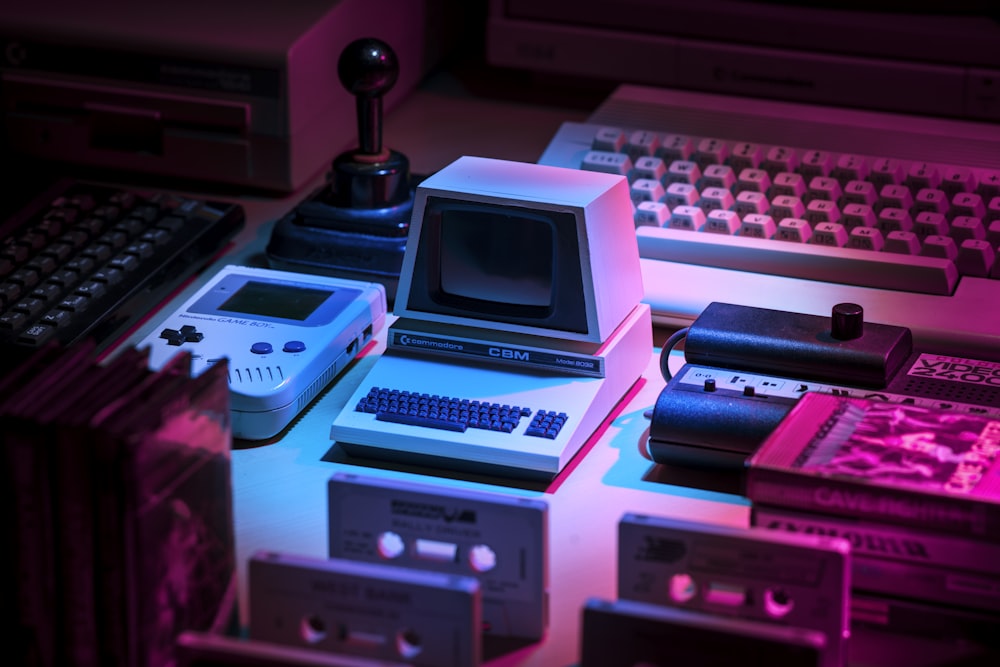
There is a certain magic in nostalgia. As much as I love modern gaming, there’s an aesthetic quality to 8-bit and 16-bit games that is often lost on ultra-crisp 4K OLED displays. Older TVs—especially CRTs—were actually designed for these lower resolutions.
If you have an old flat screen, you can create a dedicated "Retro Corner." Many older TVs still feature RCA (red, white, and yellow) or Component inputs, which are essential for original Nintendo, Sega, or PlayStation hardware. If your TV only has HDMI, inexpensive RCA-to-HDMI adapters allow you to plug in those classic consoles without a hitch.
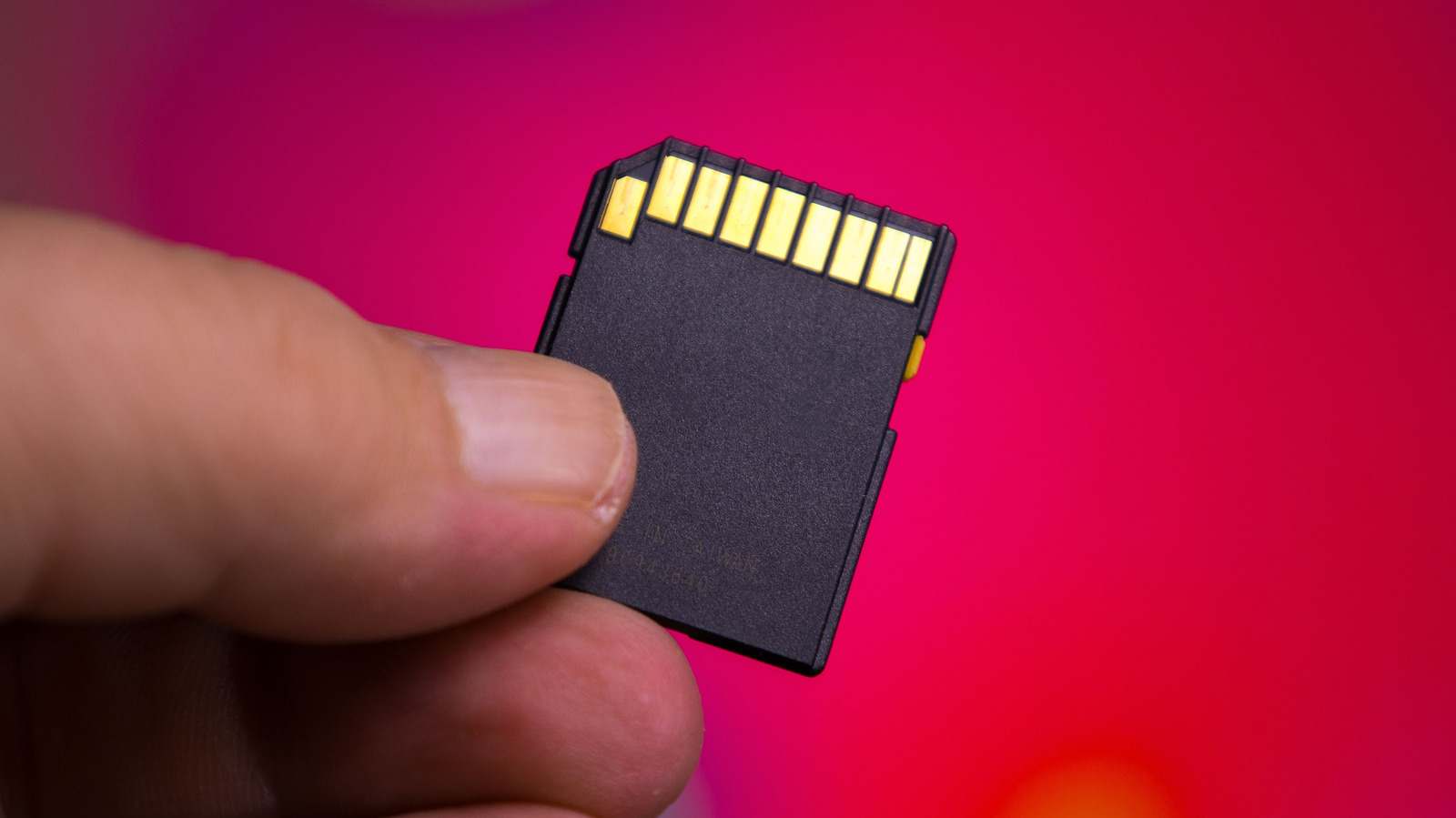
For the ultimate 2025 setup, connect a Raspberry Pi running RetroPie. This allows you to store thousands of classic games on a single SD card, turning your discarded TV into a comprehensive arcade cabinet.
6. Digital Art Frame and Photo Gallery
In the world of sustainable interior design, "slow decor" is a growing trend. Instead of buying mass-produced prints, use your old TV to display a rotating gallery of your own travel photography or classic masterpieces.
Most TVs have a USB port that supports basic slideshows. Simply load a thumb drive with high-resolution JPEGs. For a more sophisticated experience, apps like Artcast or Google Photos (via a streaming stick) can turn the screen into a dynamic canvas. To truly sell the "art" look, I recommend adding a custom wooden frame to the TV and using "Matte Mode" settings to reduce glare, making the screen look less like a piece of tech and more like a framed painting.
7. Smart Home Dashboard and Digital Calendar
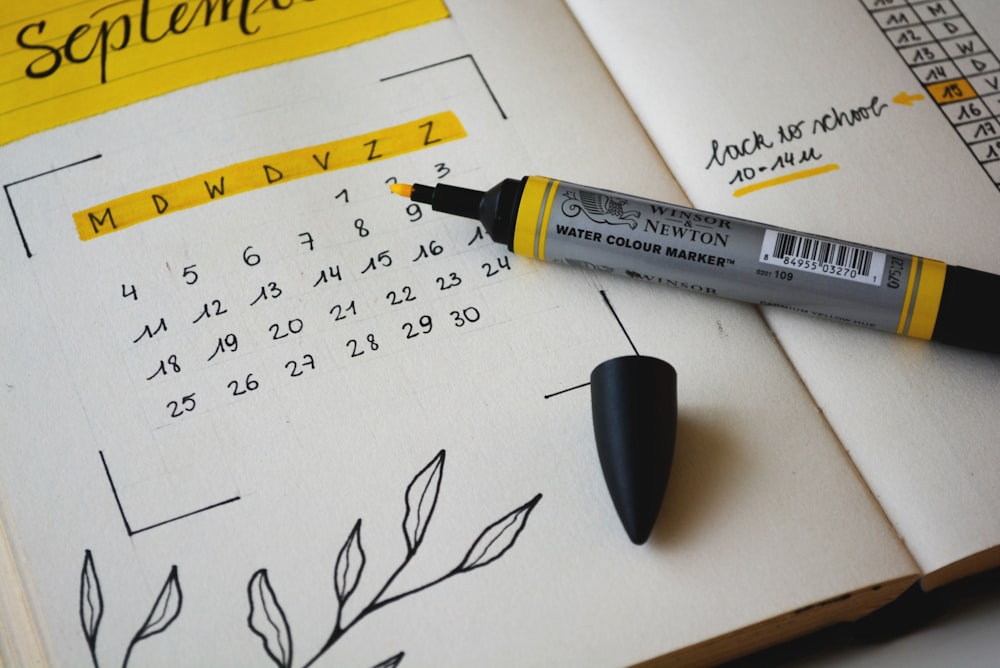
One of the greatest stressors in modern life is the "mental load" of managing a household. An old TV mounted in a central location can act as the family's "Mission Control."
Using software like Mango Display or DAKboard, you can create a gorgeous, high-contrast dashboard that visualizes:
- Shared family calendars.
- Weekly meal plans and grocery lists.
- Local weather and real-time traffic for your commute.
- Smart home controls (lights, thermostats, etc.).
This repurposing method turns an environmental liability into a tool that fosters better communication and organization within your home.
8. Professional Video Conferencing Display
"Zoom fatigue" is often exacerbated by staring at small faces on a laptop screen for hours. By repurposing an old TV as your primary video conferencing display, you can improve both your ergonomics and your engagement.
Mount the TV at eye level and connect your laptop. By moving the video feed to a larger screen, you can sit further back, reducing eye strain and allowing for a more natural posture. Use a dedicated external webcam (like a Logitech Brio) mounted to the top of the TV to complete the professional boardroom feel.

9. Digital Signage for Small Businesses or Home Offices
For the entrepreneurs among us, an old TV is a free marketing tool. Small businesses, cafes, or even home-based freelancers can use old screens for digital signage.
Platforms like Rise Vision or Yodeck offer free or low-cost versions for single screens. You can use these to display:
- Daily menus or specials.
- Rotating motivational quotes for your home office.
- KPI (Key Performance Indicator) dashboards for your business.
This saves hundreds of dollars on commercial-grade signage hardware while giving a second life to a screen that would otherwise be forgotten.

10. Responsible Gifting and Certified Recycling
Sometimes, a project isn't what you need. If the TV is functional but you have no use for it, consider responsible gifting. Local schools, community centers, and shelters are often in need of screens for educational or recreational purposes.
However, if the unit is truly non-functional, do not throw it in the trash.
2025 E-waste Statistics: Only about 20% of global e-waste is formally recycled. The remaining 80% often ends up in informal sectors where workers are exposed to hazardous substances like lead and mercury during crude dismantling processes.
When a TV has reached the end of its life, look for an R2V3-certified recycler. This certification ensures that the electronics are handled in a way that protects both the environment and data security. Many retailers like Best Buy or local municipal "e-waste days" offer these services for free or a small fee.
Repurposing Comparison: Cost vs. Effort
| Method | Estimated Cost | Effort Level | Primary Benefit |
|---|---|---|---|
| Smart TV Hub | $30 - $50 | Low | Modern streaming access |
| PC Monitor | $0 - $15 | Low | Productivity boost |
| Security Display | $20 - $50 | Medium | Enhanced home safety |
| Smart Mirror | $100 - $200 | High | Luxury aesthetic & utility |
| Retro Gaming | $10 - $60 | Medium | Nostalgia & fun |
| Digital Art | $0 - $30 | Low | Home decor upgrade |
| Smart Dashboard | $0 - $40 | Medium | Household organization |
| Video Calls | $0 - $100 | Low | Improved ergonomics |
| Digital Signage | $0 - $20 | Medium | Professional marketing |
| Recycling | $0 - $25 | Low | Environmental protection |
Troubleshooting and Safety Tips
Before you dive into these projects, there are two critical safety points to consider:
- The CRT Warning: If you are working with an old "tube" TV (Cathode Ray Tube), do not open the casing. These units contain high-voltage capacitors that can hold a lethal charge for weeks after being unplugged. They also contain significant amounts of leaded glass. For CRT units, keep the casing intact or stick to external repurposing like gaming.
- Data Security: If your old TV was a "Smart TV," ensure you perform a Factory Reset before gifting or recycling it. This wipes your Wi-Fi passwords and streaming account credentials (Netflix, Hulu, etc.), protecting your digital identity.
FAQ
Q: Can I turn a TV without HDMI into a smart mirror? A: Yes, but you will need an active RCA-to-HDMI or VGA-to-HDMI converter. Note that the resolution may be lower, which could affect the clarity of small text on your smart mirror dashboard.
Q: Is it energy-efficient to keep an old TV running? A: Older plasma and CRT TVs consume significantly more power than modern LEDs. If sustainability is your goal, use these for "on-demand" projects (like gaming or video calls) rather than "always-on" displays (like a 24/7 digital calendar).
Q: Where can I find a certified recycler near me? A: Organizations like e-Stewards or the Sustainable Electronics Recycling International (SERI) maintain directories of R2V3-certified facilities globally.
Our journey toward a more sustainable future doesn't require us to give up technology; it requires us to be smarter about how we use it. By choosing to repurpose your old TV in 2025, you are making a tangible contribution to reducing the 6.7 million tons of e-waste we face this year. Whether you build a futuristic smart mirror or a cozy retro gaming nook, you’re proving that "old" doesn’t have to mean "obsolete."
Ready to start your first project? Tag me in your "Before and After" photos on social media—I’d love to see how you’re turning e-waste into something extraordinary!