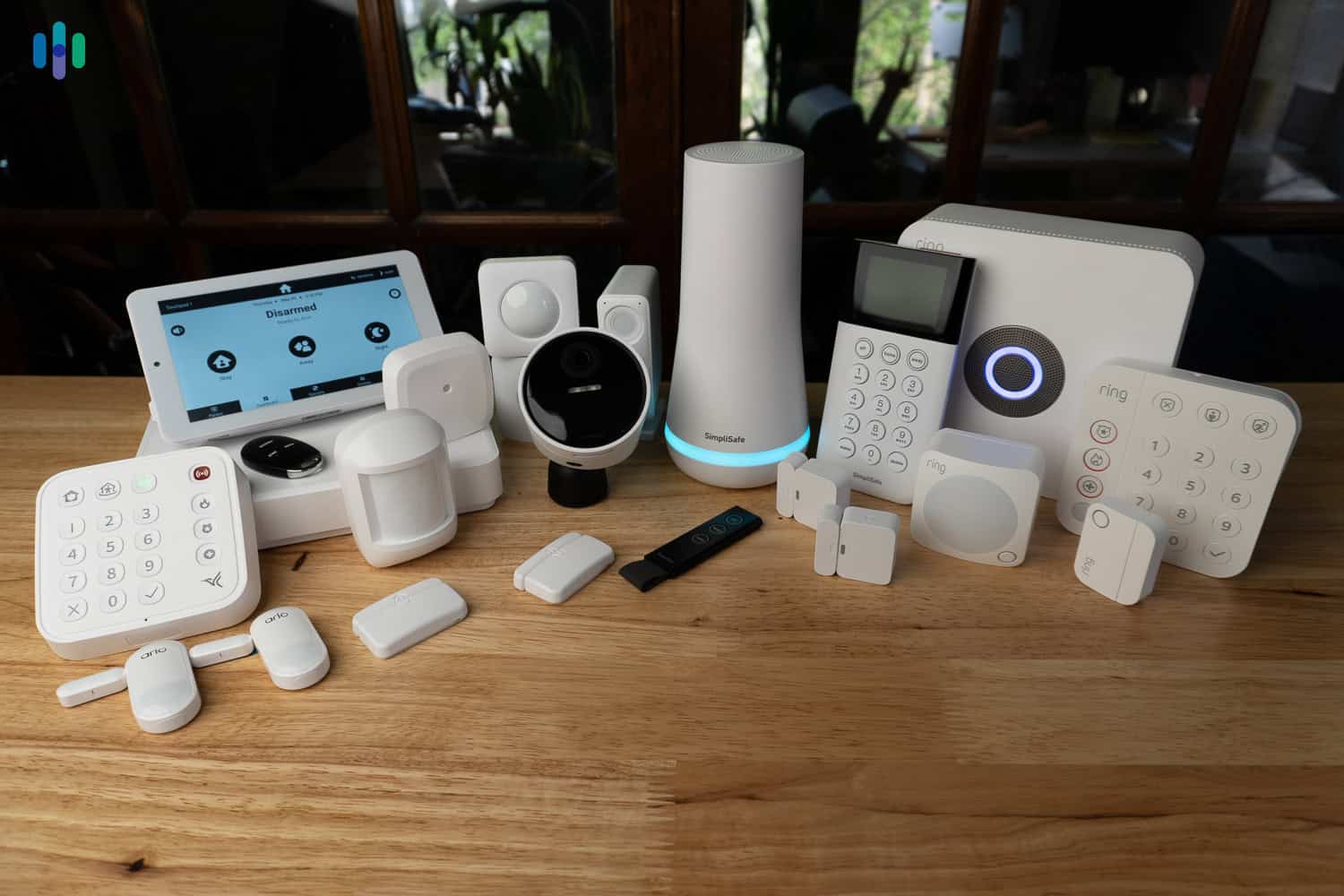
I’ve spent the better part of a decade living out of a backpack, finding ways to make five dollars do the work of fifty. When I finally transitioned into a permanent home, I brought that "shoestring" mentality with me. I wanted a smart home, but I refused to pay the "smart home tax"—those $50 motion sensors and $100 buttons that do exactly one thing.
Then I discovered NFC tags.
At roughly $0.28 per tag, these little adhesive circles are the ultimate "hacker" tool for anyone who wants a futuristic home without the Silicon Valley price tag. Essentially, an NFC (Near Field Communication) tag is a programmable trigger that allows your smartphone to execute complex smart home commands—like toggling lights or setting timers—through a simple physical tap. Implementing these tags for things like garage access or lighting routines can actually reduce your daily phone interaction time by up to 15 minutes by eliminating the need to dig through apps.
Quick Facts: Why NFC Tags Win
| Feature | NFC Tags | Traditional Smart Sensors |
|---|---|---|
| Cost (Approx.) | $0.28 per trigger | $30 - $60 per sensor |
| Power Source | Passive (No batteries needed) | Requires CR2450/AAA batteries |
| Complexity | High (Programmable logic) | Low (Single-purpose) |
| Setup Time | 2 minutes via App | 5-10 minutes via Hub |
| Longevity | Years (No moving parts) | 1-2 years (Battery life) |
By opting for DIY home automation with NFC stickers, you’re entering the ecosystem at a 90% more affordable price point than if you relied solely on standard motion sensors. Here are 13 genius NFC tag automations to upgrade your smart home on a budget.
1. The 'Bedtime Command Center' Nightstand Tag
There is nothing more annoying than getting under the covers only to realize the kitchen light is on or the thermostat is set to "Sahara Desert" mode. I keep an NFC tag hidden on the underside of my nightstand. A single tap as I set my phone down for the night triggers a "Goodnight" scene.
This routine is a powerhouse. It instructs my HomeKit or Home Assistant setup to kill all the lights, lock the front deadbolt, and adjust the climate. It also triggers "Do Not Disturb" mode on my phone until 7:00 AM, ensuring that a random notification doesn't ruin my REM cycle. It’s about more than just convenience; it’s a physical "commitment device" that tells my brain it’s time to sleep.
2. The Focus Zone: Under-Desk Deep Work Trigger
As someone who writes for a living, distractions are the enemy. I’ve placed an NFC sticker under the right side of my desk. When I sit down to start a session, I tap my phone against the wood.
This "Deep Work" automation immediately switches my Philips Hue bulbs to a "Concentrate" setting—a crisp, cool white that mimics daylight. Simultaneously, it launches my Pomodoro timer and opens my project management app. By automating the environment, I remove the "friction" of getting started. You don’t need a $200 smart desk; you just need a $0.30 sticker and a bit of logic.

3. The Hands-Free Kitchen Recipe Station
If you’ve ever tried to read a recipe on your phone while your hands are covered in flour or pizza dough, you know the struggle of the screen timing out. I’ve stuck an NFC tag on the inside of my spice cabinet door.
When I’m ready to cook, a quick tap opens my favorite recipe app (like Paprika or Mela) and, crucially, sets my phone’s "Auto-Lock" to "Never." It also toggles the under-cabinet LED strips to 100% brightness so I can actually see what I’m chopping. This is one of those cheap smart home automation ideas that feels like a luxury upgrade every single day.

4. The 'No-Password' Guest Wi-Fi Frame
We’ve all been there: a guest asks for the Wi-Fi password, and you’re stuck looking for that dusty card under the router or reciting a 24-character string of nonsense. Instead, I’ve hidden an NFC tag inside a small decorative frame in the living room.
Guests with NFC-enabled phones can simply tap the frame. Their phone automatically receives the credentials and joins the guest network—no typing required. It’s a sleek, hospitality-focused use for NFC tags that keeps your main network secure while making your friends feel like they’re staying at a high-end boutique hotel.
5. The 'Never Forget' Laundry Timer
I don’t have a $1,200 "smart" washing machine that sends me push notifications. I have a 10-year-old top-loader that works just fine. To bridge the tech gap, I stuck a waterproof NFC tag on the lid.
When I start a load, I tap the tag. This triggers a 50-minute countdown timer on my phone and my smart speakers. It’s a simple "dumb" appliance hack that prevents me from leaving wet clothes to get musty for three days. You don't need to replace your appliances; you just need to make them talk to your phone.
6. The Garage Door & Driveway Entry Hack
One of the best NFC tag routines for home security involves your entryway. If you have a smart garage door opener (like Meross or Tailwind), navigating the app while driving or pulling up on a bike is dangerous and slow.
I have a tag mounted on my car’s dashboard and another near the side entry of the garage. Tapping it executes a "Welcome Home" sequence: the garage opens, the mudroom lights turn on, and the security system disarms. Since the automation only runs when my specific phone scans the tag, it’s arguably more secure than a standard visor remote that anyone could steal from your car.

7. The ADHD-Friendly Medication & Habit Tracker
For anyone who struggles with "did I take my vitamins today?" syndrome, NFC tags are a lifesaver. I have a small sticker on the cap of my daily supplement bottle.
When I take the pill, I tap the cap. The automation logs the timestamp directly into my Apple Health app or a Google Sheet. This creates a foolproof history of my intake, preventing double-dosing and helping me build consistent habits. It turns a physical action into a digital data point without me ever having to unlock my phone.

8. The Smart Car Mount: Automatic DJ Booth
I spend a lot of time on the road, and I want my "commute mode" to trigger the second I sit down. I’ve placed an NFC tag on my car’s phone mount.
As soon as I dock the phone, the tag triggers a logic-based shortcut:
- If it’s between 7 AM and 9 AM: Launch Waze to my office and play my "Morning Chill" Spotify playlist.
- If it’s after 5 PM: Launch Waze to "Home" and play my favorite podcast.
- Always: Set volume to 80% and turn on Announce Messages.
9. The 'Emergency SOS' Bedside Sticker
This is a setup I’ve implemented for my older relatives, but it’s great for anyone living alone. A large, brightly colored NFC tag on a bedside table can be programmed as an emergency trigger.
With one tap, the phone can automatically:
- Call a designated emergency contact.
- Send a text message with the GPS location.
- Turn on every light in the house to 100% to alert neighbors or help first responders find the right home.
It’s a low-cost alternative to expensive medical alert subscriptions.
10. The Living Room 'Movie Night' Scene
If you have a soundbar, smart blinds, and dimmable lights, setting the "vibe" for a movie usually takes five different remote presses. I’ve placed an NFC tag inside my coffee table drawer.
When it’s time for Netflix, a tap dims the lights to 10%, closes the smart blinds to kill glare, and powers on the soundbar.
Pro Tip: If you're using iOS, use the "Toggle" logic. Program the tag so that if the lights are ON, it turns them OFF, and vice versa. This way, one $0.28 sticker acts as both your "Start Movie" and "End Movie" button.
11. The Digital Pet Collar: Modern ID Tags
This is a classic budget traveler hack adapted for the home. Traditional engraved pet tags can wear down, and GPS collars are expensive and require charging. Instead, I’ve attached a small, epoxy-coated NFC tag to my dog’s collar.
If he ever gets out, a person finding him can tap their phone to the tag. It opens a cloud-linked URL (like a simple Linktree or a private Google Doc) containing my contact info, his medical needs, and a "Return Home" reward offer. It’s an incredibly effective, battery-free backup to a microchip.

12. The Vinyl Record / Media Wall Integration
This one is for the audiophiles who miss the tactile feel of physical music. I have a collection of vinyl records, but sometimes I just want the convenience of my Sonos system. I’ve placed NFC tags on the back of my favorite album sleeves.
When I want to hear a specific record, I tap the sleeve with my phone. The automation identifies the album and immediately starts playing that exact record on my smart speakers via Spotify or Apple Music. It bridges the gap between the physical and digital worlds for the price of a stick-on label.
13. The Maintenance & Supply Reminder Tag
I use NFC tags to handle the "boring" parts of homeownership. I have a tag on my HVAC filter and another on my large laundry detergent bottle.
When I change the filter, I tap the tag to set a calendar reminder for 90 days in the future. When the detergent is running low, a tap adds "High-Efficiency Detergent" to my shared family grocery list in Reminders or Any.do. This ensures I never run out of essentials and keeps my home maintenance on autopilot.
Pro Tips for DIY Setup
Setting up NFC tag uses for iOS Shortcuts or Android’s Home Assistant is straightforward, but there are a few "insider" tricks to make them reliable:
- Avoid Metal Surfaces: NFC tags use radio waves. If you stick a standard tag directly onto a metal fridge or a metal desk, it likely won't scan. Look for "On-Metal" shielded NFC tags specifically if you need to mount them on metallic surfaces.
- The 'If/Else' Logic: Don't just make a tag "Turn on Lights." Use a script that says: If Light is On -> Turn Light Off; Otherwise -> Turn Light On. This makes the tag a toggle switch.
- Testing Placement: Before you peel the adhesive backing, tape the tag in place with scotch tape. Make sure your phone can read it through your desk or cabinet door before making it permanent.
For most people, the iOS Shortcuts app is the easiest place to start. Just go to the "Automation" tab, click the plus icon, and select "NFC" as your trigger. If you're an Android power user, Home Assistant or Tasker offers even more granular control.
Grab a 50-Pack of NFC Tags Here →
FAQ
Do NFC tags require batteries? No. They are passive devices that draw a tiny amount of power from your phone's NFC field when you tap them. They will theoretically last for years without any maintenance.
Will NFC tags work through a phone case? Yes, most standard plastic, silicone, or leather cases will not interfere with the signal. However, very thick "rugged" cases or cases with built-in metal plates (for magnetic mounts) may block the reader.
Can anyone scan my tags and see my data? NFC tags don't actually "store" your smart home data. They contain a unique ID number. When your phone sees that ID, your phone executes the command. If a stranger scans your "Bedtime" tag, nothing will happen on their phone unless they also have your specific shortcuts programmed.
Ready to stop overpaying for smart home tech? Start small. Grab a pack of stickers, put one on your nightstand, and feel the magic of a 28-cent upgrade. Once you start, you’ll find a "friction point" in every room that a simple tap can fix. Happy hacking