Quick Facts
| Name | Primary Use | Price | Best For |
|---|---|---|---|
| Aloft Air Control | FAA LAANC & Airspace Safety | Free / Subscription | Legal compliance & instant flight authorization |
| UAV Forecast | Micro-climate Weather Analysis | Free / $29.99/yr | Predicting wind at altitude & GPS reliability |
| PhotoPills | Cinematic Light & Sun Planning | $10.99 (One-time) | Aligning the sun, moon, and Milky Way with landscapes |
| Google Maps | Terrain Scouting & Logistics | Free | Finding launch points and identifying elevation hazards |
| Tesla Magnetic Field Recorder | EMI & Compass Error Prevention | Free / Small Fee | Detecting hidden metal/interference in takeoff zones |
Imagine standing on the edge of a jagged ridge in the Faroe Islands, the wind whipping your jacket, and the sun just beginning to pierce through a heavy layer of Atlantic mist. You have five minutes of perfect light. You reach for your controller, but your drone refuses to take off because of a firmware update, or worse, you realize you're in a restricted flight zone you didn't account for. In 2026, being a professional drone pilot is no longer just about having the steadiest hands or the most expensive gimbal; it is about the digital ecosystem you carry in your pocket. As we push the boundaries of visual storytelling, the software we use to plan and protect our flights has become as critical as the glass on our sensors.
The modern workflow is a delicate balance of regulatory compliance and creative excellence. To navigate this, every serious pilot needs a curated toolkit. The best apps for drone safety and legal compliance today are Aloft Air Control for FAA LAANC authorization and UAV Forecast for monitoring real-time wind speeds and GPS reliability. Meanwhile, for professional photography planning, PhotoPills is the leading choice for tracking sun and moon positions, while Google Maps remains essential for remote site scouting. Finally, to protect your hardware, apps like Tesla Magnetic Field Recorder help you detect electromagnetic interference (EMI) that could lead to a catastrophic "flyaway."
1. Aloft Air Control: Your Gateway to Legal Airspace
In the early days of drone photography, getting permission to fly in controlled airspace involved phone calls, emails, and days of waiting. By 2026, that manual friction is a relic of the past. Aloft Air Control (formerly Kittyhawk) has solidified its position as the gold standard for FAA LAANC (Low Altitude Authorization and Capability) authorization.
For the professional, Aloft isn't just an app; it's your legal shield. It provides live airspace maps that show you exactly where you can fly, what the altitude ceilings are, and where Temporary Flight Restrictions (TFRs)—like those around stadiums or VIP movements—are active. Data indicates that using integrated LAANC authorization tools reduces pre-flight compliance workflows by approximately 40% compared to manual filing methods. Instead of guessing, you receive a digital "thumbs up" from the FAA in seconds.
Beyond authorization, Aloft functions as a comprehensive flight log. If you are operating under Part 107, keeping meticulous records of your flight time, battery cycles, and equipment health is mandatory. Aloft automates this, syncing with your drone’s flight data to ensure that if an inspector ever comes knocking, your digital paperwork is flawless.
2. UAV Forecast: Predicting the Invisible Variables
The most common mistake I see rookie pilots make is checking the weather on their default phone app. A standard weather app tells you if it’s sunny at ground level; it tells you nothing about the 35mph shear winds at 200 feet or the solar activity that might scramble your GPS lock. This is where UAV Forecast becomes indispensable.
UAV Forecast allows you to set personalized "safety thresholds." You can input your drone’s maximum wind resistance, and the app will provide a simple "Good to Fly" or "Not Good to Fly" status based on real-time data. It looks at the Kp-index, which measures geomagnetic activity. High Kp-index levels (usually 5 or above) can cause significant GPS interference and compass errors, leading to the dreaded "ATTI mode" where your drone drifts helplessly with the wind.
The app also provides detailed cloud cover data and visibility metrics, which are crucial for staying within Visual Line of Sight (VLOS) regulations. If you’re planning a sunrise shoot, you need to know if that "morning mist" is actually a thick fog bank that will ground your bird and soak your electronics.
Pro Tip: Always check the "Wind at Altitude" feature. I’ve seen pilots launch in a calm 5mph breeze at ground level, only to have their drone struggle to return against a 30mph headwind just a few hundred feet up.
3. PhotoPills: Planning for the Golden Hour
While the first two apps keep you legal and airborne, PhotoPills is what makes your images look like they belong on the cover of National Geographic. In the world of professional drone photography, we don't just "go out and fly." We plan for weeks. For professional drone photography planning, PhotoPills is the leading app for tracking sun and moon positions, and its influence is massive. A 2025 survey of commercial drone operators found that 60% of professionals in high-sunlight regions now use advanced filtering and planning apps like this to optimize their image quality.
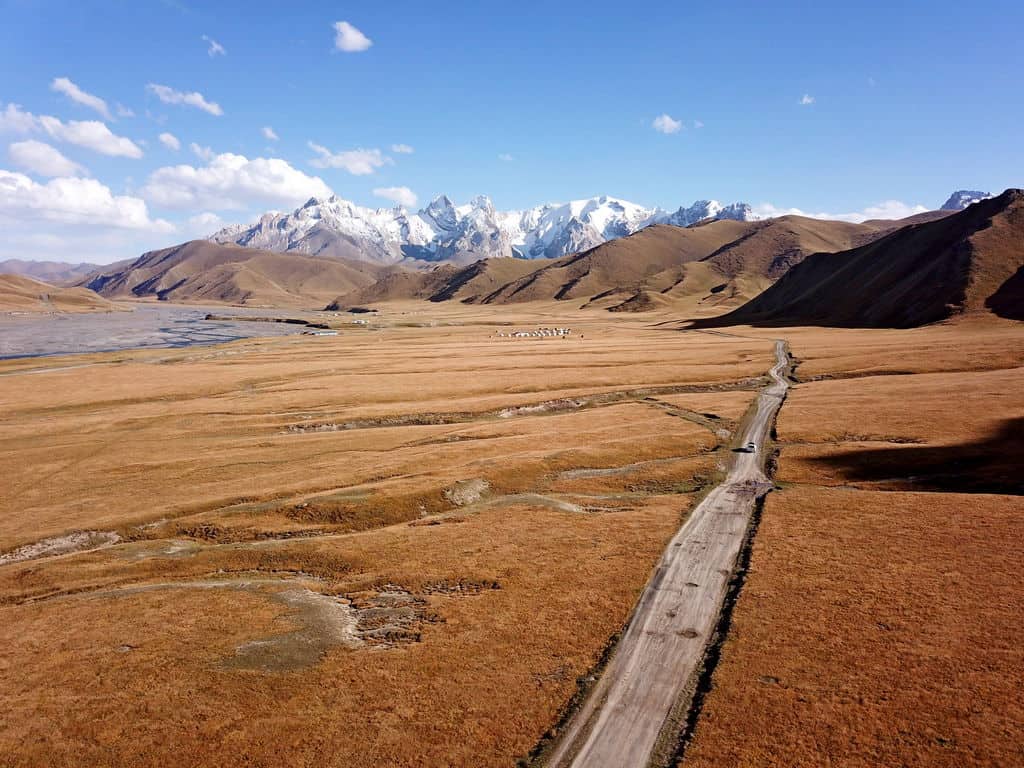
The "Planner" tool in PhotoPills allows you to place a virtual pin anywhere on Earth and see exactly where the sun will rise and set on any given day. But the real "ninja" feature for drone pilots is the 3D Augmented Reality (AR) tool. You can stand at your launch site, hold your phone up, and see the exact arc of the Milky Way or the Sun overlaid on the sky.
This allows you to calculate the precise moment the sun will peek through a natural arch or when a mountain's shadow will perfectly bisect a valley. In drone photography, where your perspective is height-dependent, knowing the sun’s angle allows you to position your drone at the exact altitude to catch "rim lighting" on a ridge or avoid "lens flare" that washes out your sensor's dynamic range.
Master the Light with PhotoPills →
4. Google Maps: Pro-Level Site Scouting
It might seem basic, but Google Maps is essential for remote site scouting and terrain analysis. Before I ever pack my Pelican case, I spend hours on Google Maps in "Satellite" and "Terrain" views. Professional drone work is 90% preparation and 10% flying.
Satellite view helps you identify potential launch and landing zones (LZs) that are flat and clear of debris. In 2026, with the increasing density of urban environments and the sensitivity of natural habitats, finding a discreet, safe place to take off is harder than ever. I use the "Measure Distance" tool to calculate the exact distance from my LZ to my subject, ensuring I stay within my battery’s "Return to Home" (RTH) safety margin.
Terrain view is even more critical for safety. It helps you identify elevation hazards—cliffs, power lines, or sudden rises in topography—that might not be visible from your ground position. If you are flying in "Follow Me" mode while mountain biking or driving, understanding the elevation profile of the land is the difference between a cinematic masterpiece and a collision with a hillside.
5. Tesla Magnetic Field Recorder: Preventing Technical Failure
The final piece of the puzzle is often the most overlooked. Drone pilots should use apps like Tesla Magnetic Field Recorder to detect electromagnetic interference (EMI) from metal structures. Most drone crashes aren't caused by pilot error; they are caused by compass errors.
Drones rely on incredibly sensitive internal compasses to understand their orientation in 3D space. If you take off from a reinforced concrete pier, a bridge, or near large power transformers, the hidden rebar and electricity create a magnetic field that confuses the drone. When this happens, the drone's flight controller receives conflicting data between its GPS and its compass, often resulting in erratic movement or a "flyaway."
Before I power up my motors, I use the Tesla app to scan the immediate takeoff area. If the magnetometer reading spikes or shows significant fluctuations, I move my launch point. It’s a 30-second check that has saved me thousands of dollars in equipment. In a professional workflow, this is the final "go/no-go" safety check.
Expert Tips: Integrating Your 2026 Drone Workflow
Success in drone photography isn't about using these apps in isolation; it’s about integrating them into a seamless workflow. Here is how I combine them for a typical shoot:
- The Week Before: Use Google Maps to scout the location and PhotoPills to determine the exact "Golden Hour" window for the desired shadows.
- The Night Before: Check UAV Forecast for the long-range weather trend and use Aloft to file for LAANC authorization if I'm near controlled airspace.
- On-Site (Pre-Flight): Re-check UAV Forecast for real-time wind gusts at my target altitude. Scan the ground with Tesla Magnetic Field Recorder to ensure the LZ is magnetically "clean."
- In-Air: Monitor the live feed while cross-referencing my PhotoPills AR plan to ensure I’m hitting the planned composition as the light changes.
In 2026, data security has also become a major talking point. Ensure your apps are updated to the latest encrypted versions, especially when working on commercial sets where footage and location data are proprietary. Always have an on-site backup solution—like a portable SSD—to dump your cards immediately after the flight.
FAQ
Q: Do I really need LAANC authorization if I'm just a hobbyist? A: Yes. Under FAA regulations, any flight in controlled airspace (Class B, C, D, or E) requires authorization, regardless of whether you are flying for fun or for profit. Apps like Aloft make this process nearly instant, so there is no reason to skip it and risk a heavy fine.
Q: Why does UAV Forecast show different wind speeds than my phone's weather app? A: Standard weather apps measure wind at roughly 10 meters (33 feet) above the ground. UAV Forecast calculates wind gradients at much higher altitudes (e.g., 100ft, 200ft, 400ft). Wind speed increases significantly with altitude due to less friction from trees and buildings.
Q: Can I use PhotoPills for drones other than DJI? A: Absolutely. PhotoPills is platform-agnostic. It helps you plan the environment and the light. Once you know where the sun will be, you can fly any drone (Autel, Skydio, Sony, or DJI) to that position to capture the shot.
Elevate Your Vision
The transition from a "guy with a drone" to a "professional aerial storyteller" happens the moment you start respecting the variables you cannot see. By mastering this suite of five apps, you aren't just protecting your equipment—you are giving yourself the creative freedom to focus on what matters: the frame.
Ready to take your aerial photography to the next level? Start by downloading Aloft and UAV Forecast today to ensure your next flight is as safe as it is spectacular. Clear skies and happy flying.