Quick Facts
- Total Records Exposed: Approximately 183 million unique email addresses and associated credentials.
- Data Volume: A massive 3.5 TB data dump recently integrated into the 'Have I Been Pwned' database.
- The Source: The "Synthient Stealer Log Threat Data," a collection of logs from various malware campaigns.
- New Threats: While 91% of these emails were previously leaked, 16.4 million records are entirely new to the public domain.
- The Root Cause: This was not a server-side hack of major providers like Google or Microsoft, but rather a widespread "infostealer" malware infection on individual user devices.
The Scale of the Synthient Data Heist
In the world of international travel and policy, we often discuss "risk assessment" in terms of physical safety or economic shifts. However, the most significant threat to the modern professional today is digital. The recent "Synthient" data breach represents one of the most substantial collections of stolen credentials we have seen in years. This isn't just a single list; it is a 3.5 TB repository of "stealer logs"—the digital equivalent of a master key ring stolen from millions of homes simultaneously.
The sheer volume is staggering. According to security analysts, the data contains 183 million unique email addresses. To put that in perspective, that is more than half the population of the United States. While many people have become desensitized to news of "another data breach," the Synthient leak is different because of how the data was obtained and how much of it is "fresh."
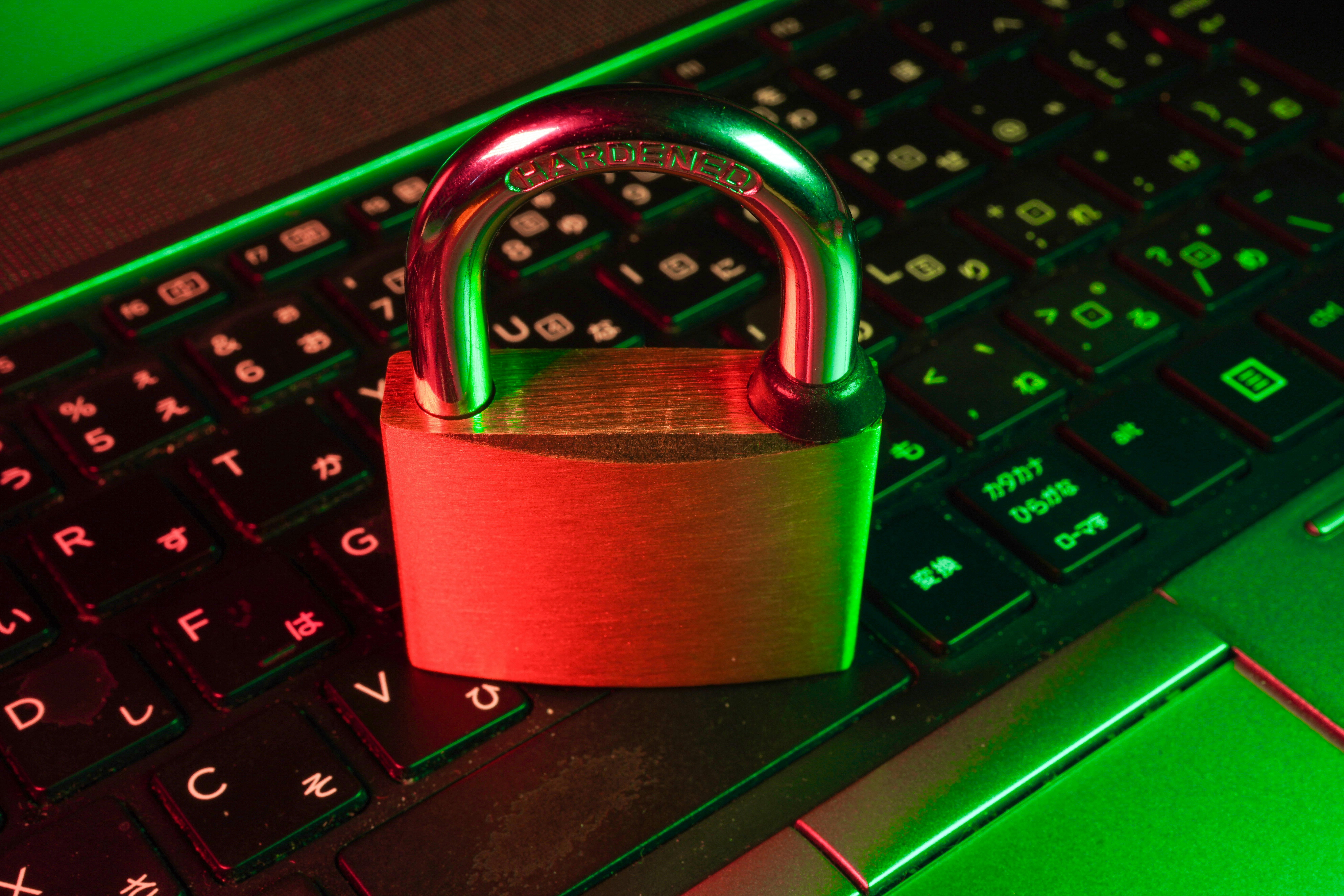
Was Google Hacked? Understanding Infostealer Malware
One of the most common misconceptions circulating in the wake of this leak is that major tech giants like Google or Microsoft suffered a direct security failure. My analysis of the technical reports confirms this is objectively false. The systems at Mountain View and Redmond remain secure; the failure occurred at the "edge"—on the laptops, phones, and desktops of the users themselves.
The culprit is a class of software known as "infostealer" malware, with names like RedLine, Vidar, and Raccoon. Think of these as digital pickpockets. Once they find their way onto a device—often through a malicious email attachment, a pirated software download, or a "cracked" game—they perform a specific set of tasks:
- Harvesting Browser Data: They scrape every username and password saved in your browser's "AutoFill" settings.
- Capturing Cookies: They steal session cookies, which can allow hackers to bypass multi-factor authentication by "pretending" to be your already-logged-in browser.
- System Snapshot: They record your IP address, hardware configuration, and even screenshots of your desktop.
The 16.4 million new records found in this dump are particularly concerning because they represent users who, until now, might have felt their digital hygiene was sufficient. These are fresh credentials, likely stolen within the last 12 to 18 months, making them highly valuable for "credential stuffing" attacks.
Fact vs. Myth: The Synthient Breach
| Feature | Myth | Fact (The Reality) |
|---|---|---|
| Source of Leak | Google/Microsoft servers were compromised. | Individual devices were infected with malware. |
| Data Type | Just old, recycled passwords. | Includes 16.4 million never-before-seen records. |
| Primary Target | Corporate databases. | Everyday users saving passwords in their browsers. |
| Bypass Potential | 2FA makes you 100% safe. | "Session Hijacking" can sometimes bypass active 2FA. |
Step-by-Step: How to Check Your Breach Status
As an authoritative voice on policy and security, my primary recommendation is immediate verification. You cannot fix a leak you don't know exists. The gold standard for this is Have I Been Pwned (HIBP), a service run by security researcher Troy Hunt that has become the industry's most trusted clearinghouse for breach data.
How to check your status right now:
- Navigate to haveibeenpwned.com.
- Enter your primary email address in the search bar.
- Review the results. If your email was part of the Synthient leak, you will see a entry titled "Synthient Stealer Log Threat Data."
- Analyze the Overlap: If your email appears, note that 91% of the addresses in this dump were already in the HIBP database from previous leaks. However, if you are among the 16.4 million "new" records, the urgency for action is significantly higher.

What does it mean if you are "Pwned"? It means that at some point, a device you used to log into that email account was compromised. Even if you have changed your password recently, the fact that your email is on this list suggests that your local security protocols—the software on your computer—needs a radical overhaul.
Immediate Damage Control: What to Do if You Are Affected
If the check returns a positive result for the Synthient breach, you must treat your digital identity as a compromised crime scene. This is a balanced, three-step recovery process designed to stop active threats and prevent future ones.
Priority 1: Secure Your Core Accounts
The immediate danger is "Credential Stuffing." Hackers use automated bots to try your leaked password on every major site—banking, Amazon, Netflix, and your primary email.
- Action: Change your passwords immediately, starting with your email and financial accounts.
- Rule: Never reuse the same password across multiple platforms. Every account must have a unique, complex string of characters.
Priority 2: Hardening the Perimeter with 2FA
Passwords are a 20th-century solution to a 21st-century problem. You must implement Multi-Factor Authentication (2FA) on every possible account. While SMS-based 2FA is better than nothing, I strongly recommend using Authenticator Apps (like Google Authenticator or Authy) or, better yet, Passkeys and hardware security keys.
Expert Tip: If a site offers "Passkeys," use them. They are cryptographically tied to your physical device and are immune to the "session hijacking" that infostealer malware relies on.
Priority 3: Eliminate the Root Cause (Malware Scan)
Changing your password is useless if the "digital pickpocket" is still sitting on your computer recording your new keystrokes. You must run a deep, comprehensive malware scan using a reputable security suite (such as Malwarebytes or Bitdefender).
Do not rely solely on the default Windows or macOS protections if you suspect an infection. Infostealers are designed to be "FUD" (Fully Undetectable) by standard signatures. A dedicated "deep scan" or an "offline scan" is required to ensure your system's integrity.
Long-Term Defense: Beyond the Synthient Breach
The Synthient breach serves as a stark reminder that the way we manage our digital lives is fundamentally flawed. Specifically, the habit of saving passwords directly in a web browser (Chrome, Safari, Edge) is a critical vulnerability. When an infostealer hits your device, the browser's password vault is the first thing it exports.
The long-term solution is to migrate to a dedicated Password Manager (such as 1Password or Bitwarden). These applications use a separate, encrypted vault that is significantly harder for malware to scrape. They also generate the complex, unique passwords that are necessary to survive in a world where 183 million records can be leaked in a single dump.
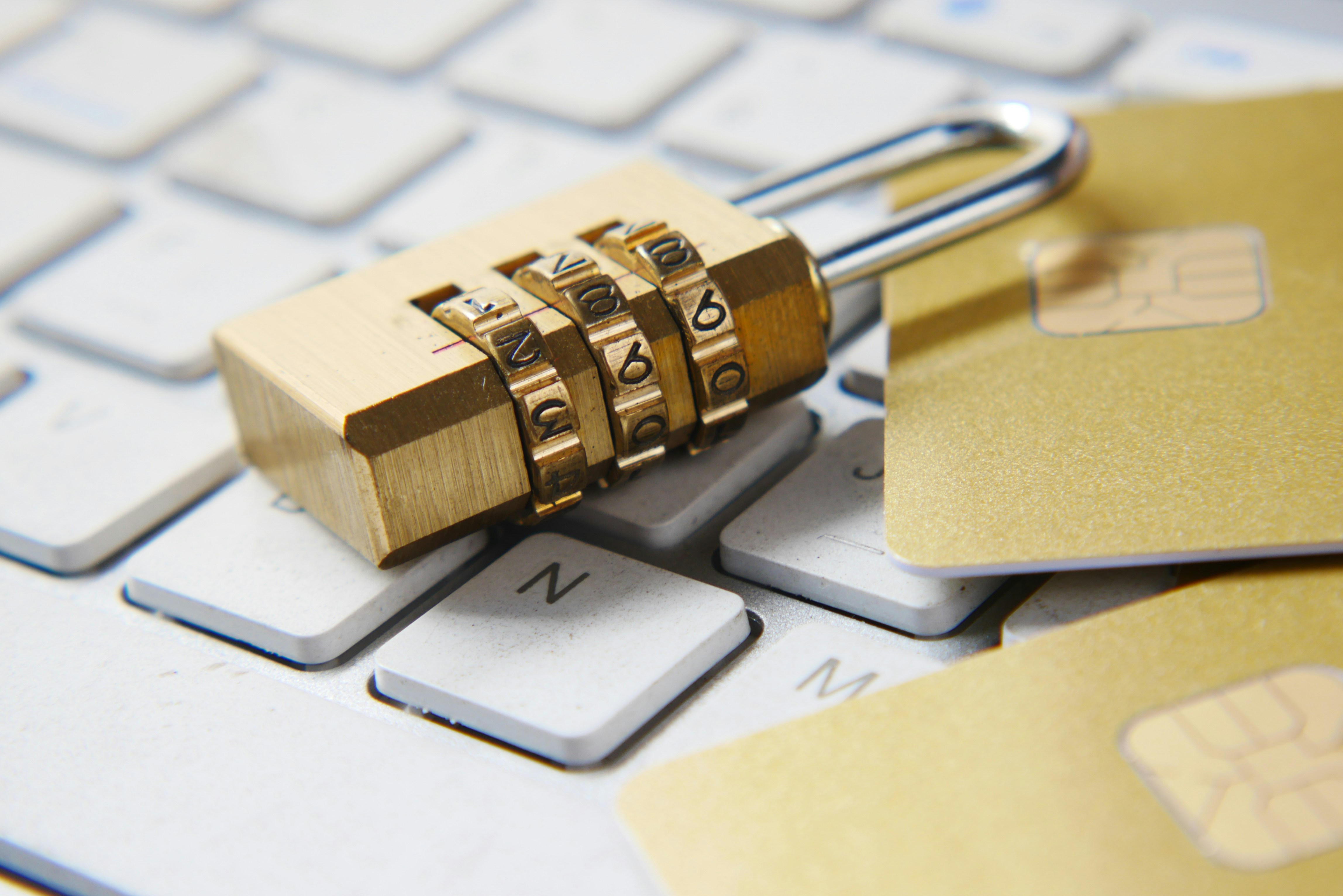
As we move toward a world of "Zero Trust," we must accept that our data will eventually be leaked. The goal is not just to prevent the leak, but to ensure that the leaked data is useless to the thief. By using unique passwords, 2FA, and dedicated management software, you render a stolen password as worthless as a key to a lock that has already been replaced.
Check Your Breach Status Now →
FAQ
Q: If my email is on the list, does it mean my computer is currently infected? A: Not necessarily. The Synthient data is a collection of logs from various times. It means your data was stolen at some point in the past. However, because we don't know exactly when, it is safest to assume your device might be compromised and perform a full malware scan immediately.
Q: I use 2FA on everything; do I still need to worry? A: Yes. While 2FA is a massive hurdle for hackers, "infostealer" malware often steals "session cookies." If a hacker gets your cookies, they can sometimes "clone" your logged-in session, bypassing the need for a password or a 2FA code entirely. Change your passwords and clear your browser cookies to kill any active stolen sessions.
Q: Why are 16.4 million records "new"? A: These represent users who were victims of more recent malware campaigns that hadn't been shared in public hacking forums until this 3.5 TB dump was released. This highlights that cybercriminals are constantly finding new victims, even among those who haven't been affected by "classic" breaches like the 2013 Yahoo leak.
Final Word
The Synthient breach is a wake-up call for the "set it and forget it" crowd. In an era where our digital identity facilitates everything from global travel to personal banking, the cost of complacency is too high. Check your status, clean your devices, and move your credentials out of the browser and into a secure vault. Your future self will thank you.