In the landscape of modern mobile technology, we often find ourselves obsessing over refresh rates, peak brightness nits, and megapixel counts. Yet, one of the most vital components of the sensory experience—audio—is frequently relegated to the background, left to the mercy of default settings and hardware shortcuts. Industry research indicates that approximately 65% of mobile users disengage from media content when they encounter poor audio quality or low-fidelity sound. In a world where we spend hours a day tethered to our devices, settling for "good enough" audio is a disservice to the art we consume.
To truly optimize Android audio in 2026, we must view the smartphone not as a simple playback device, but as the primary engine in a sophisticated high-fidelity chain. Achieving professional-grade sound requires ensuring every link in that chain is optimized: from the source file (FLAC/Tidal) to the transmission protocol (LDAC/aptX Lossless), and finally to the output hardware, typically an external DAC. The fundamental hurdle has historically been the "Android System Mixer," a software layer that forces all audio through a Sample Rate Conversion (SRC) process, often downsampling high-resolution files to a standard 48kHz. Breaking this bottleneck is the first step in our journey from mobile convenience to audiophile-grade performance.
Phase 1: The Source—Streaming and File Formats
The foundation of high-fidelity sound begins long before a single note reaches your ears. In 2026, the transition from standard 320kbps MP3s to Hi-Res 24-bit/96kHz audio has become the baseline for enthusiasts, despite the fact that it increases data consumption and storage requirements by approximately 450%. This "data tax" is the price we pay for preserving the dynamic range and micro-details often lost in compression.
When selecting a source, the modern Android user has two primary paths: streaming or local playback. For streaming, services like Tidal and Apple Music provide robust libraries of lossless content. However, simply subscribing is not enough. You must dive into the application settings to ensure the "Loudness Normalization" is disabled—as this can crush dynamic range—and that the streaming quality is set to "Max" or "Lossless" for both cellular and Wi-Fi connections.
For the purist, local storage remains king. High-capacity MicroSD cards (in devices that still support them) or high-speed internal storage should be populated with FLAC, ALAC, or DSD files. These formats offer a "bit-perfect" representation of the original studio master.
Pro Tip: Storage Management Since a single Hi-Res album can exceed 1GB, we recommend using a dedicated folder structure. Organize by Sample Rate (e.g., 96kHz vs 192kHz) to help you identify which files will benefit most from external hardware.
Phase 2: The Transmission—Bluetooth Codecs and Developer Options
While a wired connection remains the gold standard for fidelity, 2026 has seen remarkable strides in wireless transmission. If you must go wireless, you must move beyond the standard SBC and AAC codecs, which are the primary culprits for "muddy" sound.
The two heavyweights in the current ecosystem are LDAC and aptX Lossless. LDAC, developed by Sony, supports bitrates up to 990kbps, while Qualcomm’s aptX Lossless can push up to 1200kbps, providing a pipeline wide enough for CD-quality audio without the traditional "lossy" artifacts.
| Codec | Max Bitrate | Max Sample Rate | Best For |
|---|---|---|---|
| SBC | 328 kbps | 48 kHz | General use / Low-end gear |
| AAC | 250 kbps | 44.1 kHz | Battery efficiency / Apple ecosystem |
| LDAC | 990 kbps | 96 kHz | High-Resolution Android streaming |
| aptX Lossless | 1200 kbps | 44.1 kHz | Bit-perfect CD quality wireless |
To ensure your device is actually using these high-performance pipelines, you must venture into the "Developer Options." Android often defaults to a "Best Effort" bitrate which may drop quality to maintain connection stability. To force the highest quality, follow these steps:
- Enable Developer Options: Go to Settings > About Phone and tap "Build Number" seven times.
- Access Settings: Navigate to System > Developer Options.
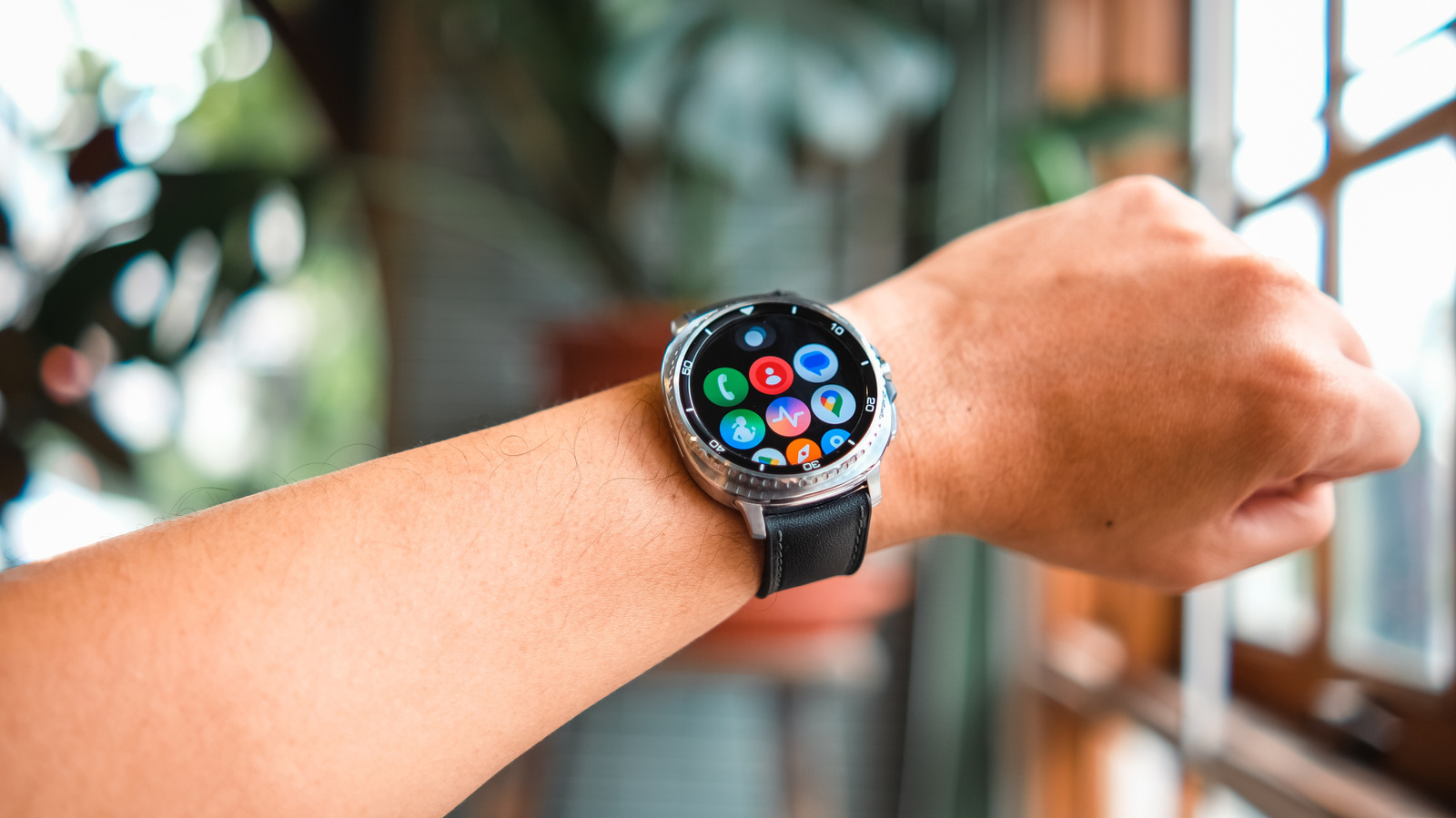
- Bluetooth Audio Codec: Manually select "LDAC" or "aptX Adaptive/Lossless."
- LDAC Playback Quality: Crucially, change this from "Best Effort" to "Optimized for Audio Quality (990kbps/330kbps)."
Phase 3: The Output—Bypassing the System Mixer
Even with a perfect source and codec, the internal hardware of most Android phones is a bottleneck. Most modern smartphones lack a dedicated high-quality Digital-to-Analog Converter (DAC) and headphone amplifier, relying instead on integrated chips designed for power efficiency over sonic purity. Furthermore, the Android OS typically resamples all audio to 48kHz, regardless of the original file's sample rate.
To achieve true Hi-Res sound, we must bypass these internal limitations using an external USB-C DAC. This device takes the raw digital signal directly from the USB port and handles the conversion and amplification externally. With the release of Android 14 and its subsequent iterations, Google introduced a native "Bit-Perfect" USB audio feature. When used with compatible hardware, this allows the audio stream to bypass the system mixer entirely, delivering the exact sample rate of the file to your DAC.
We recommend looking for "Hi-Res Certified" portable DAC/Amps from reputable brands like FiiO, iFi, or AudioQuest. These devices provide the necessary voltage to drive high-impedance headphones and the precision to resolve the intricate layers of a 24-bit recording.
Explore High-End Portable DACs →
Phase 4: Software Fine-Tuning—EQ and DSP Strategies
The final link in the chain is the software that manages the signal before it leaves the device. While the internal Android EQ is often rudimentary, third-party "Audiophile Players" offer unparalleled control. Apps such as USB Audio Player PRO (UAPP), Neutron Music Player, and Poweramp are essential for the serious listener.
UAPP, in particular, is the gold standard because it includes its own custom USB audio driver, ensuring that the Android OS cannot interfere with the signal. It allows for "Direct Transport," meaning if you play a 192kHz file, your external DAC receives a 192kHz signal, bit-for-bit.
Beyond bit-perfect playback, Digital Signal Processing (DSP) and Parametric EQ (PEQ) can be used to correct the frequency response of your specific headphones. Rather than using generic "Bass Boost" presets, PEQ allows you to target specific frequencies (e.g., a 3dB cut at 3kHz to reduce harshness) with surgical precision.
Caution: Gain Staging When using software EQ, always apply a "Pre-amp" reduction. If you boost a frequency by 5dB without lowering the overall gain, you run the risk of digital clipping—a harsh, distorted sound that can damage both your ears and your equipment.
The Future of Mobile Audio: 2026 and Beyond
As we move deeper into 2026, the boundaries between mobile and home theater audio continue to blur. We are seeing the rise of AI-powered sound optimization that can analyze the acoustic seal of your IEMs in real-time and adjust the output to compensate for environmental noise. With the expansion of 5G and Wi-Fi 6E, the bandwidth limitations that once necessitated compressed audio are effectively gone.
The 65% disengagement rate mentioned earlier is a stark reminder of why this optimization matters. Audio is not just an accompaniment to visual media; it is the emotional core of the experience. By taking these steps to optimize the Android audio chain, we are reclaiming that emotional connection, ensuring that every nuance intended by the artist is delivered with absolute clarity.
The future isn't just about louder sound—it's about more intelligent, more immersive, and more faithful sound. Whether you are deep-diving into a regional folk music archive or streaming the latest cinematic score, the tools to achieve studio-quality audio are already in your pocket. You simply need to unlock them.
FAQ
Q: Will using a high-bitrate codec like LDAC drain my battery faster? A: Yes. Encoding and transmitting data at 990kbps requires more processing power and radio bandwidth than the standard 328kbps (SBC). You can expect a 10-15% increase in battery consumption during active playback, but for most, the trade-off in fidelity is well worth it.
Q: Do I need expensive headphones to hear the difference? A: While you don't need to spend thousands, you do need "resolving" hardware. A $200 pair of well-reviewed IEMs or open-back headphones will reveal the benefits of Hi-Res audio far more effectively than standard consumer-grade wireless buds.
Q: Can I optimize audio for YouTube or Spotify? A: You can improve the output (using a DAC and better headphones), but the source remains limited. Spotify's "Very High" setting is 320kbps Ogg Vorbis—excellent for casual listening, but it does not contain the data required for true Hi-Res benefits.
Ready to elevate your listening experience? Explore our curated list of the best external DACs and Hi-Res IEMs for 2026 to complete your Android audio chain.