If your smart home still feels more like a collection of expensive, disconnected toys than a cohesive system, you aren't alone. For years, the barrier to entry for home automation was defined by two extremes: premium, professional installations that cost thousands, or a "bargain" bin of mismatched Wi-Fi gadgets that demanded five different apps and a recurring monthly subscription for the privilege of seeing who was at your front door.
However, as we move through 2026, the landscape has fundamentally shifted. The maturation of the Matter 1.4 standard and the ubiquity of AI-driven local processing have democratized high-end features. We are finally in the era of "Intelligent Intent," where building a cost-effective smart home for beginners is no longer about finding the cheapest hardware, but about selecting the right ecosystem to ensure long-term ROI. In this guide, I will break down the data-driven strategies for building a sophisticated home network that respects both your privacy and your wallet.
The 2026 Budget Blueprint
- Most Affordable Entry: Start with smart plugs and bulbs in multi-packs; these often cost less than $10 per unit and eliminate the need for professional installation.
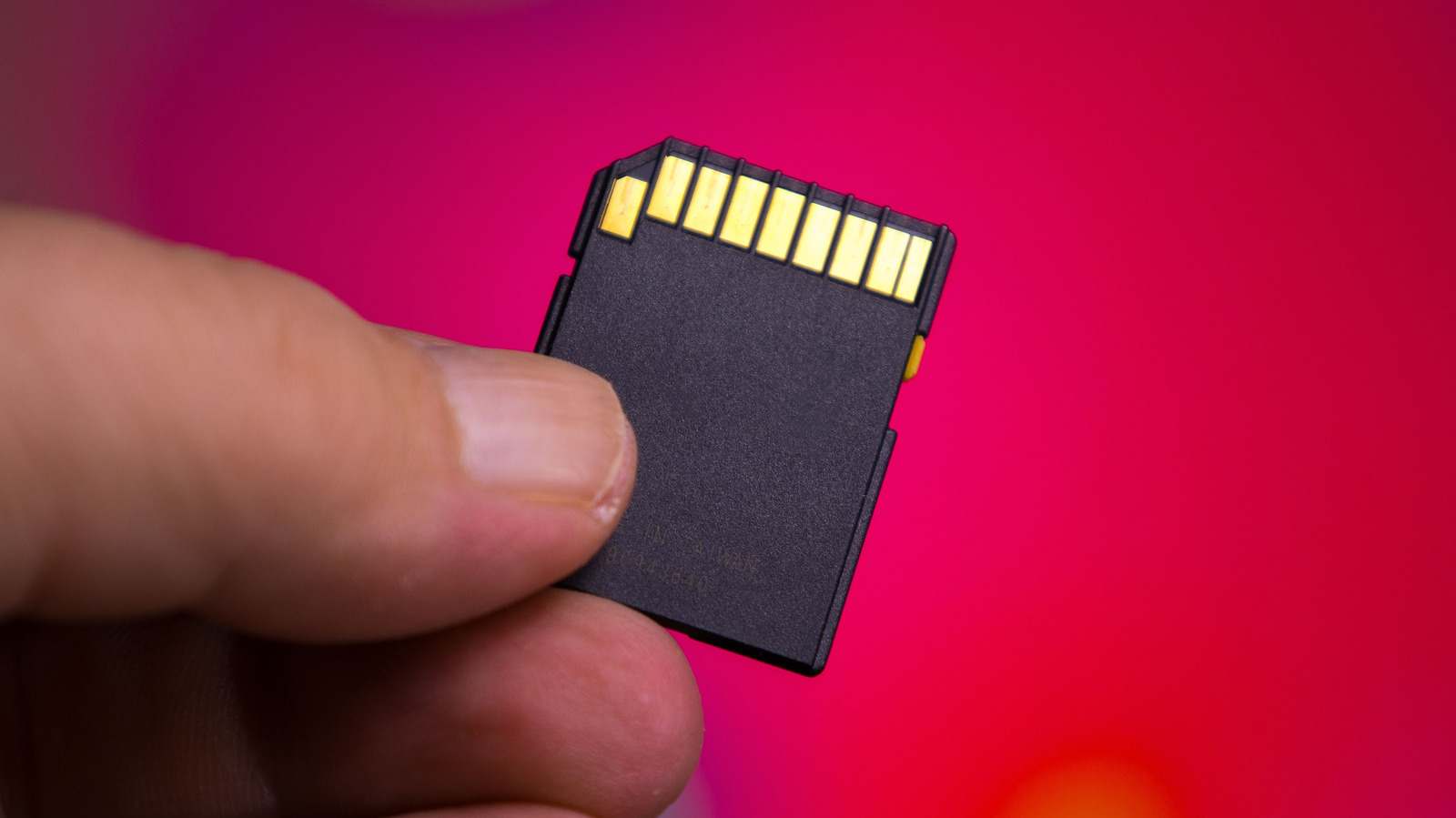
- The Subscription Killer: Prioritize brands like Eufy or Reolink that offer local microSD or NAS storage. This avoids the $60–$120 annual "cloud tax" common with premium competitors.
- The "Brain" Strategy: Use an entry-level smart speaker like the Google Nest Mini or Amazon Echo Pop (frequently under $40) as your primary hub to manage routines without expensive proprietary bridges.
- Long-Term Savings: In 2026, roughly 78% of budget-conscious users have pivoted to 'local control' devices to ensure their home stays functional even if their internet—or the manufacturer's server—goes down.
Choosing Your Foundation: Ecosystems That Save You Money
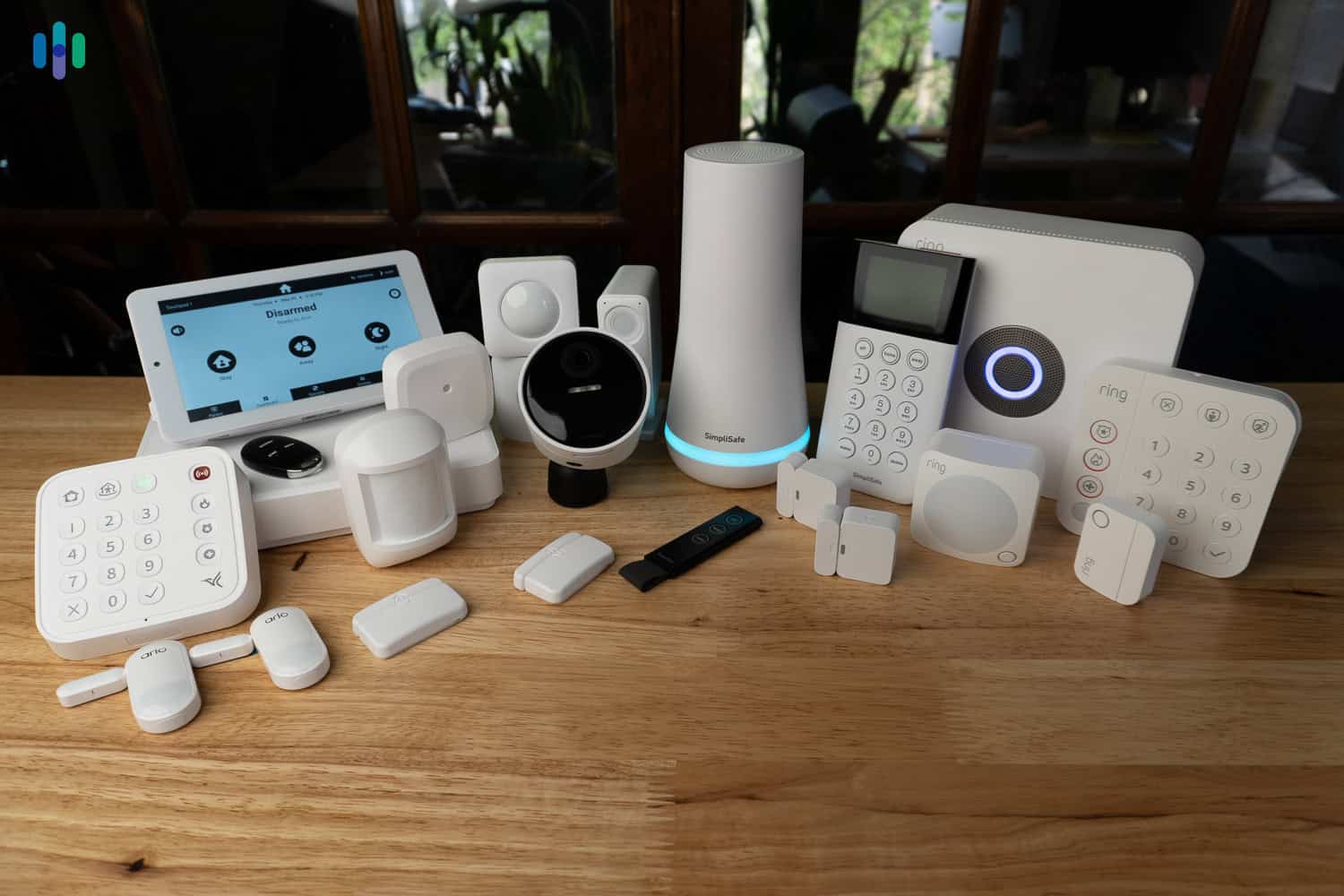
The most expensive mistake a beginner can make is "ecosystem drifting." This happens when you buy a smart lock from one brand, a camera from another, and lighting from a third, only to realize they don't talk to each other without a $100 bridge or a monthly subscription service.
To build an affordable smart home ecosystem, you must first choose your "Brain." In 2026, the big three—Amazon Alexa, Google Home, and Apple Home—have all embraced Matter. For those on a strict budget, Amazon and Google are the clear winners due to the low entry price of their hardware. However, the real value in 2026 lies in "Local Control."
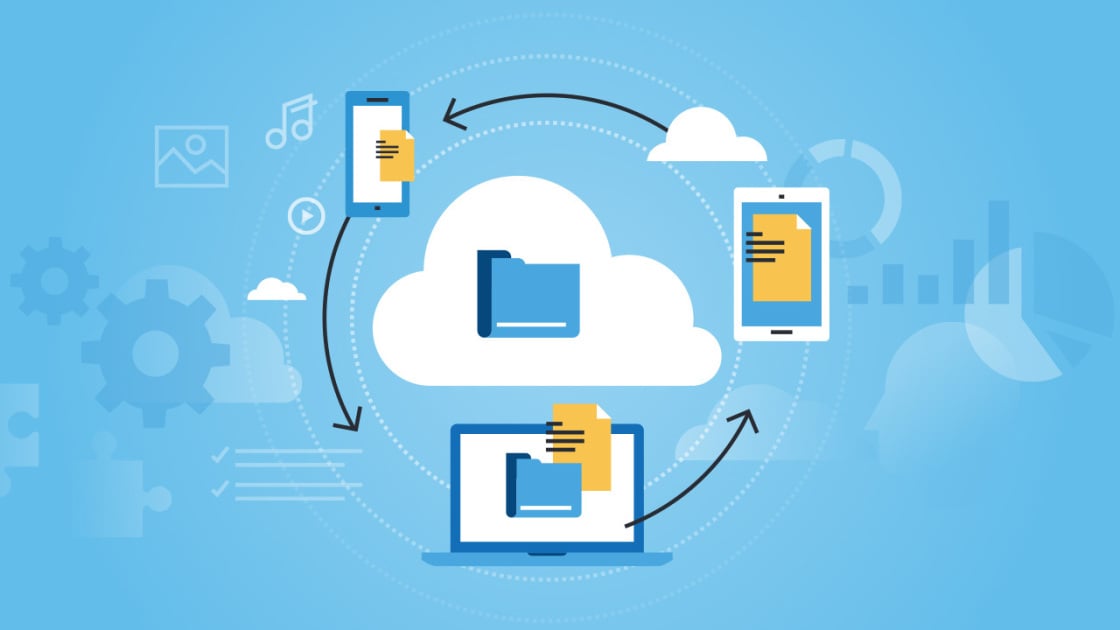
Local control means your devices communicate directly with your hub over your home network rather than sending a signal to a server in Virginia or Singapore just to turn on a light. Not only is this faster, but it also future-proofs your investment. If a company goes bankrupt or raises its subscription fees, your "local" devices will continue to work.
The $50 Starter Kit: High-Impact, Low-Cost Essentials
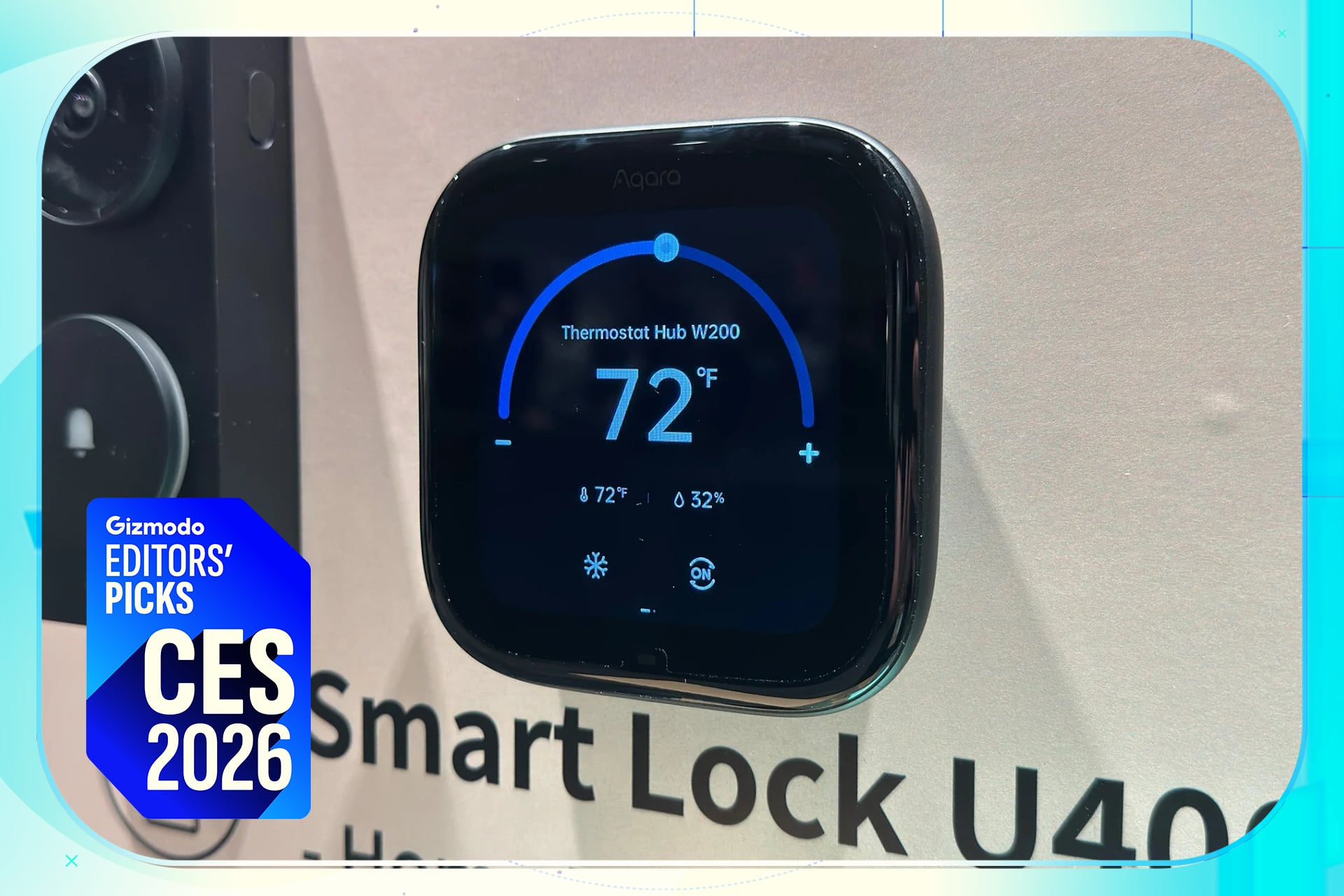
If you have $50 to spend, where does it go? The data suggests that starting with multi-pack smart plugs and bulbs offers the highest immediate utility. Research indicates that purchasing these essentials in bundles can reduce initial setup costs by up to 45% compared to buying individual premium units.
1. Smart Plugs: The "Dumb" Device Upcycler
A smart plug is the most versatile tool in your arsenal. It turns a "dumb" coffee maker, a floor lamp, or even a holiday tree into an automated asset. In 2026, look for plugs that offer energy monitoring. Brands like TP-Link Kasa and Govee have refined these to the point where they cost roughly $8 per unit in a four-pack.
2. Smart Bulbs: Atmosphere on a Budget
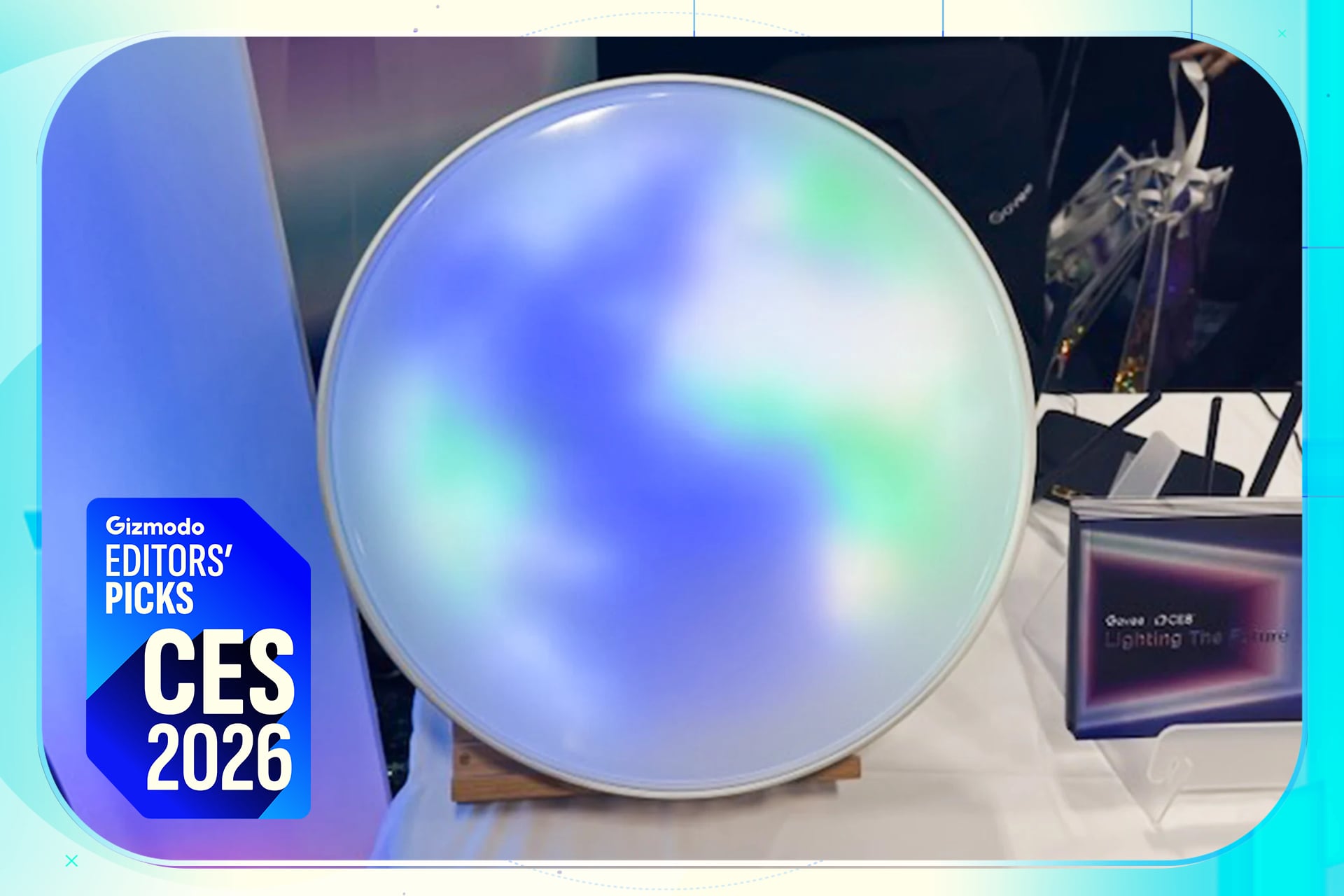
While Philips Hue remains the gold standard for color accuracy, the price tag is prohibitive for a budget-first build. For a cheap smart home starter kit, look toward Govee or Wyze. These brands offer high-Lumen, Matter-compatible bulbs that integrate seamlessly into your routines for a fraction of the cost.
3. The Entry-Level Hub
You don't need a $200 smart display to start. An Amazon Echo Pop or a Google Nest Mini is often sufficient. During seasonal sales, these devices frequently drop below the $20 mark. They serve as your voice interface and the "bridge" that connects your Matter-compatible devices.
Security Without the Subscription Trap
Home security is where most beginners lose their "cost-effective" edge. Many popular brands lure you in with a $30 camera, only to lock your video history behind a $10/month subscription. Over five years, that "cheap" camera actually costs you $630.
To achieve true DIY smart home automation on a budget, you must break the subscription cycle. The 2026 market is flooded with high-quality cameras from Eufy and Reolink that prioritize local storage. By using a high-end microSD card or a HomeBase unit, you keep your data in your house.
Annual Savings Breakdown:
- Subscription Model: $10/month = $120/year
- Local Storage Model: $0/month (after initial $20 card purchase)
- 5-Year Total Savings: $580 per camera.
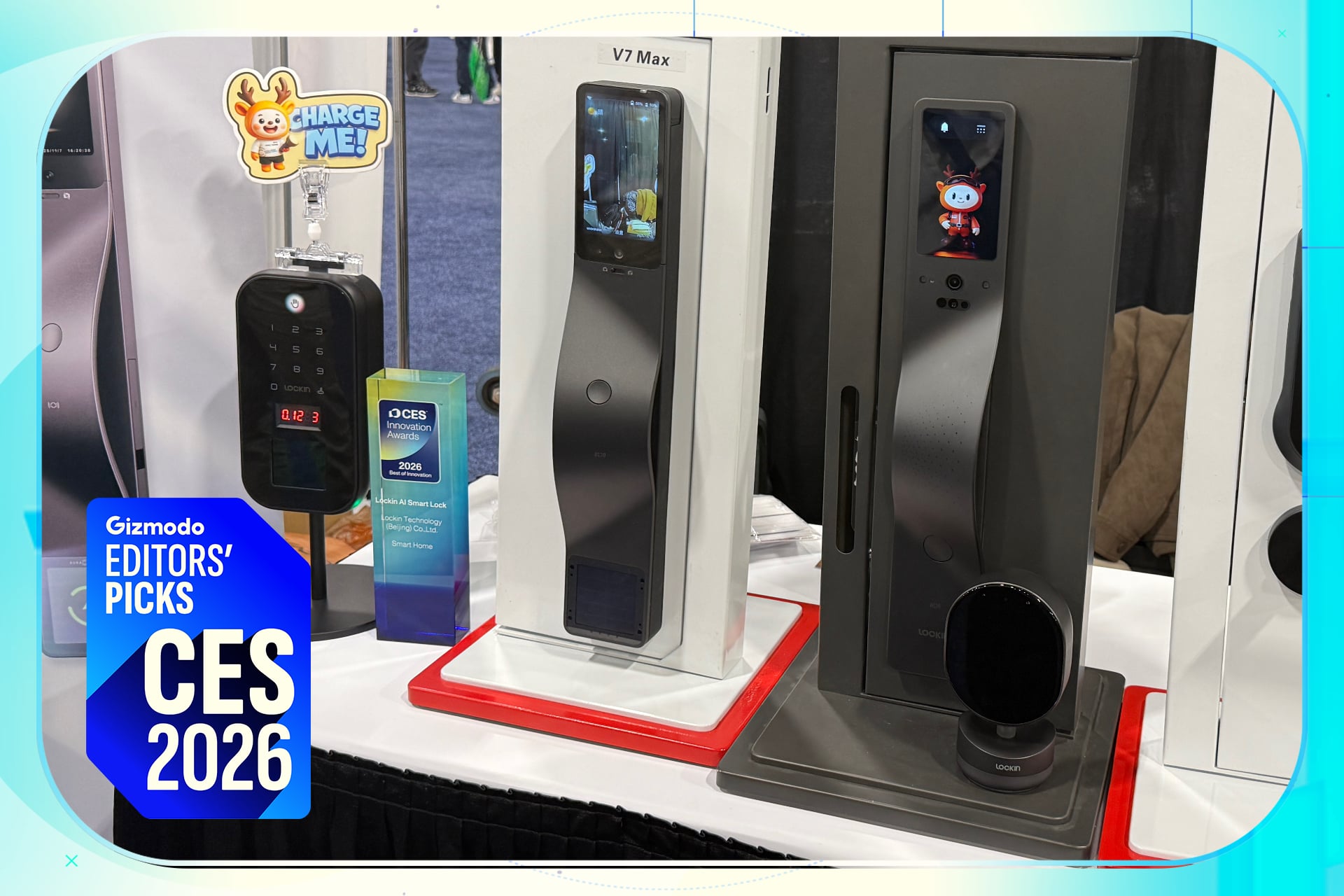
Furthermore, biometric security has become surprisingly affordable. We are seeing a shift toward smart locks that use local fingerprint processing. These devices provide a higher level of security than traditional keypads without requiring a cloud connection to verify your identity.
Explore Subscription-Free Security →
Advanced Budget Hacks: Smarter Switches vs. Smart Bulbs
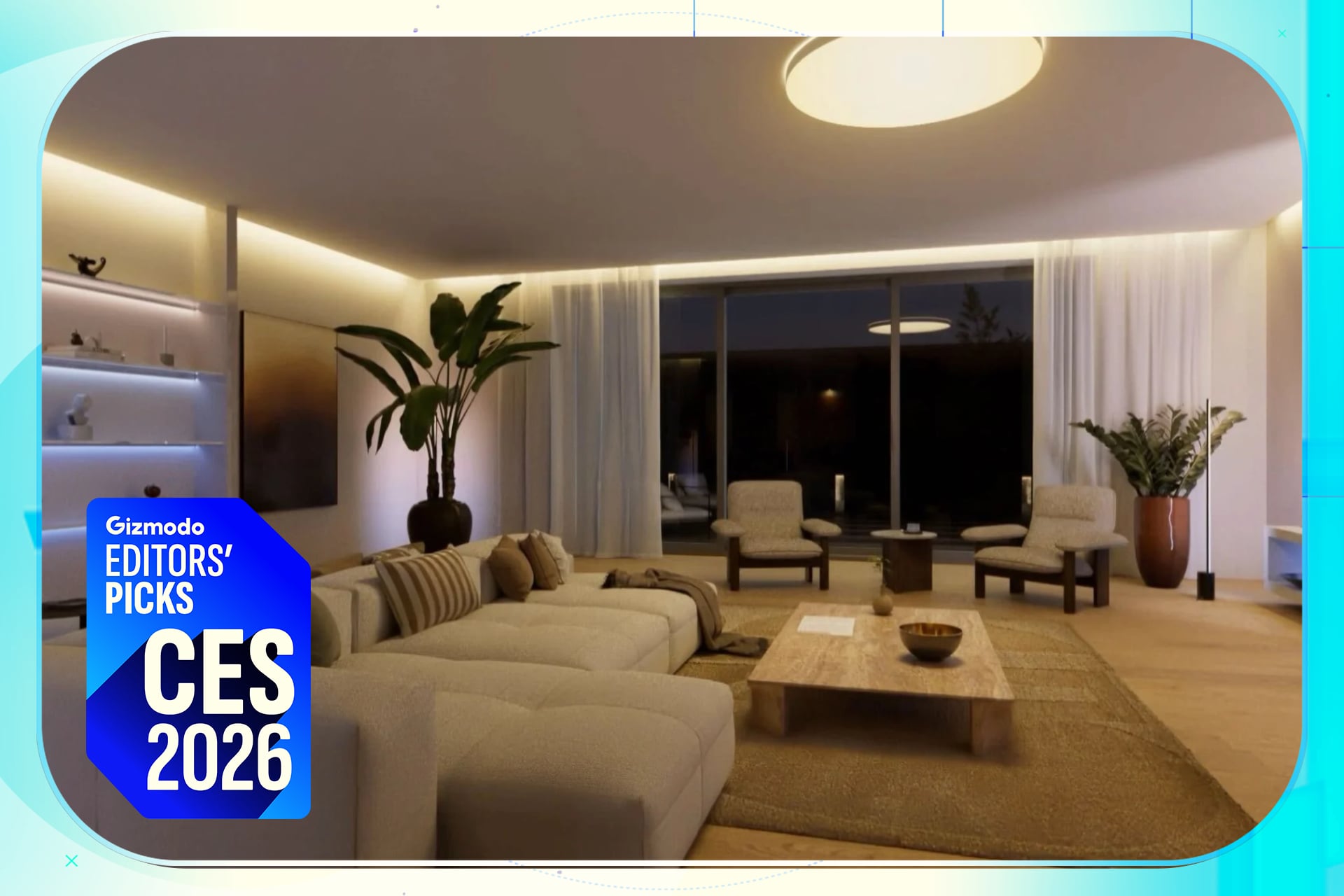
One of the most common mistakes I see in destination properties and residential setups alike is the "Smart Bulb Overkill." If a room has six recessed ceiling lights, buying six smart bulbs will cost you roughly $60–$100. If someone flips the physical wall switch off, those "smart" bulbs become "dumb" and unreachable.
The professional critic's hack? Move the intelligence from the bulb to the switch.
By installing a single smart switch (like those from Shelly, Sonoff, or Lutron's budget lines), you can control all six existing "dumb" bulbs for about $15–$20.
- Shelly Relays: These are tiny modules that sit behind your existing wall switch. They allow you to keep your current aesthetic while adding Wi-Fi or Matter connectivity.
- Sonoff Switches: Known for their "hacker-friendly" nature, these are the ultimate budget choice for those comfortable with basic wiring.
This approach not only saves money on hardware but also prevents the frustration of "unavailable" devices in your app.
Future-Proofing for 2027: Matter and Thread
"Buy cheap, buy twice" is a mantra that rings especially true in tech. However, in 2026, you can avoid this by looking for two keywords: Matter and Thread.
Matter is the "language" that allows a budget Govee light to talk to an Apple HomePod. Thread is the "network" that allows devices to talk to each other without clogging up your Wi-Fi. In my analysis, spending an extra $5 for a Thread-enabled sensor today is a better investment than saving that $5 on a Wi-Fi version that will likely suffer from latency and connectivity issues as you add more devices to your home.
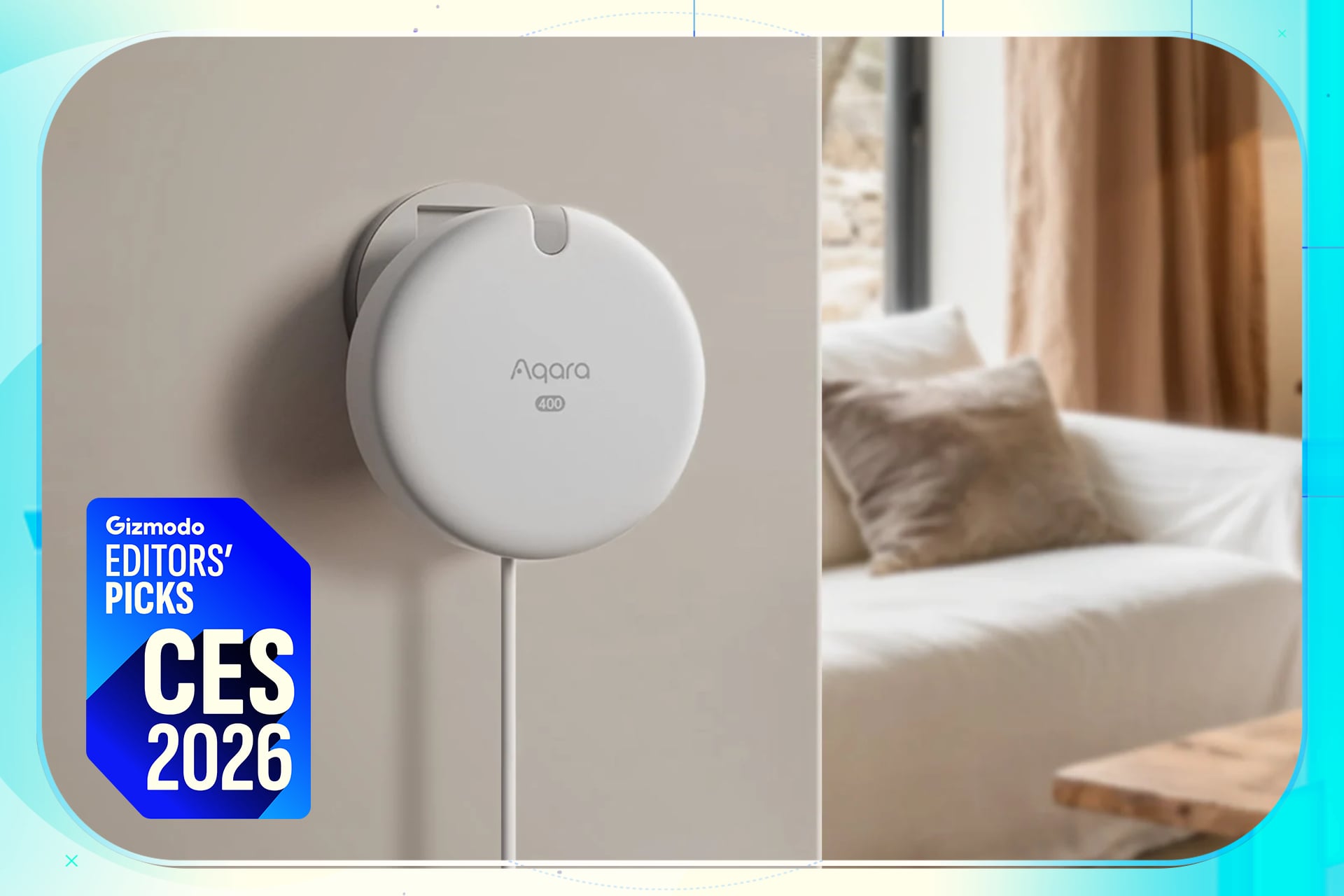
The next frontier for 2026-2027 is Presence Sensing. Unlike traditional motion sensors that turn the lights off if you sit still for too long, presence sensors (using mmWave technology) know you are there even if you're reading a book. These have dropped in price significantly, with brands like Aqara leading the charge in making "staying on" automation affordable.
Common Budget Pitfalls to Avoid
As a critic, I look for where systems fail. In the world of budget smart homes, failure usually happens in two places:
- Overbuying Sensors: Do not buy a door sensor for every cupboard and a motion sensor for every hallway on day one. Start with one routine (e.g., "Good Morning" or "Movie Mode") and buy only what you need to make that routine work.
- Ignoring Wi-Fi Bandwidth: Cheap smart home gadgets are notorious for using 2.4GHz Wi-Fi. If you put 30 cheap Wi-Fi bulbs on a standard ISP-provided router, your Netflix stream will start to buffer. If you plan to go beyond 10 devices, invest in a budget Mesh Wi-Fi system (like the TP-Link Deco series) to handle the traffic.
Hardware ROI Comparison: Entry-Level vs. Premium
| Category | Entry-Level (Govee/TP-Link) | Premium (Philips Hue/Lutron) | Budget Advantage |
|---|---|---|---|
| Smart Bulb (Color) | ~$12 | ~$50 | 76% Savings |
| Smart Plug | ~$8 | ~$30 | 73% Savings |
| Wall Switch | ~$15 | ~$60 | 75% Savings |
| Hub/Bridge | $0 (Matter direct) | $60 (Required) | $60 Savings |
FAQ
Q: Do I really need a hub to start? A: In 2026, many devices can connect directly to your phone via Bluetooth or Wi-Fi, but a hub (like an Echo Pop or Nest Mini) is essential for automation. Without a hub, you can't have your lights turn on automatically when you arrive home or turn off when you leave.
Q: Is a DIY smart home secure? A: It is as secure as your network. Using "Local Control" devices is significantly more secure than cloud-based ones because your data stays within your four walls. Always use two-factor authentication (2FA) on your primary smart home accounts.
Q: Can I mix brands? A: Yes, provided they are Matter-compatible. This is the biggest breakthrough in 2026. You can now buy the cheapest Matter-certified light strip and know it will work perfectly with your existing setup.
Conclusion: Start Small, Think Local
Building your first smart home in 2026 doesn't require a Silicon Valley salary. By focusing on multi-packs for lighting, prioritizing local storage for security, and leveraging the power of Matter-compatible "brains," you can create a system that is both sophisticated and sustainable.
Remember: the goal is "Hardware ROI." Every device you buy should either save you time, save you energy (and money on utility bills), or provide genuine peace of mind. Avoid the subscription traps, embrace local control, and let your home start working for you, rather than the other way around.
Ready to start? Pick one room—perhaps the living room or your entryway—and implement a single automation routine this weekend. Once you see the convenience of a well-oiled, budget-friendly system, you’ll never want to go back to "dumb" living again.