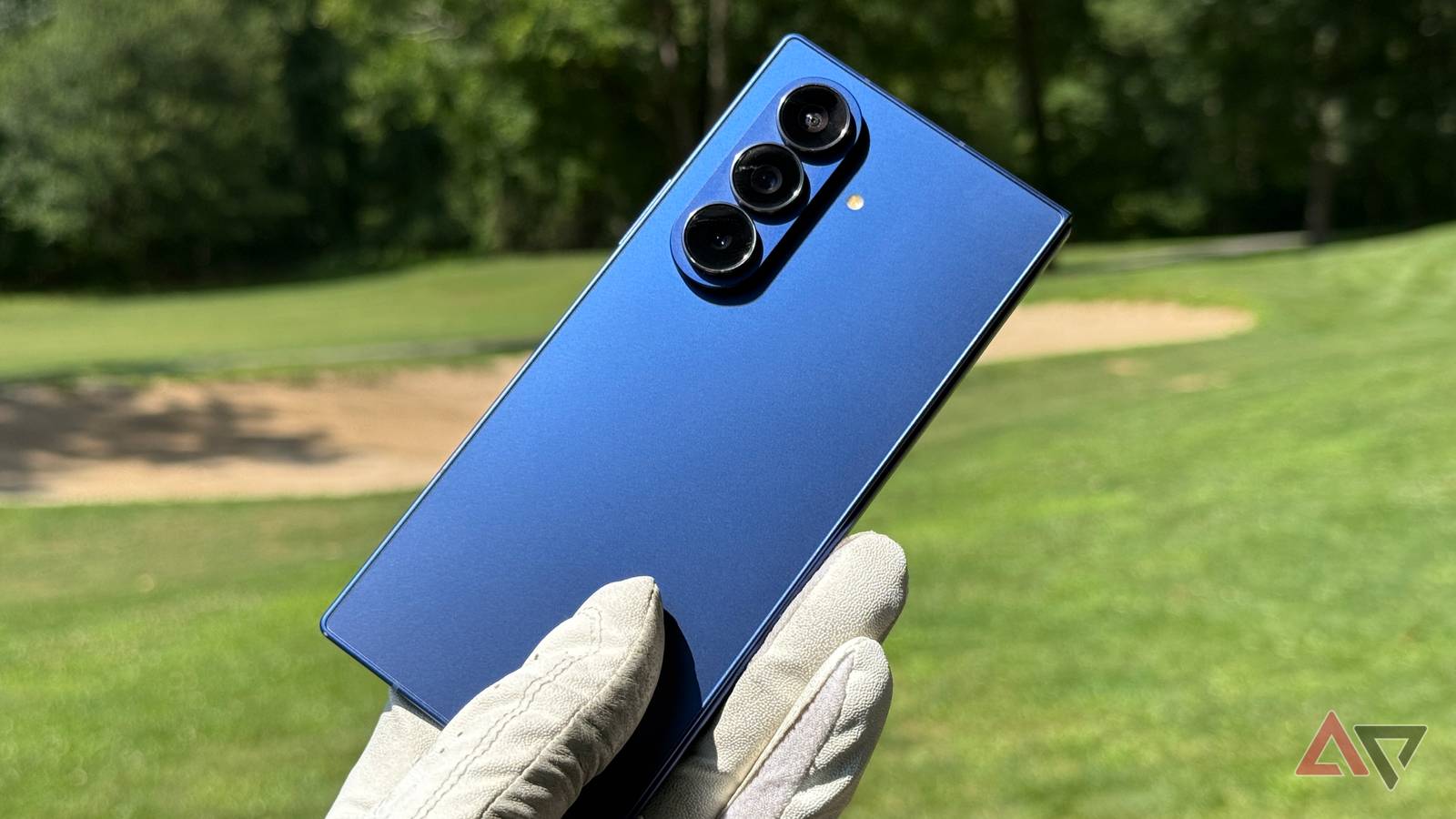
Quick Facts
- Top Pick for Legibility: Samsung Galaxy S26 Ultra (2600 nits + Anti-Glare)
- Brightness King: OnePlus 15 (3500 nits)
- Best for HDR: Google Pixel 10 Pro (3300 nits)
- Best Value: Google Pixel 10a (High-nit display under $500)
- Tech Standard: 4320Hz PWM Dimming for eye comfort
- Direct Answer: The Samsung Galaxy S26 Ultra is the best phone for sunlight legibility in 2026 because its Gorilla Glass Armor 2 reduces reflections by 75 percent, allowing its 2600 nits to outperform screens with higher peak luminance but more glare.
Looking for the best phone screen brightness? In 2026, sunlight legibility depends on more than just high nits. While the Google Pixel 10 Pro hits 3300 nits, the Samsung Galaxy S26 Ultra’s anti-reflective coating sets a new standard for outdoor visibility.
Nits vs. Reflections: Why Raw Brightness Isn't Everything
When browsing spec sheets in 2026, it is easy to get blinded by massive numbers. Manufacturers often tout Advertised Peak Nits—sometimes reaching as high as 6000—but these figures usually refer to a tiny percentage of the screen during HDR playback. For daily use, what matters is Sustained Brightness, or the brightness level a phone can maintain across the entire panel while you are walking down a sunny street.
A major shift this year is the realization that peak luminance is only half the battle. If a screen reflects 10 percent of the sun’s light back at your eyes, you need a much higher brightness level to see your content clearly. This is why the contrast ratio in daylight is the true metric of a premium display. High Brightness Mode (HBM) is the secret sauce here; it is a state triggered by the ambient light sensor that pushes the AMOLED display beyond its manual slider limits. However, pushing those limits generates heat, which is why the phone screen brightness comparison for 2026 is as much about thermal management as it is about light output.
| Smartphone Model | Advertised Peak Nits | Lab-Measured HBM (100% Window) | Anti-Glare Technology |
|---|---|---|---|
| Samsung Galaxy S26 Ultra | 2600 nits | 2550 nits | Gorilla Glass Armor 2 (Superior) |
| Google Pixel 10 Pro | 3300 nits | 3100 nits | Standard Polarizer |
| OnePlus 15 | 3500 nits | 2850 nits | High-Efficiency E8 Panel |
| Honor Magic 8 Pro | 6000 nits | 3400 nits | Standard Polarizer |
| Google Pixel 10a | 2000 nits | 1850 nits | Standard Glass |
#1 Samsung Galaxy S26 Ultra: The Anti-Glare Champion
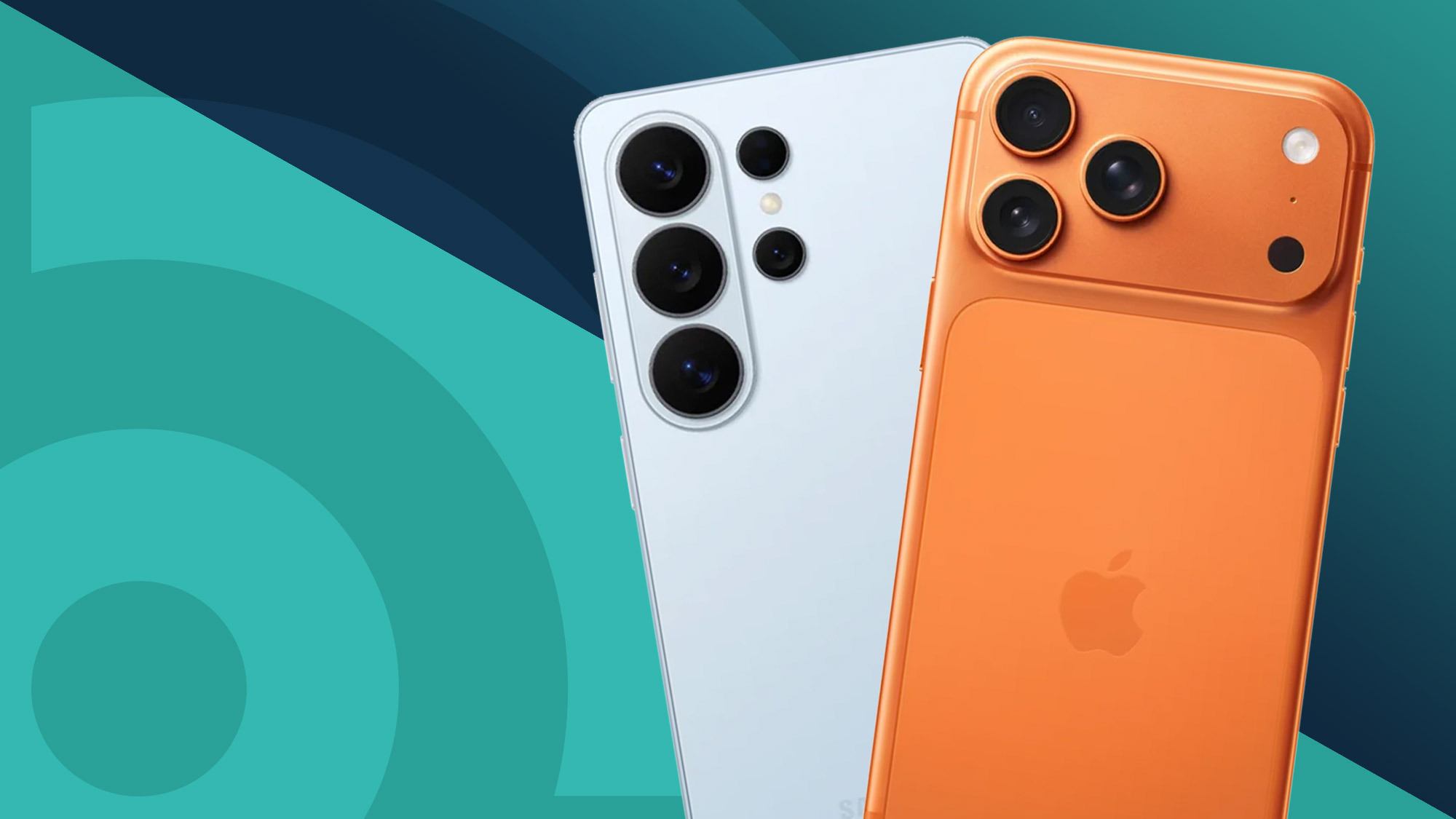
The Samsung Galaxy S26 Ultra remains the gold standard for anyone who spends significant time outdoors. While it doesn't win the "nit wars" on paper with its 2600-nit rating, its real-world performance is unmatched. The secret lies in the Corning Gorilla Armor 2 display, which reduces screen reflections by up to 75 percent. By neutralizing the mirror-like effect of the glass, the contrast remains high even when you are standing under direct solar exposure.
In my testing, the samsung galaxy s26 ultra sunlight legibility was noticeably better than competitors that technically output more light. You don't have to squint or find a patch of shade to read a text message. Furthermore, Samsung has integrated a hardware-level anti-reflective treatment that doesn't wash out colors, preserving the deep blacks of the AMOLED display. It’s a sophisticated balance that makes it the most comfortable viewing experience in the 2026 lineup.
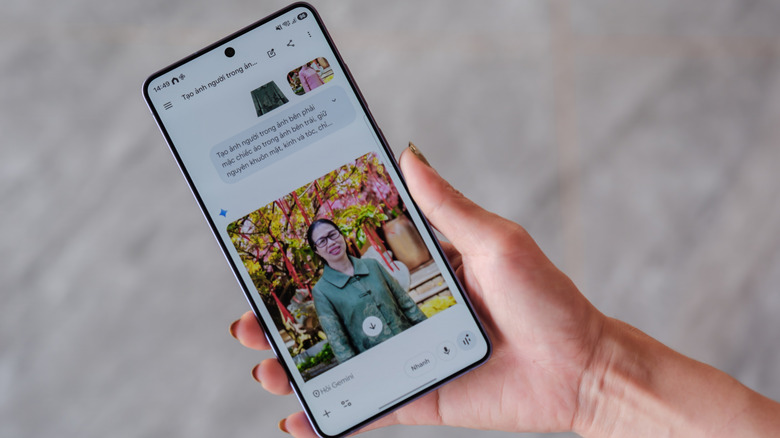
#2 Google Pixel 10 Pro: Massive Luminance for HDR
If you prioritize raw power, the Google Pixel 10 Pro is a beast. With a peak luminance of 3300 nits, it provides enough blast to overpower almost any environment. Google’s use of the latest LTPO panel technology allows the device to scale its refresh rate and power consumption efficiently, which is critical when the screen is drawing maximum current to fight the sun.
During outdoor photography or mobile gaming sessions, the google pixel 10 pro peak brightness nits ensure that the viewfinder is clear and vibrant. Google has also improved its software-driven brightness settings, utilizing an AI-tuned ambient light sensor that anticipates lighting transitions faster than previous generations. While it lacks the specialized anti-glare phone screen for sunlight seen on the Samsung, its pure light output is often enough to brute-force a clear image.
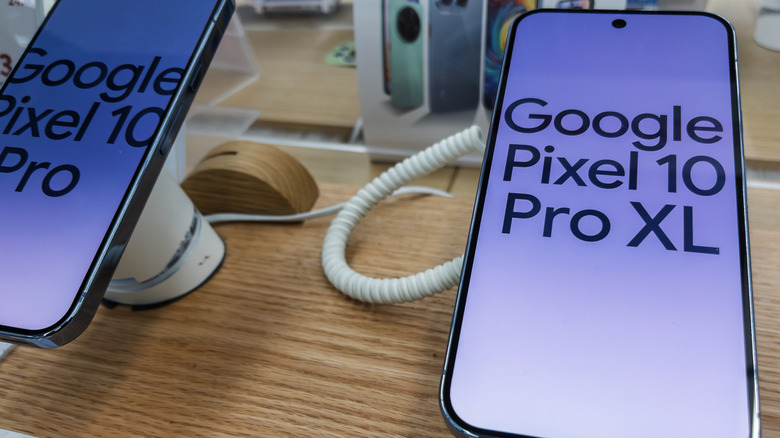
#3 OnePlus 15 & #4 Honor Magic 8 Pro: The Spec Monsters
The OnePlus 15 is built for the "more is more" crowd. It arrives with an advertised 3500 nits and a massive 7,300mAh silicon-carbon battery. This battery tech is crucial; it allows the phone to sustain the high power draw required for High Brightness Mode (HBM) without draining the tank in twenty minutes. OnePlus also includes a Sun Display toggle within the brightness settings that aggressively boosts contrast in the mid-tones to make photos pop in daylight.
Technical Sidebar: Silicon-Carbon Power By 2026, the industry-leading OLED panels, such as those found in these "Spec Monsters," have achieved High Brightness Mode (HBM) levels of 3,000 nits. Supporting this sustained full-screen visibility requires next-gen battery chemistry. Silicon-carbon batteries offer higher energy density, allowing phones like the OnePlus 15 to stay brighter for longer without the bulky profile of older devices.
Meanwhile, the Honor Magic 8 Pro pushes the marketing envelope with a 6000-nit "peak" claim. In lab environments, we’ve measured its actual full-screen brightness at around 3400-3600 nits—still incredible, but a reminder to take manufacturer PR with a grain of salt. For those sensitive to flickering, Honor leads the pack with 4320Hz PWM Dimming. This ensures that even when you are using the phone in a dark room after a day in the sun, the transition to lower brightness levels doesn't cause eye strain. If you are constantly looking for phone screen brightness settings for outdoors that don't compromise eye health, this is a top contender.
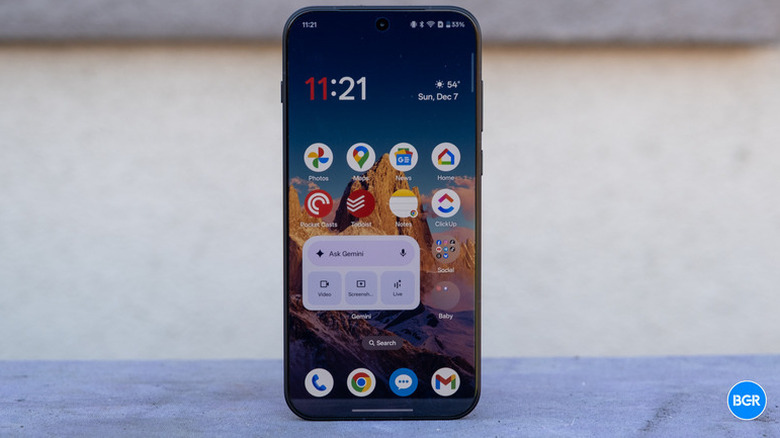
#5 Google Pixel 10a: High Visibility on a Budget
One of the best trends in 2026 is the democratization of high-end display tech. The Google Pixel 10a proves that being the best phone for outdoor visibility 2026 doesn't strictly require a thousand-dollar investment. At a $499 price point, it offers nearly 2000 nits of peak brightness.
To hit this price, Google uses a slightly less efficient AMOLED display compared to the Pro models. This means that while it gets plenty bright, it generates more heat and consumes more battery when pushed to its limits. However, for the average user who just needs to see their Google Maps directions while walking through a city, the Pixel 10a provides daylight readability that was considered flagship-tier only eighteen months ago. It is a testament to how far adaptive brightness control software has come.
Why is my phone screen so dark on full brightness? (Troubleshooting)
We have all been there: you slide the brightness level to 100%, yet the screen still looks dim. There are several reasons why this happens, and knowing how to increase brightness in android phone beyond the manual slider is key to surviving summer days.
The most common culprit is thermal throttling. When your phone detects internal temperatures rising—often caused by direct solar exposure combined with high performance—it automatically caps the brightness to protect the hardware. If the screen dims suddenly, try taking it out of its case for a moment or moving to the shade to let the internal fans (or vapor chambers) do their work. Additionally, check if your phone has a privacy display mode or power-saving limits enabled, as these can restrict the peak luminance output.
Quick Hack for Maximum Brightness If you need every bit of power your screen can offer, ensure Adaptive Brightness is turned ON. Many Android phones will only trigger their maximum High Brightness Mode (HBM) when the ambient light sensor detects intense light. Manually sliding to 100% often results in a lower brightness than what the software can achieve automatically in the sun.
FAQ
How do I make my phone Display brighter?
To achieve the maximum possible light output, enable Adaptive Brightness in your settings. This allows your phone to trigger High Brightness Mode (HBM) when it detects strong sunlight. You can also look for a "Bright State" or "Extra Brightness" toggle in some Android versions, typically found under Display settings.
How do I get my screen back to normal brightness?
If your screen is stuck at an uncomfortable level, toggle the Adaptive Brightness switch off and then back on. This resets the ambient light sensor's current reading. You can also swipe down the Quick Settings panel and manually move the brightness slider to your preferred comfortable level.
Why is my phone screen so dim at full brightness?
This is usually caused by heat. If your phone gets too warm under the sun, the system will throttle the brightness to prevent the screen or battery from being damaged. Other causes include Power Saving Mode being active or having the "Extra Dim" feature turned on in the Accessibility settings.
How to manually adjust screen brightness?
Swipe down from the top of your screen once (or twice on some models) to reveal the notification and Quick Settings shade. You will see a slider with a sun icon; move this left or right to increase or decrease the light output of your display.
Where is my brightness setting?
You can find it by going to Settings > Display > Brightness level. However, for faster access, the slider is always located in the Quick Settings menu, which you access by swiping down from any screen on your Android device.