When Jamie Siminoff first pitched a "smart doorbell" on Shark Tank in 2013, few could have predicted that his company, Ring, would eventually anchor a $1 billion ecosystem under the Amazon umbrella. Today, that ecosystem has expanded far beyond the front door, stretching into the darkest corners of our backyards and driveways with an impressive suite of smart lighting. However, as many homeowners discover during their first foray into outdoor security, these lights often require a silent, unassuming mediator to function at their full potential: the Ring Bridge.
To the uninitiated, the Ring Bridge might look like just another plastic square taking up a socket. But in the landscape of a modern smart home, it serves as the essential "brain" of your outdoor lighting. It is the translator that allows your pathlights to speak to your doorbell, and your floodlights to communicate with your smartphone. Understanding its role is the difference between having a collection of disparate lamps and a truly integrated security fortress.
What Is a Ring Bridge?
At its core, a Ring Bridge is a central hub that connects Ring Smart Lights to the Ring app and other compatible Ring and Alexa-enabled devices. While your Ring Video Doorbell and Indoor Cameras connect directly to your home’s Wi-Fi, Ring Smart Lighting uses a different communication protocol—specifically, long-range proprietary radio frequencies. The Bridge acts as the gateway, converting these radio signals into a format your Wi-Fi router understands.
Retailing at $49.99, the Ring Bridge is a cost-efficient investment when you consider the scale it supports. A single Bridge can manage up to 50 Ring Smart Lighting devices, including bulbs, pathlights, and motion sensors, within a single home network. It creates a dedicated mesh for your lights, ensuring that your home Wi-Fi isn’t bogged down by dozens of individual lighting fixtures trying to maintain a constant internet connection.
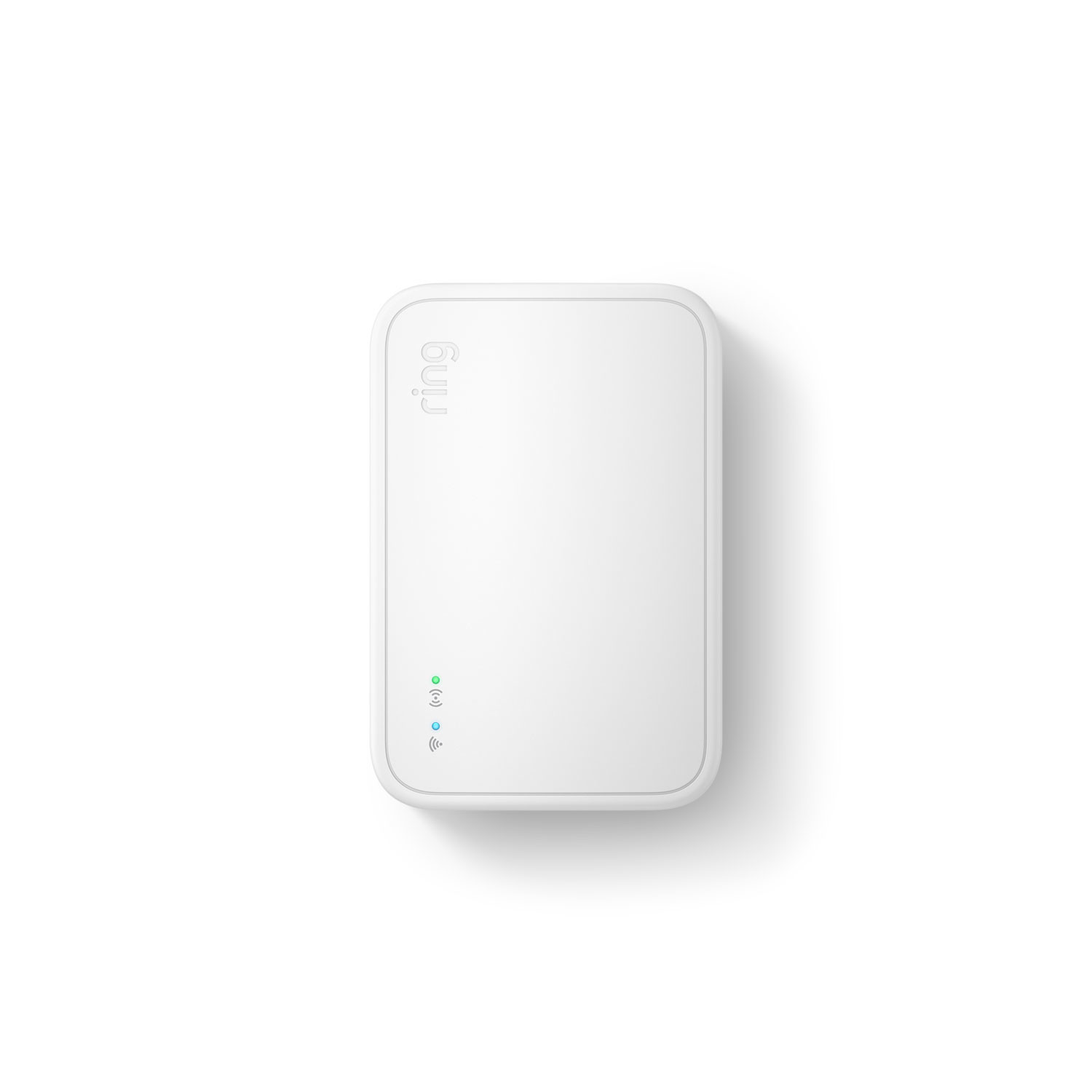
While the first generation of the Bridge established the foundation, the 2nd Generation has refined the experience, offering better range and more stable connectivity. Perhaps most importantly, the newer models are designed to integrate more seamlessly with Amazon Sidewalk—a shared network that helps devices stay connected even if they are outside the range of your home Wi-Fi.
Why Your Smart Lights Need a Bridge
You might wonder why Ring didn’t simply build Wi-Fi chips into every lightbulb. The answer lies in efficiency and range. Wi-Fi is a power-hungry protocol; if every battery-powered pathlight in your garden were constantly searching for a Wi-Fi signal, you’d be changing batteries every few weeks. By using lower-frequency radio waves, the Ring Bridge allows these devices to operate for months or even years on a single set of batteries.
The Bridge transforms "standard" motion-sensing lights into a reactive, intelligent network. Without it, a Ring Pathlight is just a light that turns on when it sees motion. With the Bridge, that single Pathlight becomes a sentinel. When it detects motion at the edge of your property, it can tell the Bridge to turn on the floodlights at the garage and trigger your Ring Video Doorbell to begin recording—all before the visitor has even reached your porch.

Furthermore, the Bridge unlocks the ability to use the Ring App for remote control. This means you can:
- Customize Sensitivity: Fine-tune how much motion is required to trigger the lights.
- Set Schedules: Automate your lights to turn on at dusk and off at dawn.
- Create Groups: Control your "Front Yard" lights as a single unit, separate from your "Backyard" lights.
Alexa Integration: The Power of Voice
For those who have embraced the Amazon Echo ecosystem, the Ring Bridge is the key that unlocks voice control. Once the Bridge is linked to your Alexa account, you can simply say, "Alexa, turn on the backyard lights," or "Alexa, dim the patio lights to 50%."
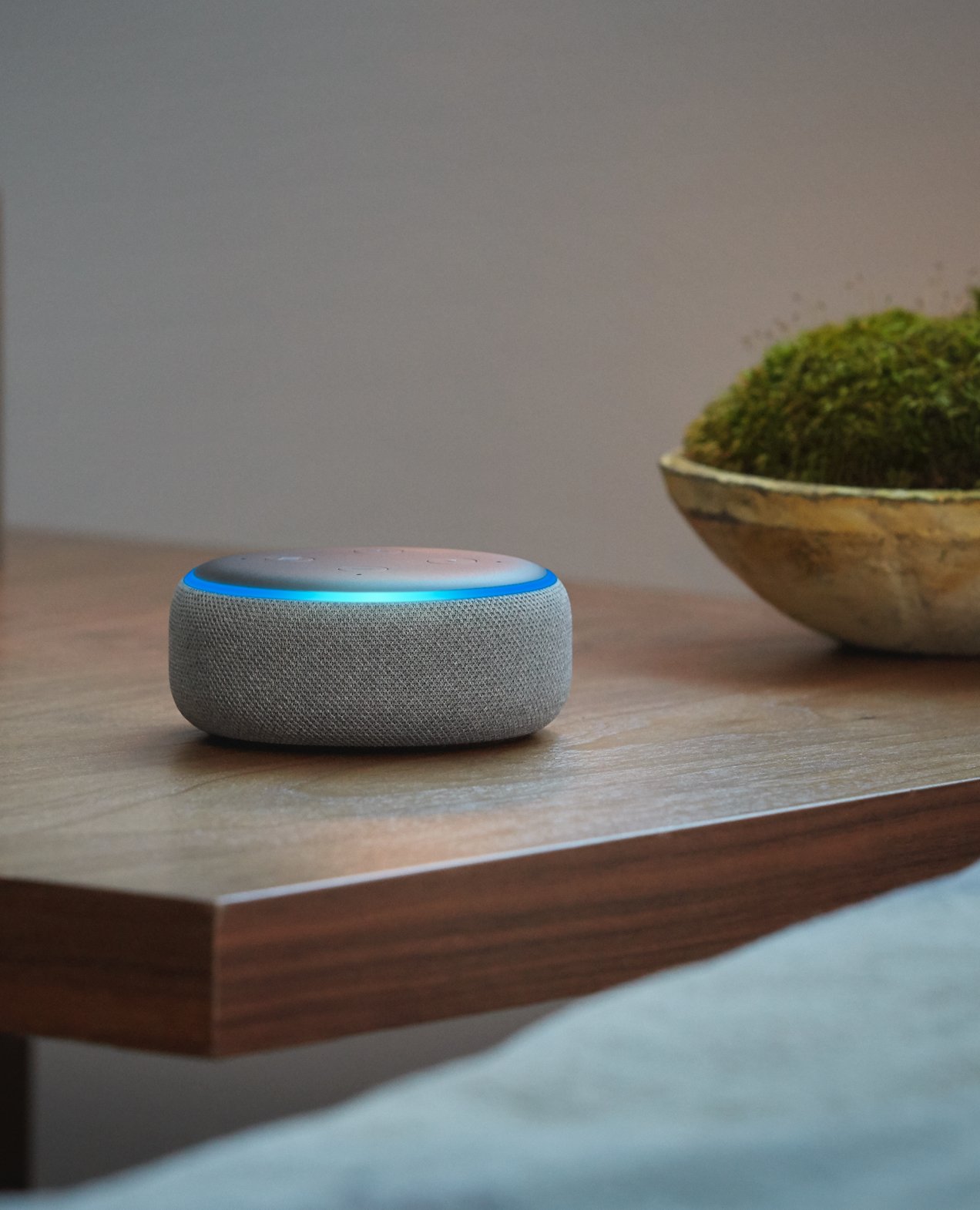
This integration also allows for advanced routines. You can program Alexa to announce "Motion detected in the driveway" through your Echo speakers the moment a Ring Motion Sensor is tripped, providing an auditory layer to your home security.
Do I Need a Ring Bridge?
This is the most common question for new buyers. The short answer is: Yes, if you want "Smart" features.
If you purchase a Ring Smart Light and do not have a Bridge, the light will still function as a basic motion-sensing light. It will turn on when it detects movement, and it will turn off after a set period. However, you will have no way to control it from your phone, no way to receive alerts, and no way to connect it to your other Ring cameras.
Expert Tip: If you are only planning to buy a single Ring Floodlight (Wired), check the box carefully. Some "Wired" versions have the Bridge functionality built-in or use Wi-Fi directly, but the vast majority of the "Smart Lighting" line—especially battery and solar-powered options—require the standalone Bridge.
Without the Bridge, you lose the "connected" part of the "connected home." You won't receive notifications when a light is triggered, and you won't be able to update the device's firmware to fix bugs or add new features.
Ring Bridge Setup Guide
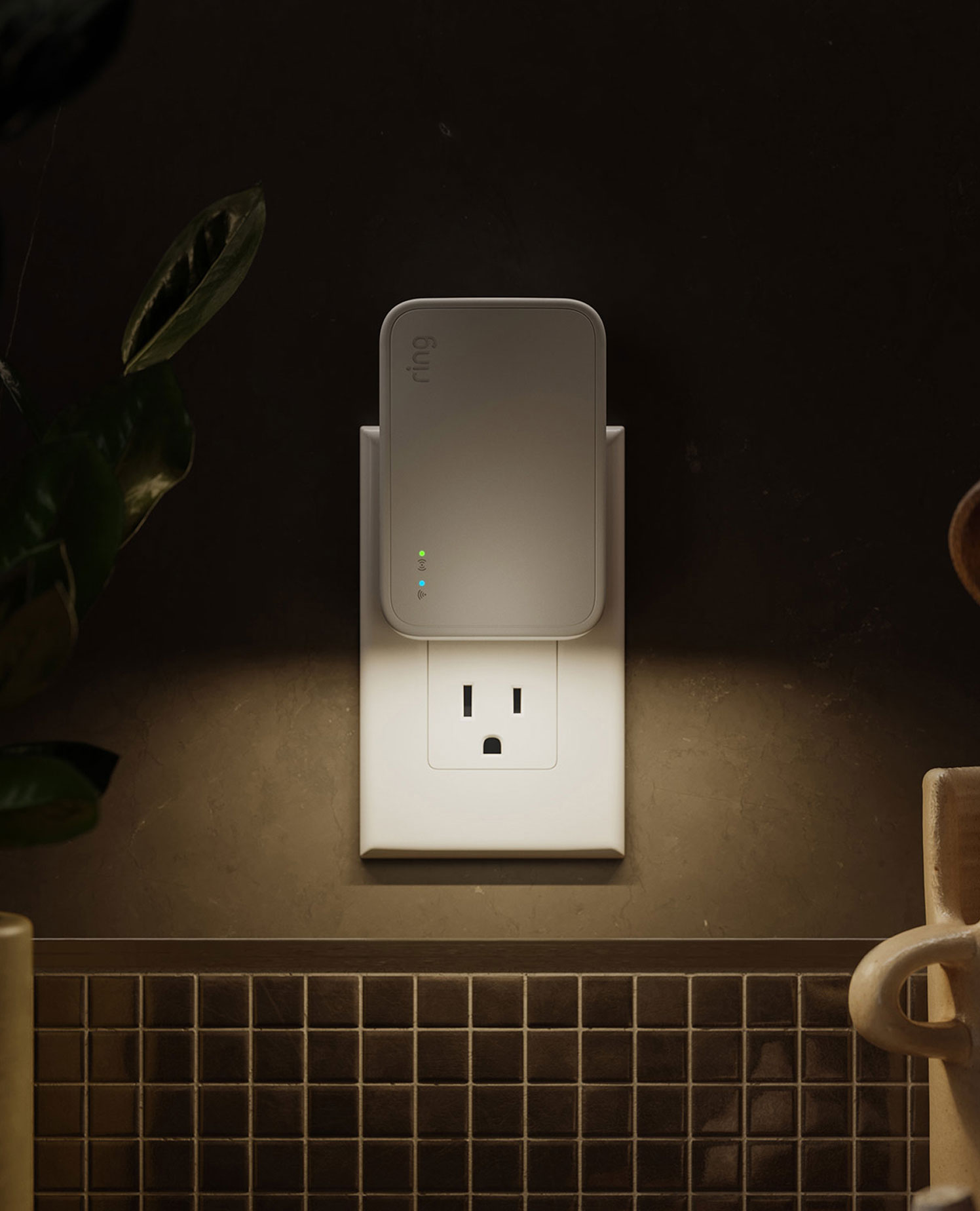
Setting up the Ring Bridge is a straightforward process, but placement is key to ensuring a strong signal to all your outdoor lights. Ideally, you should place the Bridge in a central location, preferably near a window that faces the area where most of your lights will be installed.
Quick 5-Step Setup:
- Download/Open the Ring App: Ensure you have the latest version installed on your smartphone.
- Scan the QR Code: Navigate to "Set Up a Device" and scan the code on the back of your Bridge.
- Power Up: Plug the Bridge into a standard indoor power outlet.
- Enter Setup Mode: Wait for the light on the front to flash blue, indicating it is ready to pair.
- Connect to Wi-Fi: Follow the in-app prompts to connect the Bridge to your home’s 2.4GHz Wi-Fi network.
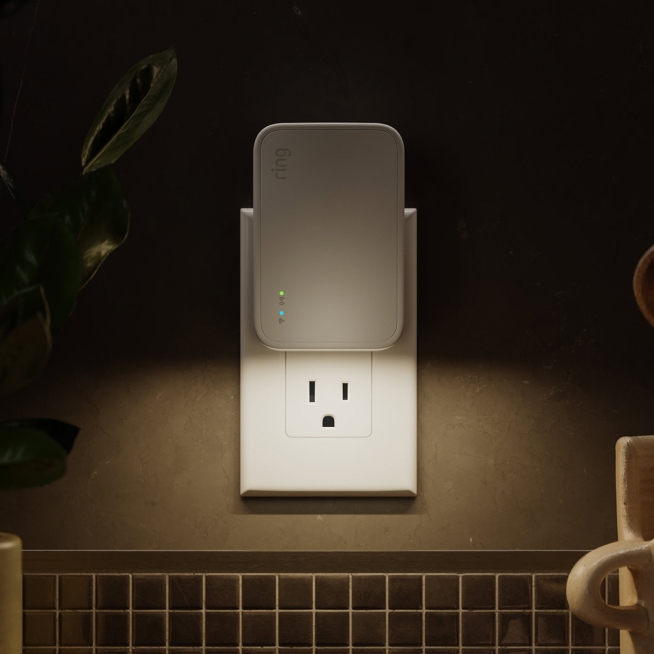
Once the light turns solid blue, your Bridge is online. From here, you can begin adding your lights. To do this, simply select "Set Up a Device" again, choose "Smart Lighting," and the app will guide you through the process of linking each light to your newly installed Bridge.
Tech Specs & Compatibility
Choosing between the generations or checking compatibility is vital for a smooth installation. Here is how the current hardware stacks up:
| Feature | Ring Bridge (Gen 1 & 2) |
|---|---|
| Retail Price | $49.99 |
| Max Devices | 50 Smart Lighting Devices |
| Connectivity | 2.4GHz Wi-Fi to Router; Proprietary RF to Lights |
| Power | Micro-USB (Power Supply Included) |
| Dimensions | 2.4in. x 2.4in. x 0.8in. |
| Smart Home Integration | Amazon Alexa (Full), Google Assistant (Limited) |
Compatible Devices include:
- Ring Pathlights (Battery/Solar)
- Ring Floodlights (Battery/Solar/Wired)
- Ring Spotlights (Battery/Solar)
- Ring Steplights (Battery/Solar)
- Ring Motion Sensors
- Ring Outdoor Smart Plug
Frequently Asked Questions
Can I have more than one Bridge? Yes. If you have a very large property where one Bridge cannot reach all your lights, you can add a second Bridge to your account. However, devices on "Bridge A" cannot currently be grouped with devices on "Bridge B."
What is the range of the Ring Bridge? The Bridge can typically communicate with lights up to 100 feet away, though this varies based on the number of walls and the materials (like brick or stucco) between the Bridge and the light.
Does it work with Apple HomeKit or IFTTT? As of now, Ring products do not natively support Apple HomeKit. While there are some workarounds using third-party software like Homebridge, the official integration is strictly with Amazon Alexa.
Conclusion
The Ring Bridge is the unsung hero of the Ring Smart Lighting system. While it may not have the visual appeal of a sleek floodlight or the immediate utility of a video doorbell, it is the glue that holds the entire outdoor security ecosystem together. For $49.99, it transforms basic illumination into a proactive security network that can deter intruders before they ever reach your door.
If you’re planning on installing more than one or two Ring lights, the Bridge isn’t just a recommendation—it’s a necessity for a truly smart home. It offers the peace of mind that comes with knowing your home isn't just lit, but intelligent.