Quick Facts
- The Gold Standard: The 20-8-2 rule (20m sit, 8m stand, 2m move) is the premier strategy for modern workplace health.
- The Origin: Developed by Professor Alan Hedge at Cornell University to combat the physical toll of static loading.
- Neck Load: A 15-degree forward tilt increases the effective weight of your head on your neck to 27 lbs.
- Energy Impact: Standing while working requires approximately 20% more energy expenditure than sitting.
- Leg Clearance: For optimal comfort, a minimum 27" height and 17" depth for legroom is required.
- The Goal: Professionals should aim for 16 position transitions per 7.5-hour workday to maintain peak musculoskeletal health.
The 20-8-2 rule is a science-backed ergonomic strategy developed by Professor Alan Hedge of Cornell University to combat the physical strain of static loading. It prescribes a repeating 30-minute cycle consisting of 20 minutes of sitting in a neutral spine alignment, 8 minutes of standing at a height-adjustable desk, and 2 minutes of active movement or stretching. This interval-based approach to desk ergonomics promotes postural variability and improves blood circulation compared to prolonged sitting or standing.
Understanding the 20-8-2 Rule: Science Over Hype
As a computing editor, I’ve spent decades testing high-refresh-rate monitors and silicon that pushes the limits of thermal efficiency. But in 2026, the most critical piece of hardware isn't the CPU—it’s the human frame that interfaces with it. We have moved past the era of thinking a "gaming chair" solves all problems. The reality is that the human body is built for dynamic movement, and the greatest threat to our productivity is static loading.
When you sit or stand in a fixed position for hours, your muscles are under a constant low-level strain. This static tension restricts blood flow, leading to localized fatigue and long-term musculoskeletal issues. The standing desk ergonomics 20-8-2 rule, pioneered by Professor Alan Hedge at Cornell University, solves this by introducing postural variability as a scheduled necessity. By breaking your day into 30-minute blocks—20 minutes sitting, 8 minutes standing, and 2 minutes of active recovery—you prevent the accumulation of micro-strains.
Implementing the 20-8-2 rule improves musculoskeletal health by facilitating frequent sit-stand transitions that reduce constant stress on specific joints and muscle groups. By breaking up sedentary periods, this method helps prevent repetitive strain injury and mitigates the aches associated with 'marathon standing.' Furthermore, research indicates that following the 20-8-2 cycle can reduce total sedentary time by up to three hours in an eight-hour workday. This isn’t just about comfort; it’s about maintaining the metabolic rate and oxygenation required for high-level cognitive work.

The Ergonomic Desk Setup Diagram: Precision Measurements
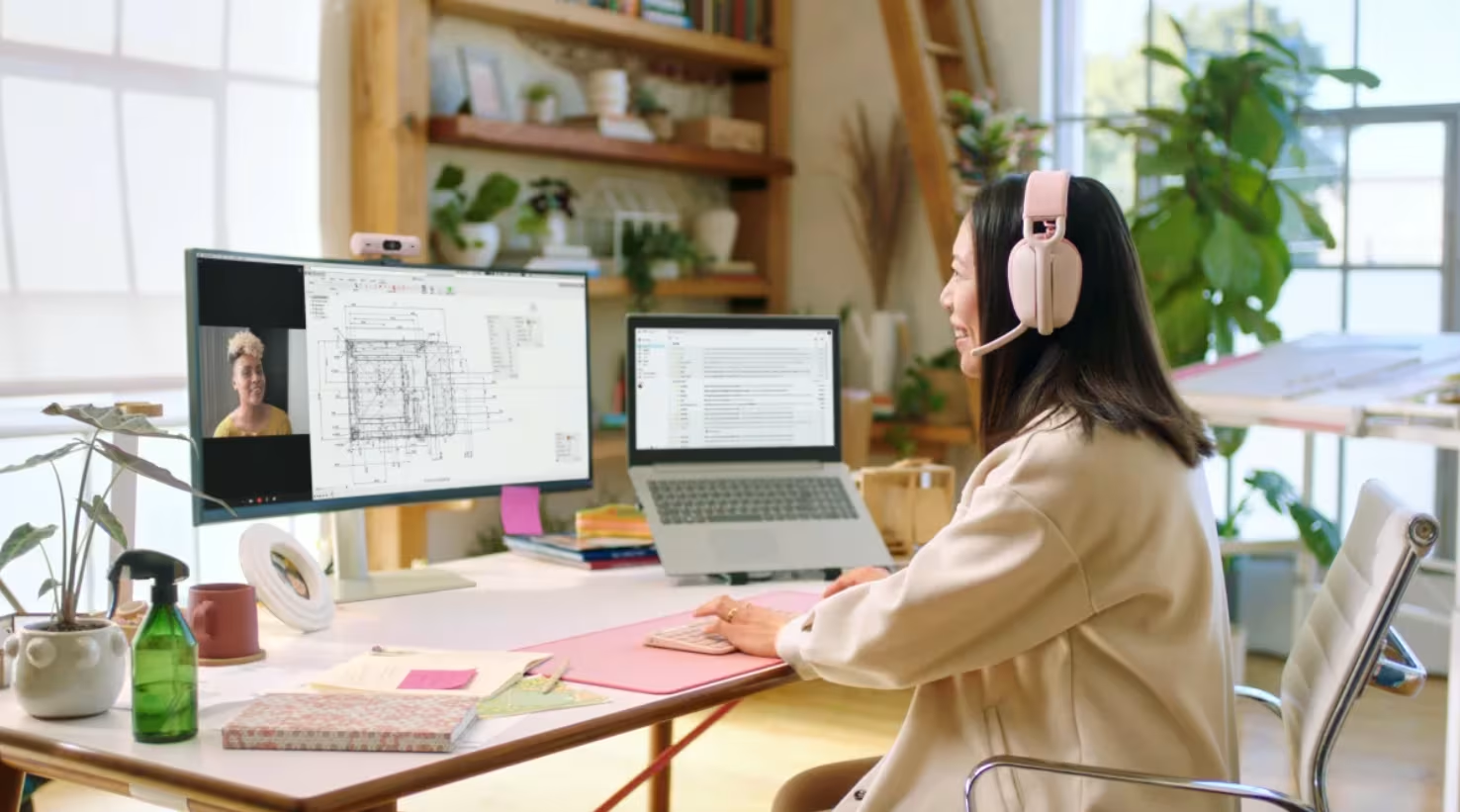
Getting the intervals right is only half the battle. If your workstation is misaligned, you are simply alternating between two different ways of hurting yourself. For the best desk ergonomics when using a standing desk, the workstation should be adjusted based on your specific biometric data. During the 20-minute sitting phase, your feet must be flat on the floor with your knees at roughly 90 degrees.
Seated Alignment and Chair Configuration
Your chair is your primary support system. Look for firm lumbar support that follows the natural curve of your lower back. I always recommend the 2-3 finger gap test: there should be a gap of about 2 to 3 fingers between the front edge of your seat and the back of your knees. This prevents pressure on the popliteal artery, maintaining blood flow to the lower legs.
Standing Desk Height and Monitor Placement
When you transition to your 8-minute standing phase, the correct desk height for standing desk ergonomics is one where your elbows remain at a 90-degree angle while your forearms rest parallel to the desk surface. This prevents shoulder shrugging or wrist extension. Your monitor should be positioned 20 to 26 inches away from your eyes—roughly an arm’s length. The top of the screen should be at or slightly below eye level. A common mistake is looking down; even a 15-degree forward tilt of the head effectively doubles the load on your cervical spine, turning a 12-pound head into a 27-pound weight on your neck.
For readers utilizing an ergonomic desk setup diagram for back pain, the most critical addition to the standing phase is an anti-fatigue mat. Standing on a hard surface for 8 minutes replicates the issues of sitting—blood pools in the feet and joints stiffen. A high-density foam mat encourages micro-movements in the calves, which acts as a pump for your venous system.
Ryan’s Pro Tip: Rather than finding a single fixed height for your standing desk and locking it in, make small, intentional height adjustments of 0.5 to 1 inch during each transition. This subtle shift forces your joints to find new neutral spine alignment points, preventing "locked" posture.
Organizing Your Workspace: The 1-2-3 Zone Strategy
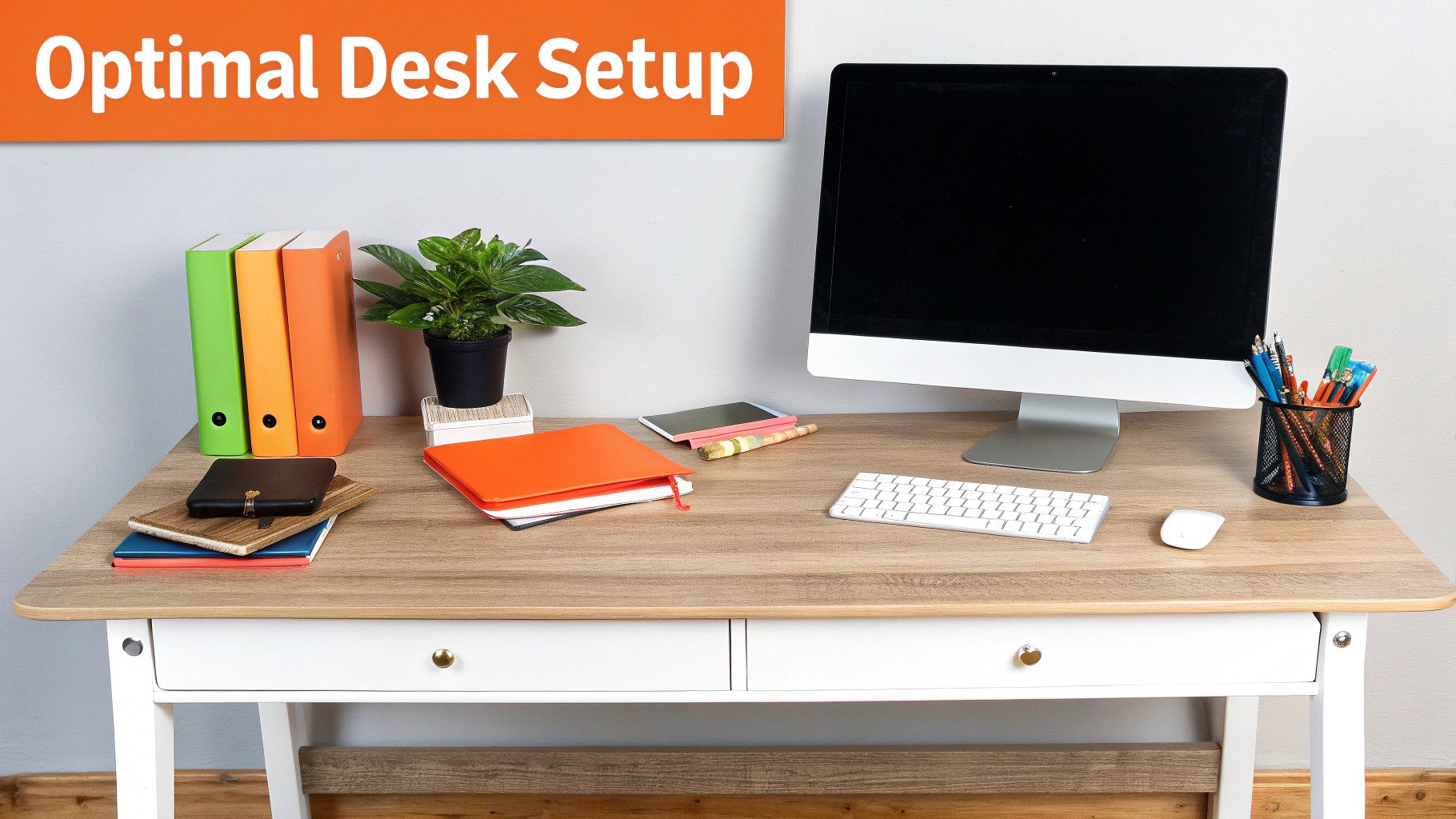
Modern desk ergonomics for dynamic movement requires more than just a good chair; it requires a logical layout of your peripherals. I categorize desk real estate into three zones to minimize unnecessary reaching, which is the leading cause of shoulder and rotator cuff strain in professional environments.
- Zone 1 (Primary Reach): This is your immediate workspace, about 10 to 12 inches from your body. This area is reserved for your keyboard and mouse.
- Zone 2 (Secondary Reach): Items you use every hour, such as your phone, notepad, or coffee mug, should be placed within 15 to 20 inches. This requires a full arm extension but no leaning of the torso.
- Zone 3 (Reference Zone): Items used occasionally (manuals, secondary tablets) should be at the edges of your reach, roughly 25+ inches away. Reaching for these items should be a deliberate movement.
This approach is especially vital for an l-shaped desk ergonomics layout. The "corner" of the L often becomes a graveyard for clutter. Instead, position your primary display at the join of the L to allow for maximal forearm support on both sides. If you are struggling with laptop desk ergonomics for home office use, the 1-2-3 zone strategy still applies, but you MUST use a laptop riser and external peripherals. Using a laptop flat on a desk for proper ergonomics for computer desk workers is impossible because the keyboard and screen are physically connected at the wrong distance.
Common Ergonomic Mistakes and 2026 Solutions
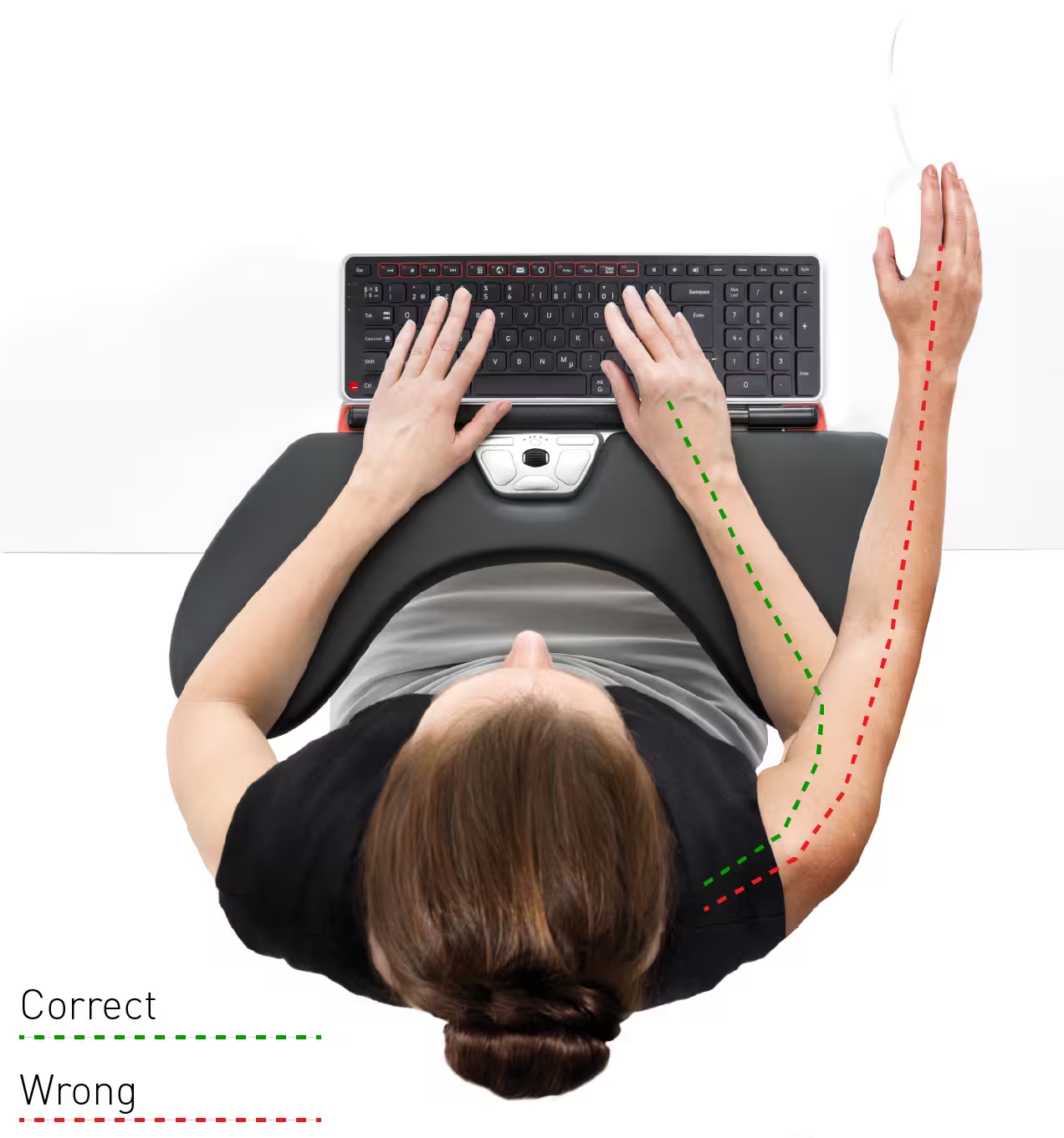
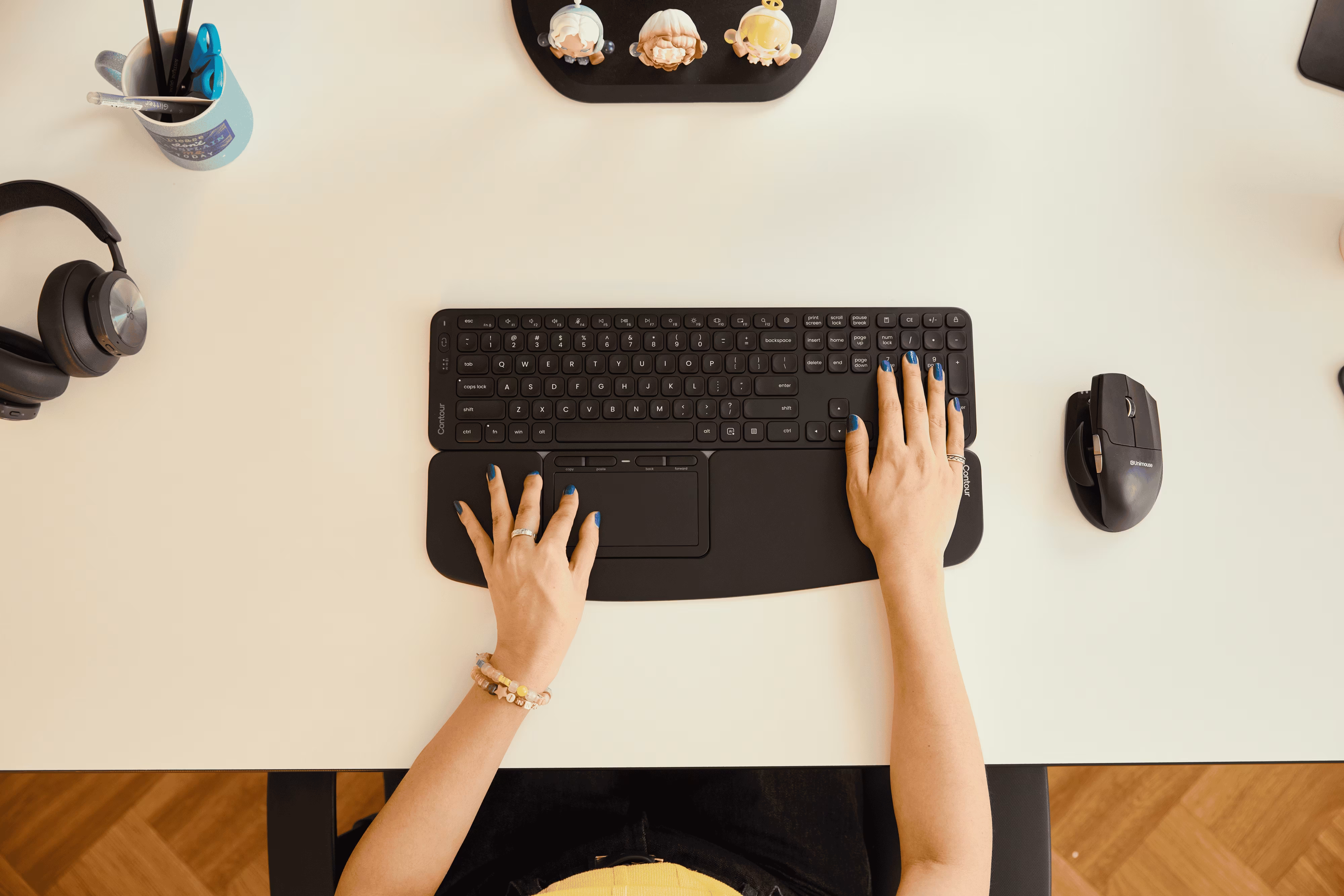
Even with the best hardware, I see professionals make "invisible errors" that negate the benefits of their equipment. The most frequent issue is the "upward tilt" trap. Many users tilt their keyboards upward using the back tabs. This forces the wrists into extension, a primary driver of carpal tunnel syndrome. In a modern ergonomic workstation setup checklist, your keyboard should be flat or even at a slight negative tilt (angled away from you) to keep the wrists in a neutral position.
In 2026, we are seeing the rise of AI-enabled desks. These systems use sensors to track your movement and provide haptic or visual prompts to change positions. It’s no longer enough to set a timer; these new systems can detect when you’ve started to slouch or lock your knees—a classic mistake during the 8-minute standing phase—and nudge you toward active recovery.
According to the Take-a-Stand Project, reducing daily sitting time by just 66 minutes through structured breaks resulted in a 54% reduction in upper back and neck pain among office workers. This proves that the technology serves the habit, not the other way around. No chair is an "ergonomic fix-all." Movement is the only true cure for the physical tax of computing.
FAQ
What is the 20 8 2 rule in ergonomics?
The 20-8-2 rule is a schedule-based strategy to reduce sedentary behavior and musculoskeletal strain. Developed at Cornell University, it mandates that within every 30-minute block of work, you spend 20 minutes sitting, 8 minutes standing, and 2 minutes moving or stretching. This cycle ensures you never stay in one position long enough for static loading to damage your tissues or slow your metabolism.
What is the correct ergonomics for a desk?
Correct ergonomics involves maintaining a neutral spine alignment where the body is supported with minimal effort. This means your monitor is at eye level, your elbows are at a 90-degree angle, your wrists are neutral (not bent), and your feet are supported. The desk height should allow your forearms to rest parallel to the floor without shrugging your shoulders.
What are the 5 principles of ergonomics?
The five core principles include: 1) Working in neutral postures to reduce stress on joints; 2) Reducing excessive force or exertion; 3) Keeping frequently used items within an easy reach zone; 4) Working at proper heights based on the task and individual biometrics; and 5) Reducing unnecessary repetitive motions.
What are common ergonomic mistakes?
Typical errors include looking down at a laptop screen (causing neck strain), tilting the keyboard upward (causing wrist strain), and "marathon standing," which can lead to varicose veins and lower back stiffness. Another common mistake is relying on a high-end chair while remaining stationary for several hours, ignoring the need for movement.
What is the 90-90-90 rule in ergonomics?
The 90-90-90 rule refers to a seated posture where your body creates three right angles: one at the hips, one at the knees, and one at the elbows. While this was the gold standard for years, modern science suggests that while these angles are a good starting point, maintaining them rigidly is less effective than the postural variability offered by the 20-8-2 rule.
Conclusion & Action Checklist
Mastering your environment is just as important as mastering your software. The best desk ergonomics isn't a static destination; it’s a rhythmic habit. By adopting the 20-8-2 cycle, you are engineering your workday for maximum longevity.
If you are at your desk right now, take this 30-second action step:
- Check your monitor height. Is the top of the frame at eye level?
- Verify your elbow angle. Are they floating, or supported at 90 degrees?
- Stand up and stretch for 2 minutes.
Your hardware will eventually be obsolete, but your body needs to last a lifetime. Start the 20-8-2 cycle today to ensure it does.