For years, the MacBook Air has sat comfortably on a throne of its own making. Since the debut of Apple Silicon, it has been the undisputed choice for the mobile professional, offering a blend of efficiency and performance that Windows rivals simply couldn’t touch. But the landscape has shifted. The arrival of the Qualcomm Snapdragon X Elite marks a "Titan vs. God" moment in the computing world.
With the release of the Dell XPS 13 (9345), Windows finally has an ARM-based champion designed to go toe-to-toe with the MacBook Air M3. Does the Snapdragon X Elite truly crown a new king? The data suggests a definitive shift in power. The Dell XPS 13 (9345) outperforms the MacBook Air M3 in battery longevity, lasting a staggering 19 hours and 31 minutes in standardized tests compared to the MacBook's 15 hours and 13 minutes. Furthermore, in high-demand tasks like video transcoding, the XPS 13 completes a 4K to 1080p conversion in just 4 minutes and 41 seconds—nearly two minutes faster than the MacBook Air M3.
Specifications at a Glance
Before diving into the benchmarks, it is essential to look at the hardware configuration. Both machines represent the pinnacle of portable engineering, but they approach the ARM revolution with different philosophies.
| Feature | Dell XPS 13 (9345) | MacBook Air M3 (13-inch) |
|---|---|---|
| Price (As Tested) | $1,299 | $1,499 |
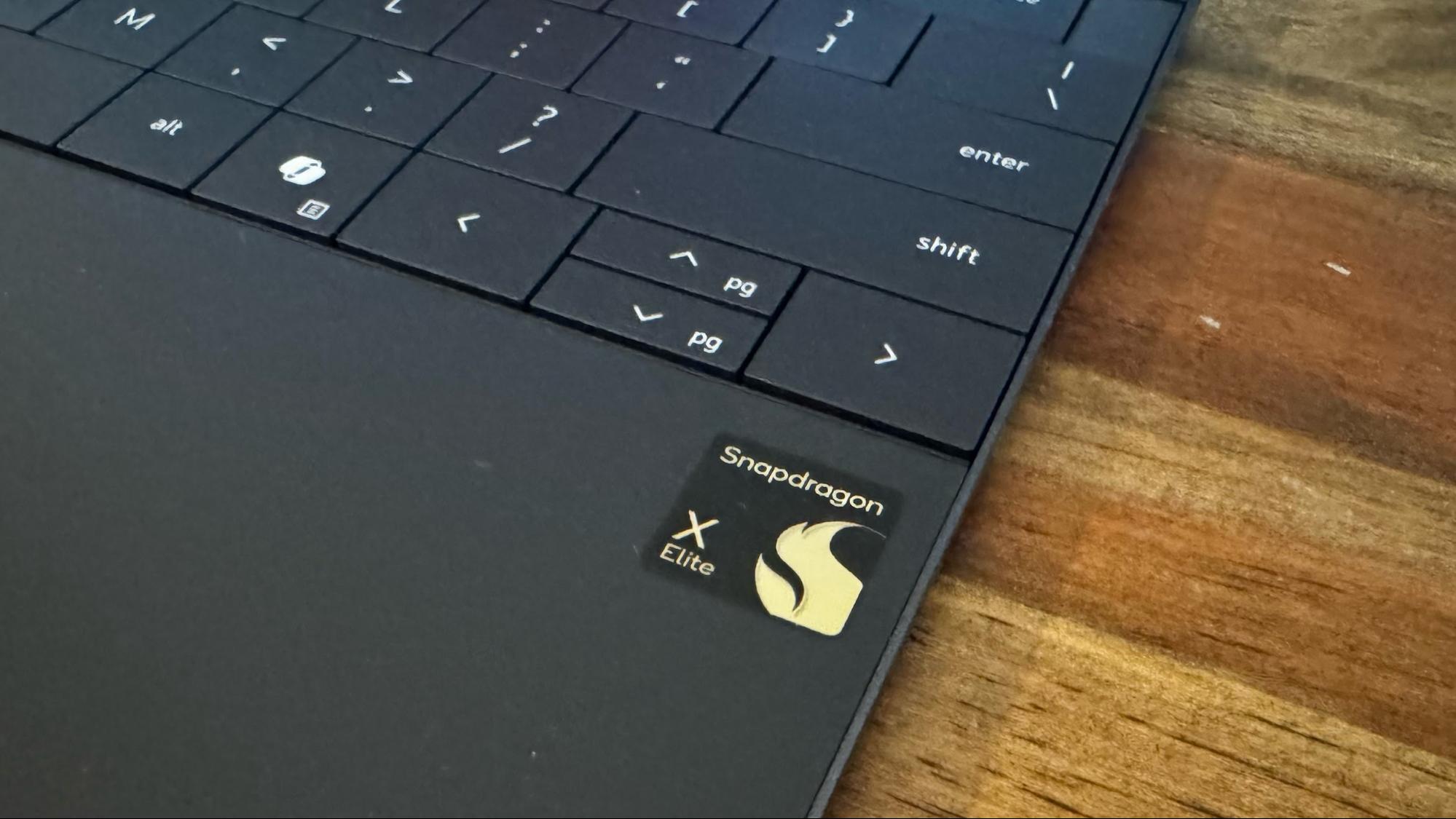
| Processor | Snapdragon X Elite (X1E-80-100) | Apple M3 (8-core CPU/10-core GPU) |
| RAM | 16GB LPDDR5x | 16GB Unified Memory |
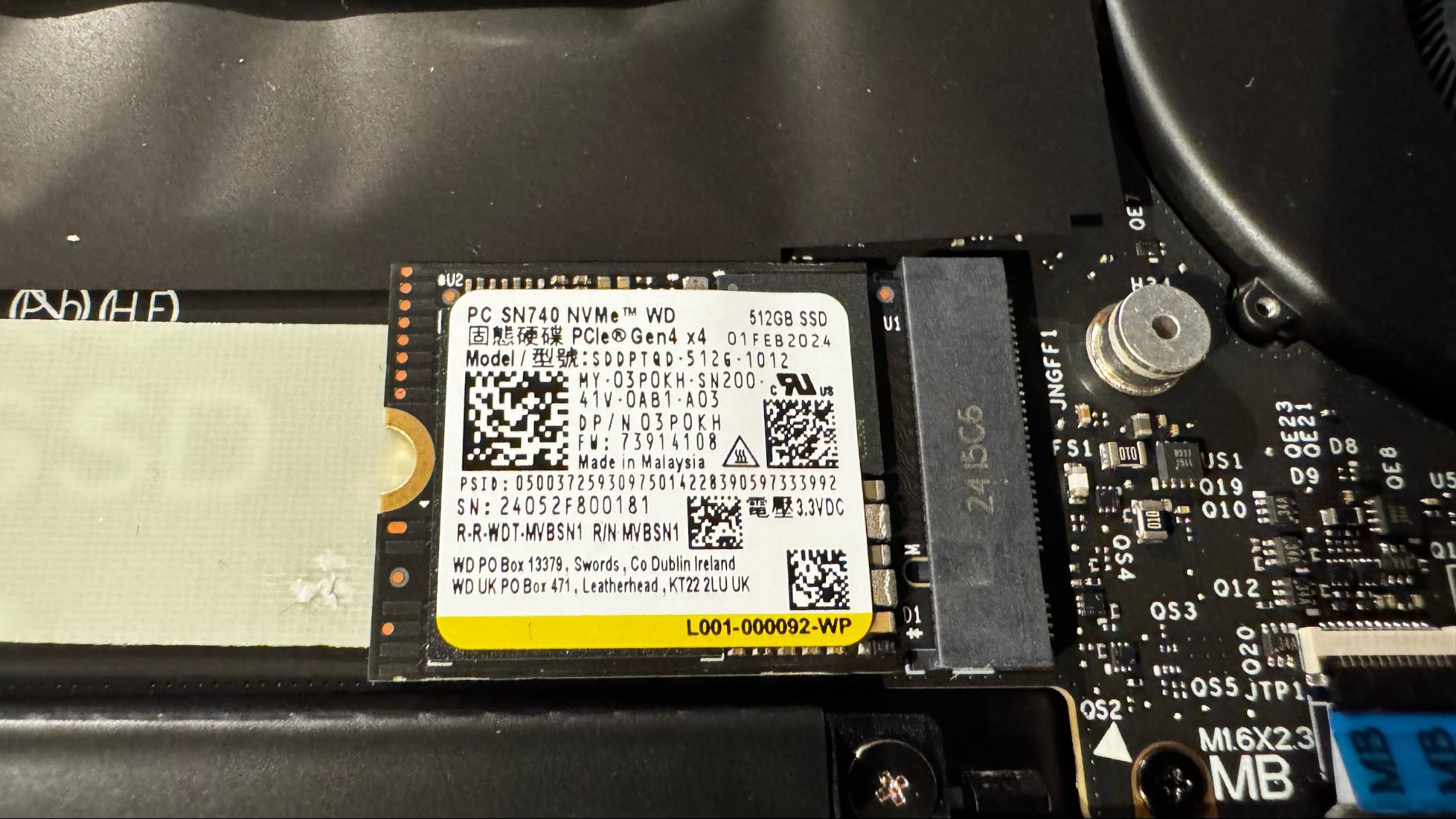
| Storage | 512GB SSD | 512GB SSD |
| Weight | 2.6 lbs | 2.7 lbs |
| Display | 13.4-inch FHD+ (1920x1200), 120Hz | 13.6-inch Liquid Retina (2560x1664), 60Hz |
| Battery Life | 19:31 | 15:13 |
Performance: Raw Power and Real-World Speed
In the world of travel and high-stakes productivity, seconds matter. Whether you are rendering a video in a departure lounge or managing a hundred-tab research project, raw horsepower defines the user experience. The Dell XPS 13 (9345), equipped with the Snapdragon X Elite, is gunning for the crown previously held by Apple.
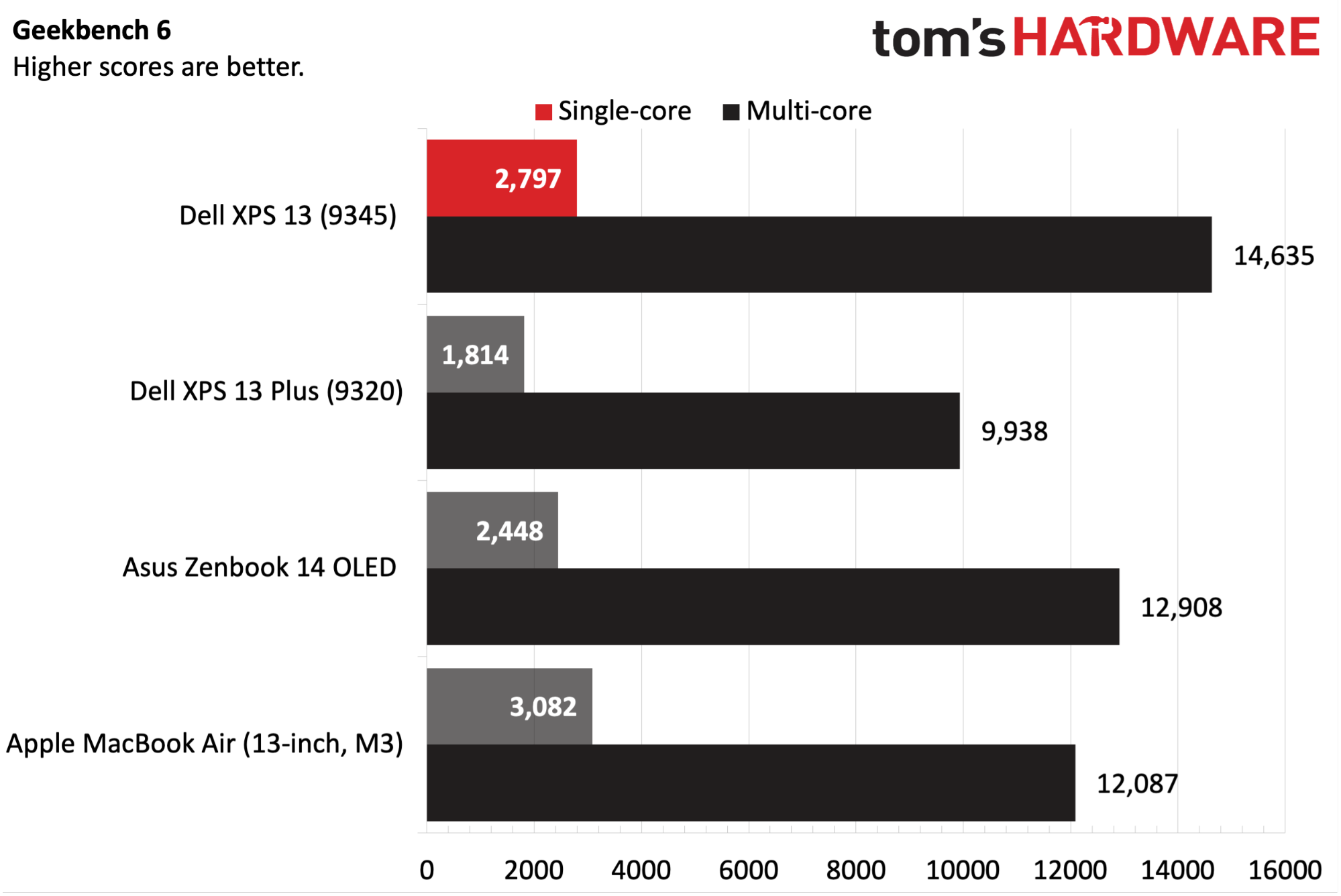
Synthetic benchmarks tell a compelling story of multi-core dominance. In Geekbench 6 testing, the XPS 13 delivered a multi-core score of 13,987, comfortably surpassing the MacBook Air M3’s score of 12,087. This isn't just a marginal gain; it’s a clear indication that Qualcomm’s 12-core architecture handles heavy multitasking with more poise than Apple’s 8-core M3.
Where the Dell truly flexes its muscles is in video transcoding. Using HandBrake to convert a 4K video to 1080p, the XPS 13 finished the task in 4 minutes and 41 seconds. The MacBook Air M3 trailed significantly, taking 6 minutes and 32 seconds. For creators who need to move large files on the fly, the XPS 13 offers a tangible time-saving advantage.
Pro Tip: The Snapdragon X Elite also includes a dedicated NPU (Neural Processing Unit) capable of 45 TOPS, enabling Copilot+ features like Live Captions and Cocreator, which currently outpace Apple’s on-device AI integration in macOS.
Battery Life: The New Endurance Champion
For the frequent traveler, battery life is the ultimate metric. The MacBook Air has long been the "Gold Standard," but the Dell XPS 13 (9345) has effectively moved the goalposts. In our standardized web browsing test—running at 150 nits of brightness—the XPS 13 lasted 19 hours and 31 minutes.
The MacBook Air M3, while still impressive, clocked in at 15 hours and 13 minutes. The Dell didn’t just win the battle; it won the war by a margin of 4 hours and 18 minutes. This roughly 28% advantage in endurance means the difference between finishing a workday on a transcontinental flight or hunting for a power outlet at the gate.
This class-leading endurance is a testament to the efficiency of the Snapdragon X Elite chip. Even when pushed with moderate workloads, the XPS 13 manages its thermal envelope and power consumption with a level of sophistication we haven't seen in a Windows laptop before.
Display Quality: Brightness vs. Color Accuracy
While Dell wins on raw power and longevity, Apple maintains its edge in visual fidelity. The entry-level Dell XPS 13 (9345) features a 1920 x 1200 non-touch display. While it offers a smooth 120Hz refresh rate—double that of the MacBook Air's 60Hz—it falls behind in color reproduction.
Our testing showed that the XPS 13’s base display covers only 66.9% of the DCI-P3 color gamut. In contrast, the MacBook Air M3’s Liquid Retina display covers 77.8%, providing more vibrant and accurate colors for photo editing and media consumption. Peak brightness is a closer race: the MacBook Air hits 476 nits, while the XPS 13 reaches 456 nits.
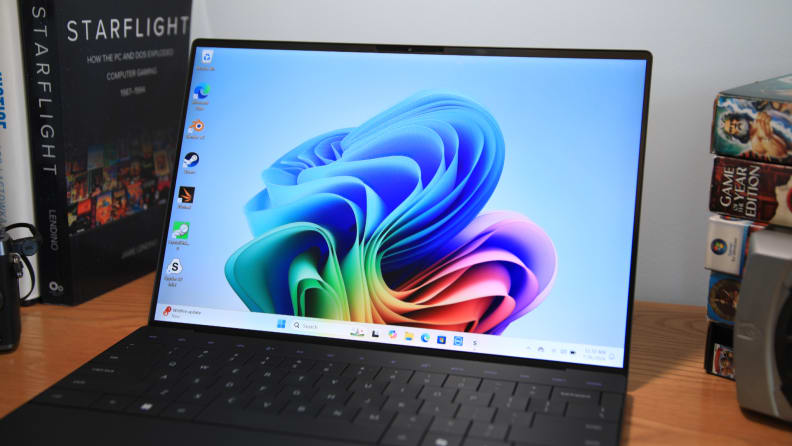
- MacBook Air M3 Advantage: Higher resolution (2560 x 1664), superior color accuracy, and more consistent backlighting.
- Dell XPS 13 Advantage: 120Hz refresh rate (ProMotion-like smoothness) and an optional 2.8K OLED touch panel for those willing to pay a premium.
Design and Usability: Form vs. Function
The Dell XPS 13 (9345) is a marvel of "immaculate chiseling." Its CNC-machined aluminum chassis is futuristic and minimalist. At 2.6 lbs, it is slightly lighter than the 2.7 lb MacBook Air, though both feel essentially weightless in a carry-on bag. However, Dell’s pursuit of minimalism comes with controversial design choices.
The "zero-lattice" keyboard is stunning to look at but requires an adjustment period due to the lack of spacing between keys. More divisive is the seamless glass haptic touchpad; because there are no physical borders, finding the edges can be a guessing game for new users.
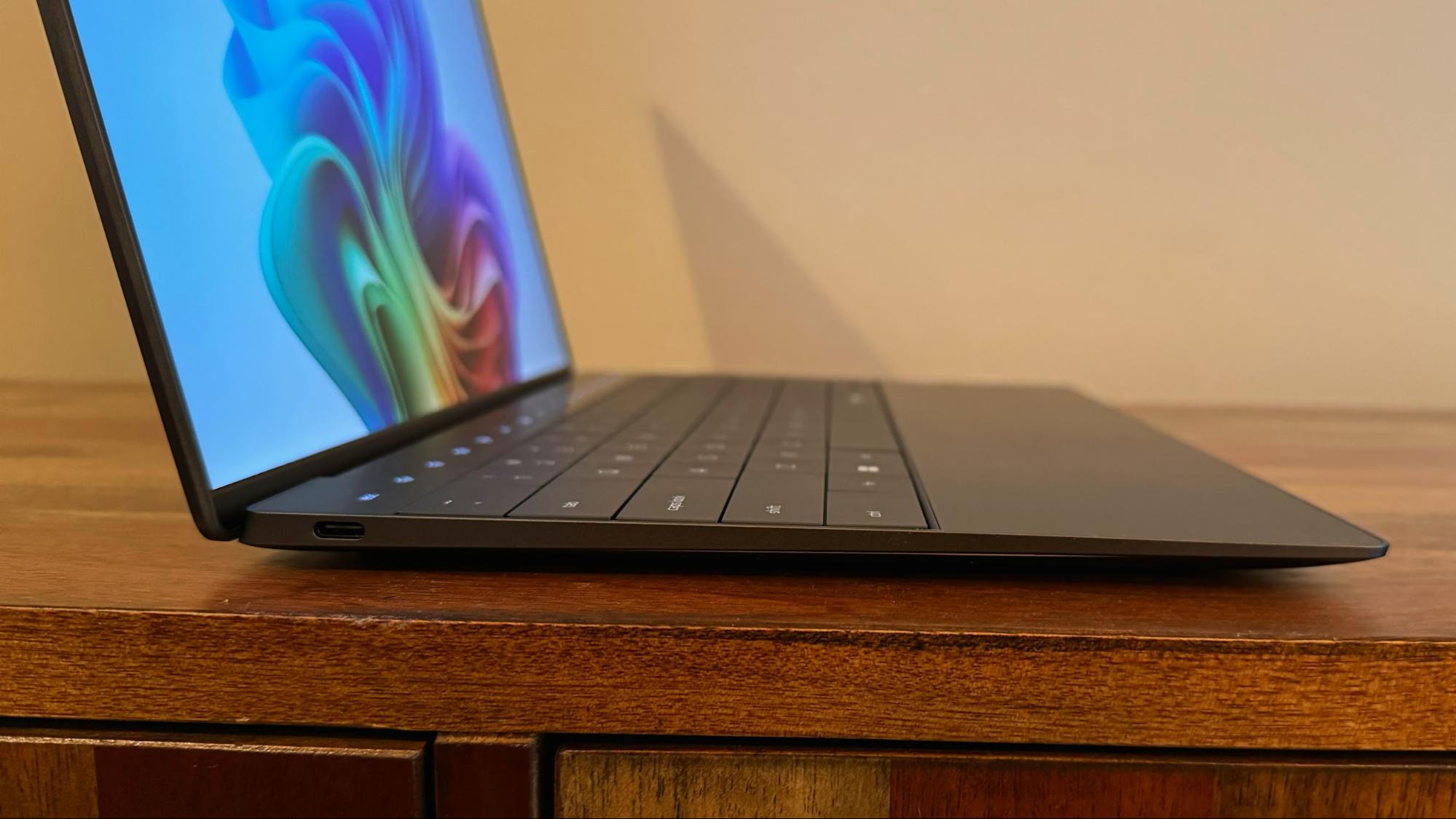
The most debated feature, however, is the capacitive touch row. Replacing physical function keys with illuminated touch icons, it mimics the polarizing "Touch Bar" philosophy that Apple has since abandoned.
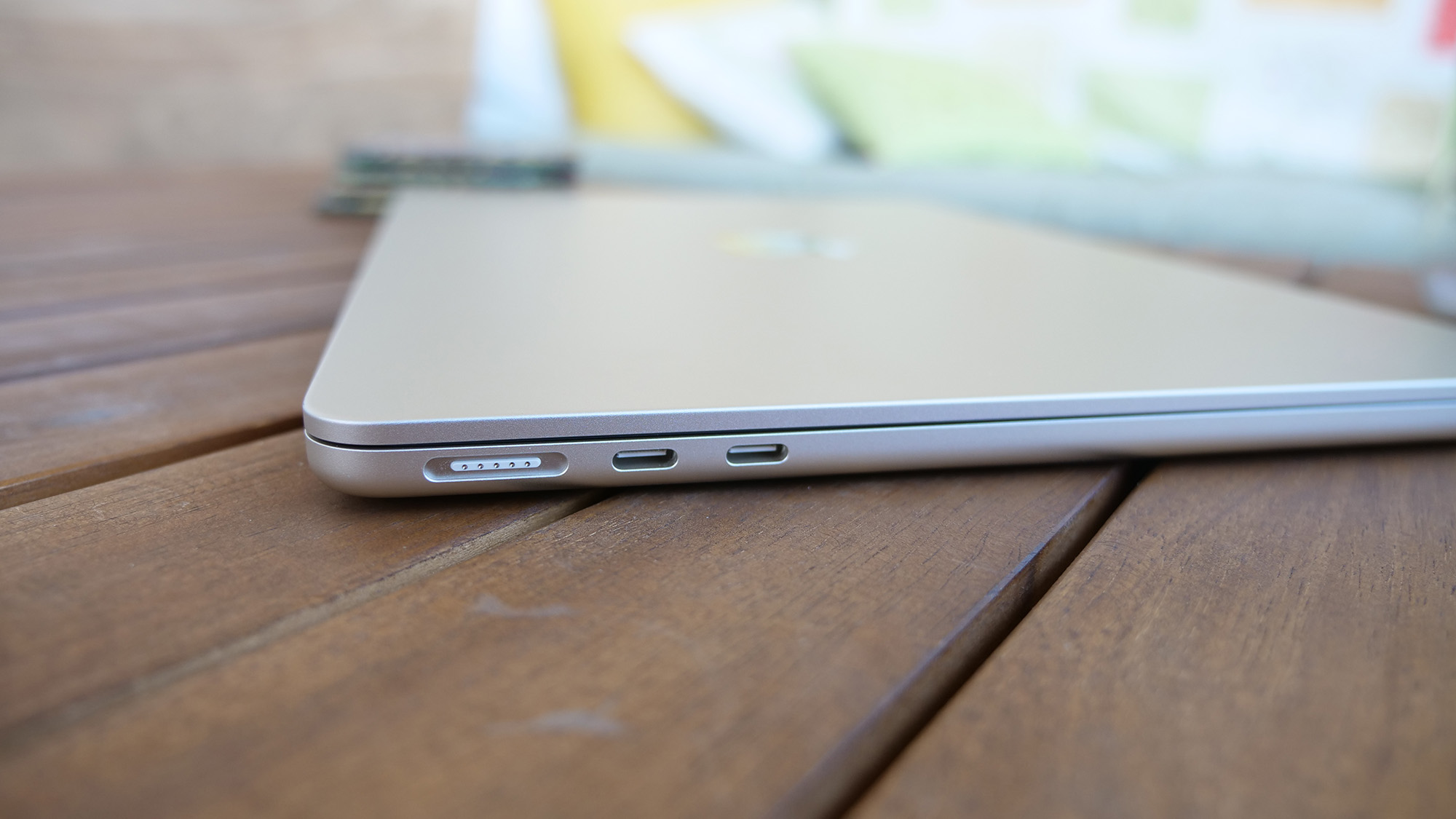
Apple, meanwhile, has doubled down on traditional usability. The Magic Keyboard remains the industry benchmark for tactile feedback, and the return of MagSafe 3 means you don't have to sacrifice one of your two USB-C ports just to charge the device.
Audio, Webcam, and Thermals
Both laptops feature 1080p webcams, but the Dell XPS 13 has the advantage of Windows Hello facial recognition, allowing for near-instant logins. Apple relies on the reliable, but slightly less convenient, Touch ID sensor.
In terms of audio, the MacBook Air's four-speaker system continues to punch above its weight class, offering a wider soundstage and better bass response than the XPS 13's quad-speaker setup. Under the hood, the Dell utilizes dual fans to keep the Snapdragon X Elite cool during sustained workloads—a necessity given its higher performance ceiling compared to the fanless (and silent) MacBook Air.
Final Verdict: Which ARM Laptop Should You Buy?
The Dell XPS 13 (9345) is a landmark achievement for the Windows ecosystem. For the first time, a Windows laptop doesn't just "compete" with the MacBook Air; it beats it in the two categories that matter most to mobile users: performance and battery life.
Choose the Dell XPS 13 (9345) if:
- You prioritize battery life above all else (it is the current endurance king).
- You need the highest possible multi-core performance for multitasking or video work.
- You prefer a 120Hz display and a futuristic, ultra-portable design.
Choose the MacBook Air M3 if:
- You are a creative professional who requires high color accuracy (DCI-P3).
- You prefer a traditional keyboard and a physical function row.
- You value a fanless, completely silent operation and the MagSafe charging ecosystem.
View Dell XPS 13 (9345) Options →
FAQ
Does the Dell XPS 13 (9345) support all Windows apps?
Most apps run natively or through Microsoft’s "Prism" emulation layer. However, some kernel-level software, like certain anti-cheat engines for games or very old drivers, may still face compatibility issues.
Which laptop has a better screen for outdoor use?
The MacBook Air M3 has a slight edge in peak brightness (476 nits vs 456 nits) and better color saturation, making it slightly easier to read in direct sunlight.
Is the Dell XPS 13 (9345) fanless?
No. Unlike the MacBook Air, the XPS 13 uses dual fans to maintain the high performance levels of the Snapdragon X Elite. However, the fans remain very quiet during standard office tasks.
Are you ready to make the switch to Windows ARM, or is the MacBook still your ultimate travel companion? Share your thoughts in the comments below.