We’ve all heard it: the low, persistent drone of a cooling fan working overtime, escalating into a sound akin to a jet engine taking off from your media console. In my years of reviewing high-end hardware and travel-ready gaming setups, I’ve found that while gamers are quick to invest in the latest titles or specialized controllers, they often neglect the one factor that dictates the lifespan of their investment: internal hygiene. Dust isn't just an aesthetic nuisance; it is a silent, incremental killer of performance.
Internal data and industry analysis suggest that approximately 65% of unexpected hardware failures in modern gaming consoles—from the PlayStation 5 to the Xbox Series X—are either directly caused or significantly exacerbated by accumulated debris. When dust blankets the delicate heat sinks and fan blades, it creates a thermal trap. This leads to thermal throttling, where the system intentionally slows down its processor to prevent permanent damage, resulting in dropped frame rates and lag. By maintaining a pristine internal environment, you aren't just cleaning; you are improving airflow efficiency by up to 25%, ensuring your hardware runs as the engineers intended.
Why Dust is Your Console's Silent Killer
Modern consoles are masterpieces of thermal engineering. They pack desktop-level performance into compact shells, relying on sophisticated intake and exhaust systems to move massive amounts of air. However, these systems act as high-powered vacuums for household particles. Over time, skin cells, pet dander, and carpet fibers weave into a thick "carpet" over the intake vents.
When this happens, the internal temperature of the APU (Accelerated Processing Unit) spikes. The system responds by ramping up fan speeds—hence the noise—but if the air cannot escape, the heat begins to degrade the integrity of the thermal paste and solder joints. A console that consistently runs hot is a console on a fast track to a "Blue Light of Death" or a permanent hardware shutdown.
Is It Time to Clean? Identifying the Warning Signs
Knowing when to intervene is the difference between a simple maintenance task and a costly repair bill. As a rule of thumb, you should perform an external wipe-down weekly, but certain sensory cues will tell you when a deeper dive is necessary.
- The 'Jet Engine' Effect: If your fan is audible from across the room during a standard gaming session, it is struggling to move air through clogged fins.
- Thermal Throttling: Are you experiencing sudden stutters in games that used to run smoothly? This is often the OS slowing down the hardware to cope with excessive heat.
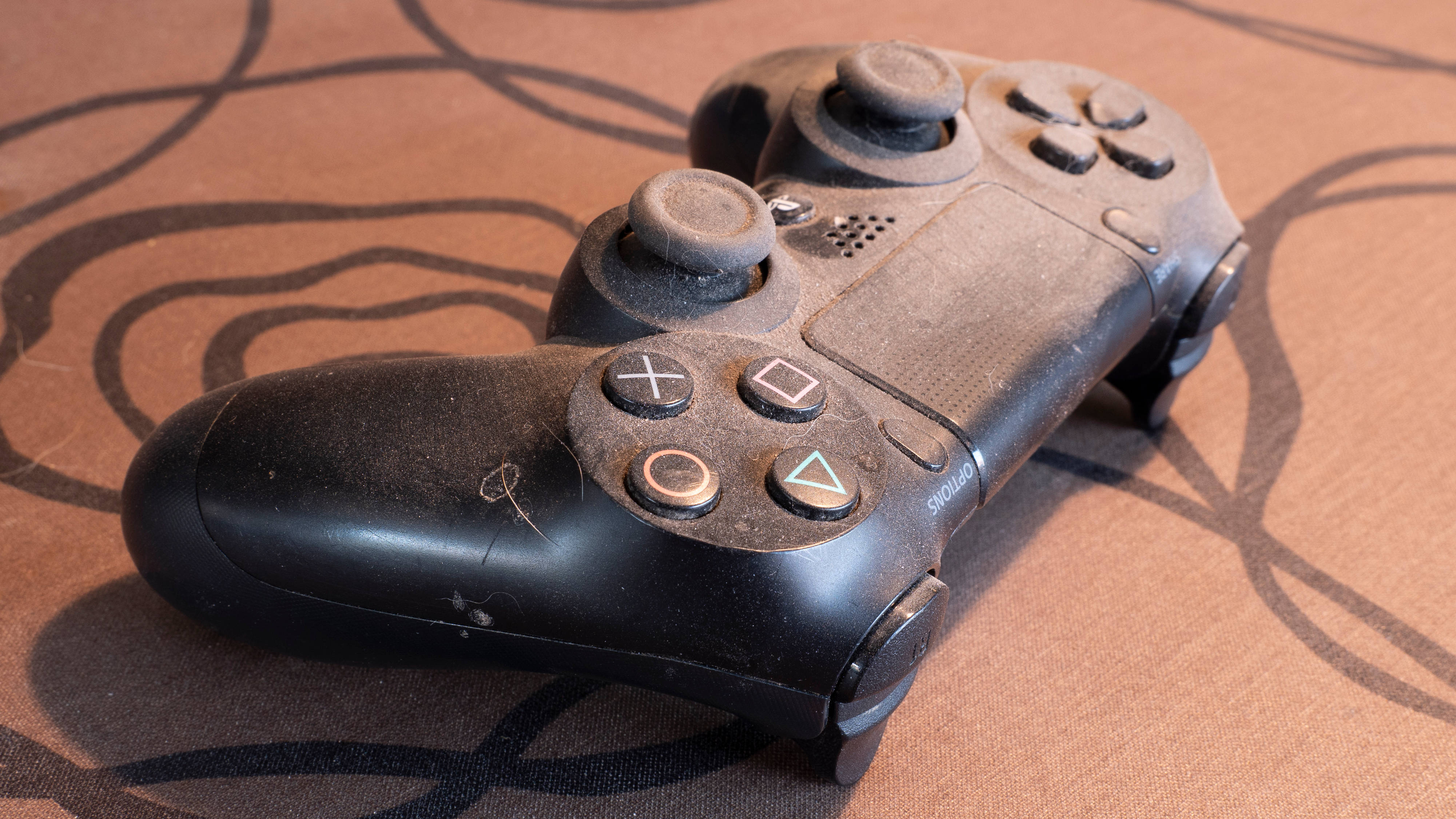
- Physical Inspection: Look closely at your USB ports and the primary cooling vents. If you see "gray fuzz" or a visible layer of sediment, the interior is likely in a similar, if not worse, state.
- Heat Radiation: Feel the casing. While consoles are expected to be warm, a casing that feels hot to the touch or emits a faint "hot plastic" smell indicates a critical lack of ventilation.
The Essential Pro Cleaning Toolkit
Before you begin, you must have the right tools. Using the wrong materials—like paper towels which can scratch, or cheap brushes that drop bristles—can cause more harm than good.
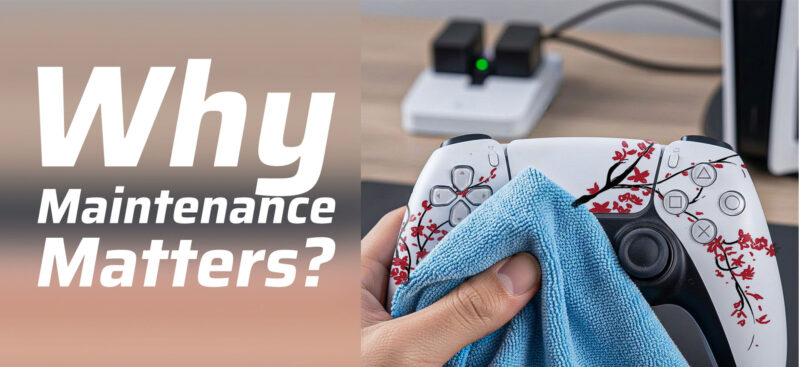
Surface Care: High-Quality Microfiber Cloths A premium microfiber cloth is your first line of defense. Unlike cotton or paper, microfiber is designed to lift and trap oils and dust rather than smearing them across the surface. This is particularly important for the high-gloss finishes found on many console faceplates.

Precision Tools: Brushes and Q-Tips For the vents and crevices, a soft-bristled brush (an unused makeup brush or a dedicated anti-static electronics brush) is indispensable. For tighter spots, such as the areas around the USB-C ports or the disc drive entry, high-density cotton buds (Q-tips) are required.
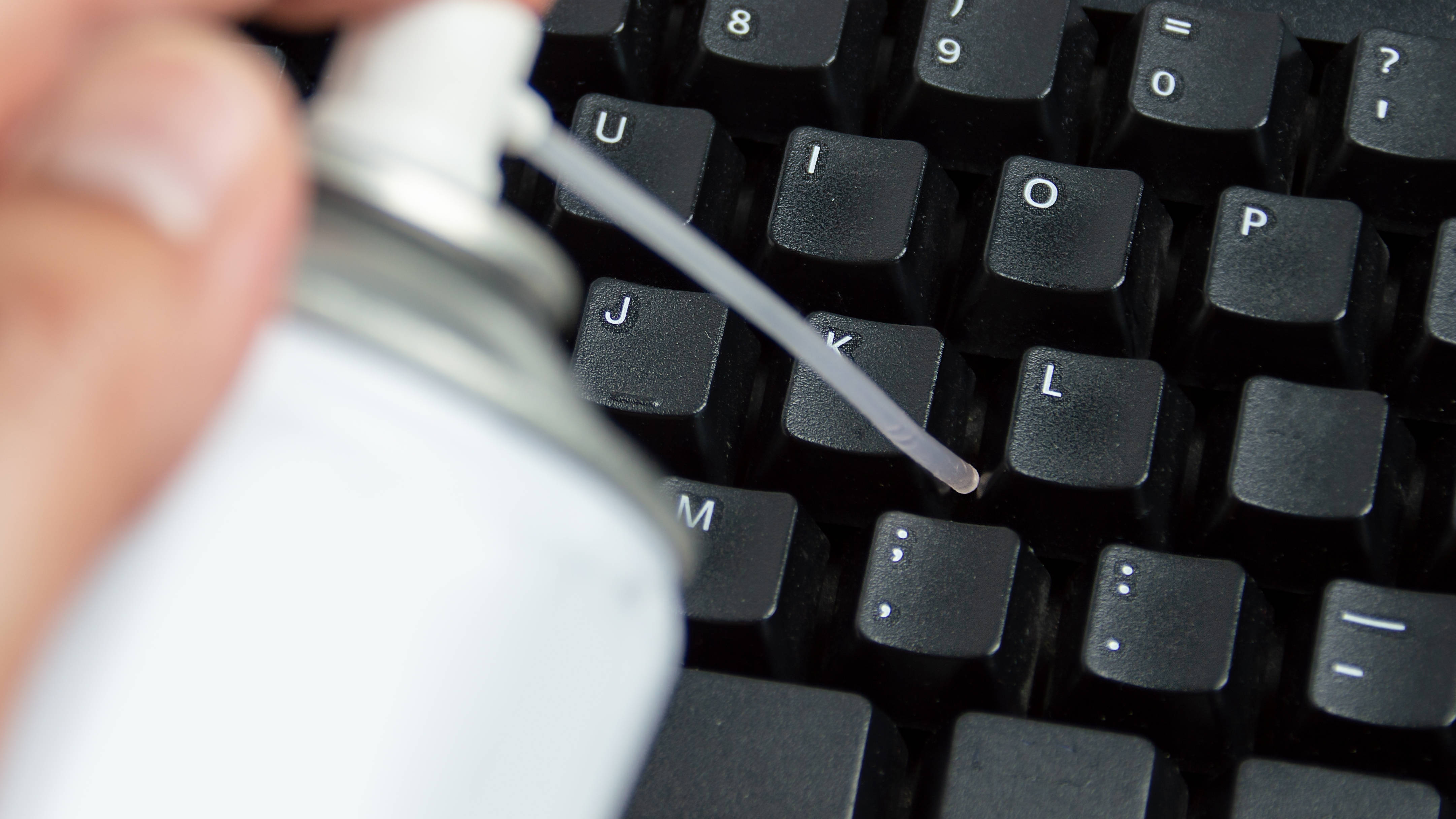
Air Flow: Compressed Air vs. Electric Dusters Compressed air canisters are the industry standard for dislodging deep-seated dust. However, ensure you use them in short bursts to prevent moisture from the propellant from freezing on the components. Alternatively, a dedicated electric air duster is a more sustainable, moisture-free investment for the serious enthusiast.
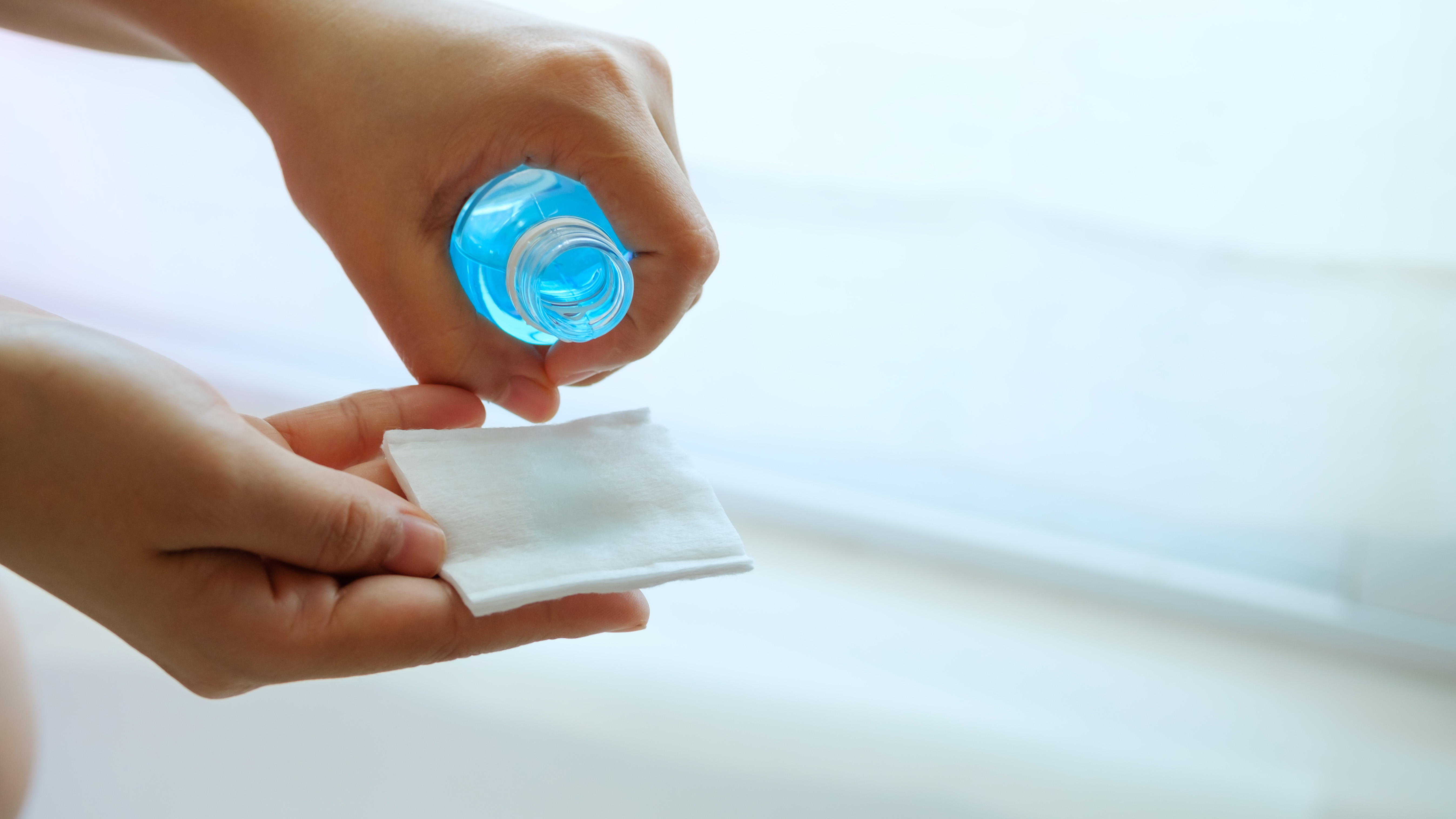
Chemicals: 70% Isopropyl Alcohol (IPA) When dealing with stubborn grime or sticky residues, 70% Isopropyl Alcohol is the gold standard. It effectively dissolves oils and evaporates almost instantly, minimizing the risk of liquid damage to internal circuitry. Avoid 100% IPA as it evaporates too quickly to effectively break down certain types of organic grime.
Step-by-Step: How to Safely Remove Stubborn Dust
The following protocol is designed to maximize cleanliness while minimizing risk to the sensitive electronics within.
1. Safety and Preparation
First, fully power down the console. Do not simply enter "Rest Mode" or "Standby." Unplug the power cable, HDMI, and any peripherals. I recommend pressing the power button once after unplugging to discharge any remaining electricity in the capacitors. Place the unit on a clean, hard surface—avoiding carpets to prevent static buildup.
2. Surface Wipe-down
Dampen (do not soak) your microfiber cloth with a small amount of 70% Isopropyl Alcohol. Gently wipe the exterior panels. For the PS5, you can safely pop off the side plates to clean the inner plastic, which often acts as a secondary dust trap.
3. Vent and Fan Care
This is the most critical stage. Use your compressed air to blow through the intake vents.
Warning: The "Hold the Blade" Rule When using compressed air or an electric duster on your console's fan, never allow the fan to spin freely. The high-pressure air can spin the fan at speeds far exceeding its design limit, which can generate back-EMF (electromotive force) and fry the fan controller on the motherboard, or simply destroy the fan bearings. Always use a non-conductive tool (like a plastic toothpick or a cotton swab) to hold the blades stationary while you blow out the dust.
4. Deep Crevice Cleaning
For the mesh grilles and ports, use a cotton bud dipped in IPA. If you encounter particularly stubborn, "sticky" dust (often caused by cooking oils in the air or smoking/vaping near the console), a small amount of micellar water on a soft brush can help break down the surface tension before you wipe it clean with alcohol.

Maintenance Schedules: A Comparative Guide
Not every cleaning session needs to be a full teardown. Based on my testing in various environments—from dusty desert climates to humid coastal cities—here is the recommended maintenance cadence:
| Feature | Quick Weekly Clean | Deep Quarterly Maintenance |
|---|---|---|
| Duration | 5 Minutes | 30 - 45 Minutes |
| Primary Focus | Exterior surfaces & air intakes | Internal fan blades & heat sinks |
| Tools Used | Microfiber cloth, soft brush | Compressed air, IPA, Q-tips |
| Action | Wipe down casing; brush off vents | Remove plates; deep clean fan; port sanitization |
| Benefit | Prevents dust from entering | Restores 25% airflow efficiency |
Beyond Dust: Maintenance Habits to Extend Longevity
A clean console is only half the battle; the environment in which it lives dictates how quickly it will succumb to dust again.
Optimal Placement The number one mistake I see is "shelf-stuffing"—placing a console in a tight cabinet with only an inch of clearance. Consoles need "room to breathe." Ensure there is at least 4-6 inches of open space behind the exhaust vents. If possible, avoid placing the unit directly on the floor, where dust settles most frequently.
Software Optimization Believe it or not, software plays a role in cooling. Ensure your system firmware is always updated. Manufacturers often release updates that recalibrate "fan curves," allowing the system to manage heat more effectively based on real-world data gathered from millions of units.
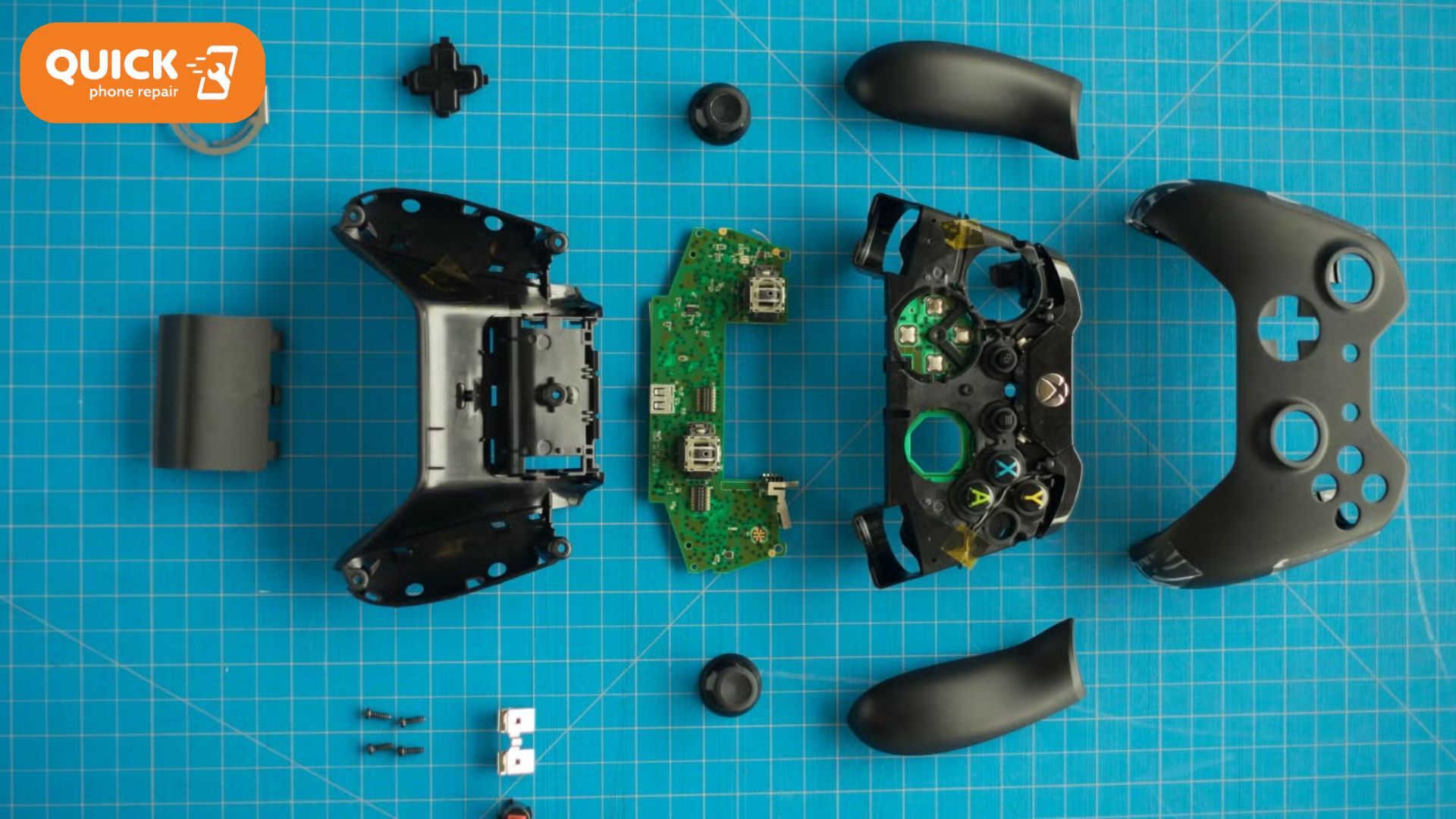
Peripheral Hygiene Your maintenance shouldn't stop at the console. Controllers are magnets for skin oils and dead skin cells, which can migrate into the analog stick housings, causing "stick drift."
Shop Professional Electronics Cleaning Kits →
Troubleshooting: Repair vs. Replacement
If you have performed a thorough cleaning and your fan still sounds like a turbine, you may be facing a deeper issue.
- Faulty Fan Bearings: If the noise is a grinding or clicking rather than a "whoosh" of air, the fan itself may be failing and requires replacement.
- Degraded Thermal Paste: In older consoles (3+ years), the thermal paste between the processor and the heat sink can dry out and crack. No amount of external cleaning will fix this; it requires a professional to open the unit and re-apply a high-quality thermal interface material.
- Complex Hardware Failure: If the system continues to shut down with a "System is too hot" message despite being clean, there may be a component-level failure in the power supply or the motherboard's thermal sensors.
FAQ
How often should I clean my console? I recommend a surface wipe-down once a week. For a deeper clean of the vents and internal fan areas, every 3 to 6 months is ideal. If you have pets or live in a particularly dusty area, aim for every 2 months.
Does cleaning my console void the warranty? Generally, no. Removing the external plates (like on the PS5) or using compressed air through the vents is considered standard maintenance and does not void your warranty. However, breaking the "Warranty Void if Removed" stickers to access the motherboard or internal power supply will void it.
Can I use a vacuum cleaner on my console vents? It is generally discouraged. Vacuums can create significant static electricity, which can discharge into the console’s sensitive components. Furthermore, the suction can cause the fan to spin too fast (the back-EMF issue mentioned earlier). Stick to compressed air and brushes.
Conclusion
Protecting your gaming investment requires more than just a surge protector and a steady internet connection. As a critic who has seen countless high-end machines fail due to simple neglect, I cannot overstate the importance of a rigorous cleaning routine. By spending twenty minutes every few months to clear out the debris, you are ensuring that your console remains a peak performer for years to come. Clean air is the lifeblood of your hardware—don't let dust choke the life out of your favorite pastime.